








































In this article
A message saying “please quote this” often arrives without a quantity, revision or intended application. Sales has to reconstruct the request before engineering can evaluate it. A focused RFQ form helps customers provide the right context while keeping the first step manageable.
Which fields belong on a manufacturing RFQ form?
Ask for the product or project type, intended application, required quantity or volume range, timing and the person to contact. Include the part or drawing reference when the buyer has one. Ask about the constraints that actually affect your quotation process, rather than collecting a long list of information no reviewer uses.
Separate required first-stage inputs from details that can follow during review. A new buyer may not know the final specification yet. Offer an “I need help defining this” route that still collects useful context. The form should qualify the request without pretending uncertainty does not exist.
How can conditional questions improve RFQ quality?
Show questions that match the selected product family or project type. A standard replacement part may need a part number and quantity; a custom assembly may need application requirements and drawing references. Explain unfamiliar terms beside the field.
Keep commercial timing distinct from a confirmed delivery date. Let buyers state a target and explain why it matters. Use controlled choices where they improve routing and free text where customers need to describe an unusual application. Review abandoned submissions and clarification emails to find questions that are confusing, unnecessary or missing.
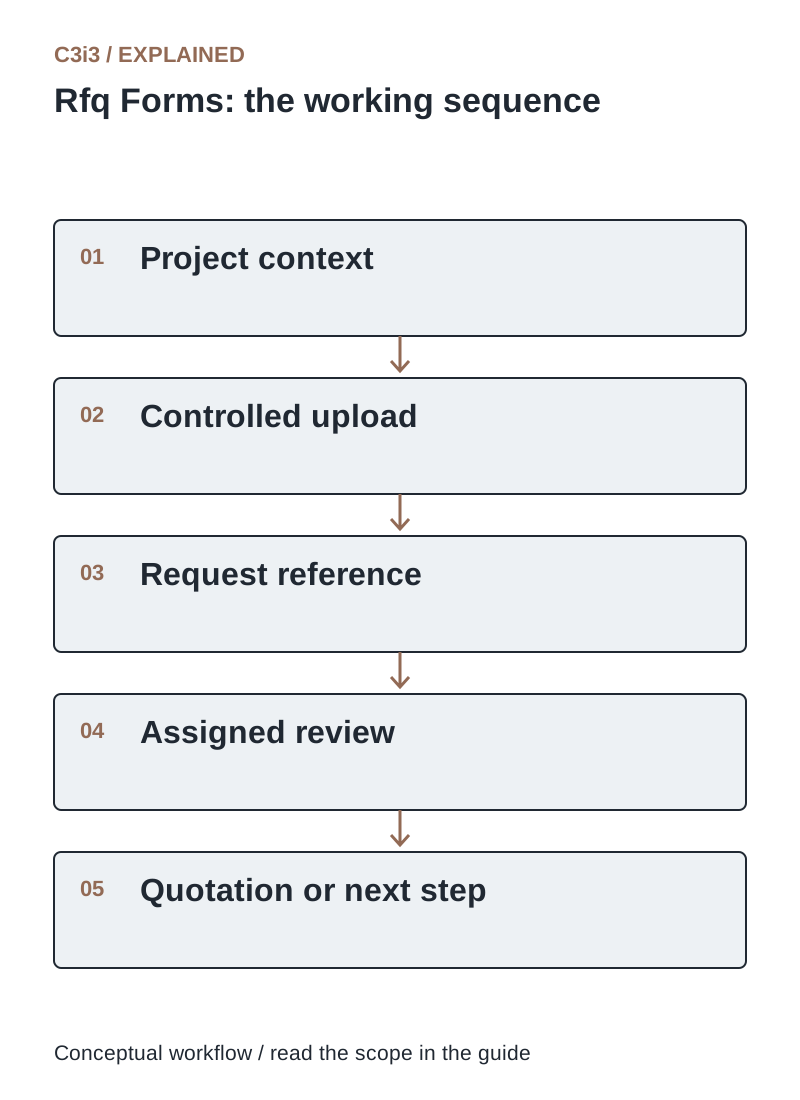
The sequence is: Project context. Then Controlled upload. Then Request reference. Then Assigned review. Then Quotation or next step. Each handoff needs the scope and conditions described in this guide.
How should you handle drawings and uploaded attachments?
Use a controlled upload service with an allowlist of necessary file types, size limits, filename handling, access restrictions and appropriate scanning. OWASP’s file-upload guidance explains why extension checks alone are insufficient. Files should not become publicly accessible simply because a customer submitted a form.
Explain how buyers should identify drawing revisions and provide a route for restricted or unusually large files. Ask your team which files it is authorized to receive through the public form. Avoid putting confidential attachments directly into analytics events or unrestricted email notifications. Keep access and retention aligned with the business process.
What should happen after the customer submits an RFQ?
Create a reference, acknowledge receipt and assign a responsible team. Route by product family, territory or project type using maintained rules. Include the submitted context so reviewers do not ask the buyer to repeat information that is already available.
State the next step and a response expectation the team can actually support. Distinguish receipt, qualification, engineering review and quotation. If the receiving system fails, the request should enter a monitored recovery queue rather than disappear behind a successful-looking screen. Test notification delivery and ownership during holidays or staff absence.
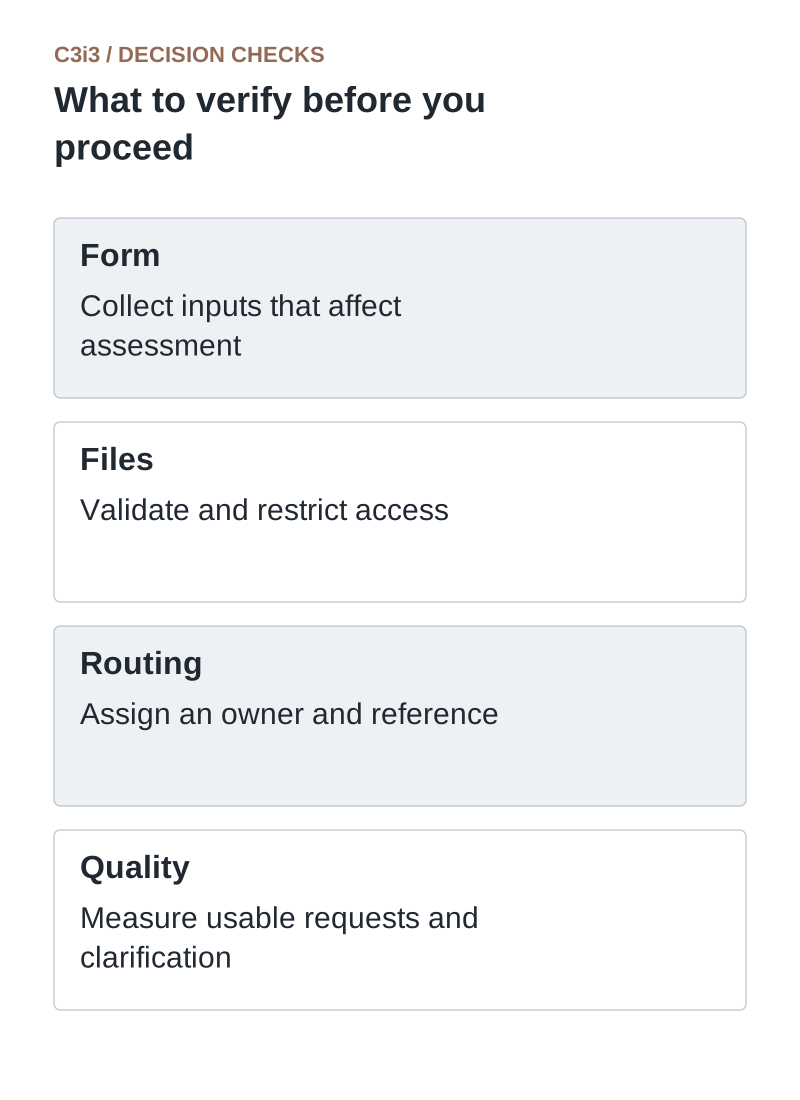
Form: Collect inputs that affect assessment. Files: Validate and restrict access. Routing: Assign an owner and reference. Quality: Measure usable requests and clarification.
How do you prevent spam without making serious buyers struggle?
Use appropriate bot protection, rate controls and server-side validation, with a recoverable experience for legitimate users. Keep the form usable with keyboards and assistive technology. Tell customers when a file fails and retain other answers where possible.
Measure the quality of accepted requests and false rejections, not just the number of blocked submissions. A work email can help context, but not every legitimate buyer uses the format your sales team expects. Escalate suspicious attachments through your established security process. A clear form and responsive follow-up also help buyers distinguish your real quotation process from impersonation.
Which RFQ metrics show whether the form is working?
Track completed submissions, usable requests, clarification rounds, time to first meaningful response and time to quote. Define “qualified” with sales and engineering so a higher submission count does not hide a decline in relevance.
Review examples of requests that stalled. Missing revision details may call for a better upload prompt; unclear quantities may need a unit label. Compare like project types because custom design work and standard-part quotes naturally differ. Tie improvements to reduced uncertainty and better handoffs, not to an invented universal form-conversion benchmark.
What separates an RFQ from a usable quotation request?
Use these distinctions when reviewing your own workflow.
| Input | Why it matters | Useful prompt |
|---|---|---|
| Quantity and unit | Pricing and production scope depend on it | Initial order and expected annual volume |
| Drawing revision | Reviewers need the intended design state | Part reference and revision label |
| Target timing | The team must assess feasibility | Desired first delivery and project context |
How would this work in a practical example?
Illustrative example: A manufacturer asks custom-assembly buyers for application, expected annual volume, first-order quantity and target timing. Buyers can attach a drawing with a revision label or request help defining the specification. The acknowledgment provides an RFQ reference and explains that engineering review comes next. Sales can begin a relevant conversation without interpreting “500 pieces” as either the initial order or the annual forecast.
Key takeaways
- Form: Collect inputs that affect assessment.
- Files: Validate and restrict access.
- Routing: Assign an owner and reference.
- Quality: Measure usable requests and clarification.
Frequently asked questions
Should every RFQ require a drawing?
No. Require it only where the initial assessment depends on it. Offer a supported follow-up route for customers who need help defining requirements.
Can uploaded files be emailed to everyone in sales?
Limit distribution to the people and systems that need access. Controlled links and permissions are often easier to manage than many attachment copies.
Does submission confirm a quoted price?
No. Make receipt, technical review and a formal offer distinct in the confirmation and follow-up process.
Sources and editorial method
Primary documentation checked November 20, 2026. Linked vendor materials establish stated capabilities and announcements; they do not establish independently tested performance at your business. The workflows, comparisons and illustrative examples are C3i3 editorial analysis.
- OWASP: file-upload security guidance
Controls for uploaded files, including validation, storage, access and size limits.
- OWASP: authorization guidance
Least privilege and permission checks for protected resources and account-specific information.
Build a better ordering route for your business customers.

C3i3 helps product businesses connect clear websites, useful content and practical customer workflows. Explore ecommerce development and discuss the customer task you want to improve.