



































Web Portal Development Services.
One place to check progress.
Clear access to the right information.
Your customers should not need another email thread to find the latest document, check a project or submit a request. C3i3 provides web portal development services for a defined customer, partner or staff journey, connecting the information and actions people need behind an appropriate sign-in.
A portal should remove a recurring task from both sides of a relationship. We define the records, actions and permissions involved, then identify how information stays current. The route may connect an existing platform, extend a website or require custom development. Create delivers the working experience, while Design shapes its usability and Manage supports it after launch.
A defined portal purpose
Choose the recurring task the portal should handle, the people using it and the information it needs from your business.
A working access and task flow
Connect sign-in, permissions, updates, documents and requests around the agreed customer or partner journey.
An understandable handover
Give the business a clear account owner, operating instructions, content responsibilities and a record of what connects to other systems.
Clear deliverables.
Useful decisions.
Your written scope confirms the depth and final format of the work. These are the components we can bring together for web portal development services.
- 01Portal requirements and boundaries
Map the users, tasks, records and approval steps involved. Separate information the portal displays from actions it must perform. Define the first useful release around a real service need, rather than turning every suggested feature into a launch requirement.
- 02Account and permission model
Specify user groups, invitations, sign-in, recovery and the access each group needs. Define who can create, view, edit or download a record. Include the business administrator's responsibilities and the steps for removing access when a relationship ends.
- 03Customer task screens
Build the commissioned screens for updates, files, requests or other agreed tasks. Include empty states, missing information, confirmation and relevant error messages. A customer should understand what has happened and whether another action is required without guessing from the interface.
- 04Data and integration work
Identify where each field or document comes from and which system is its authoritative source. Connect the agreed systems where their access and interfaces allow it. Record synchronization limits, failed updates and manual steps that remain with your team.
- 05Acceptance and access checks
Test the agreed journeys with representative records and different user permissions. Check that the right person sees the appropriate information, a request reaches its destination and an incomplete action has a usable recovery route. Record unresolved items before approval.
- 06Release and operating handover
Prepare the agreed deployment, administrator instructions and ownership record. Explain routine publishing or account tasks, dependencies and where to take a problem. Identify the ongoing maintenance and support responsibilities instead of leaving them implicit after launch.
Go deeper where
the decision needs it.
These specialist services develop the work within web portal development services. We can combine the relevant parts in one scope or focus on a particular decision.
Membership Website Development
A membership offer can look polished while registration, access and account questions still fall back on the owner. C3i3 provides membership website development for the complete commissioned journey: joining, reaching the right content, managing an account and understanding what happens when access changes.
Explore membership website developmentA clear process.
A practical handover.
The production approach follows the message, source material, and agreed scope. Open each step to see what happens and what it produces.
01Choose the task worth centralizing.
We review repeated questions, existing records, handoffs and the systems already in place. Your team identifies the first audience and the task that would make their work easier.
A defined portal use case and first-release boundary.
02Agree the journey and permissions.
We work through the screens, records, account roles and exception states. The business confirms who owns the information and what a user is allowed to do before those rules become part of the build.
An approved task flow, permission map and integration requirements.
03Build and test the working route.
We develop the commissioned interface and connections, then review representative journeys with the agreed users and records. Decisions, defects and unavailable dependencies remain visible during review.
A reviewable portal with recorded acceptance checks.
04Launch with an operating owner.
We prepare the approved release and hand over administrator tasks, account ownership and the support route. The business knows how updates enter the portal and who handles the next request.
A released portal and practical operating handover.
A project customer needs the current file, not the longest email chain.
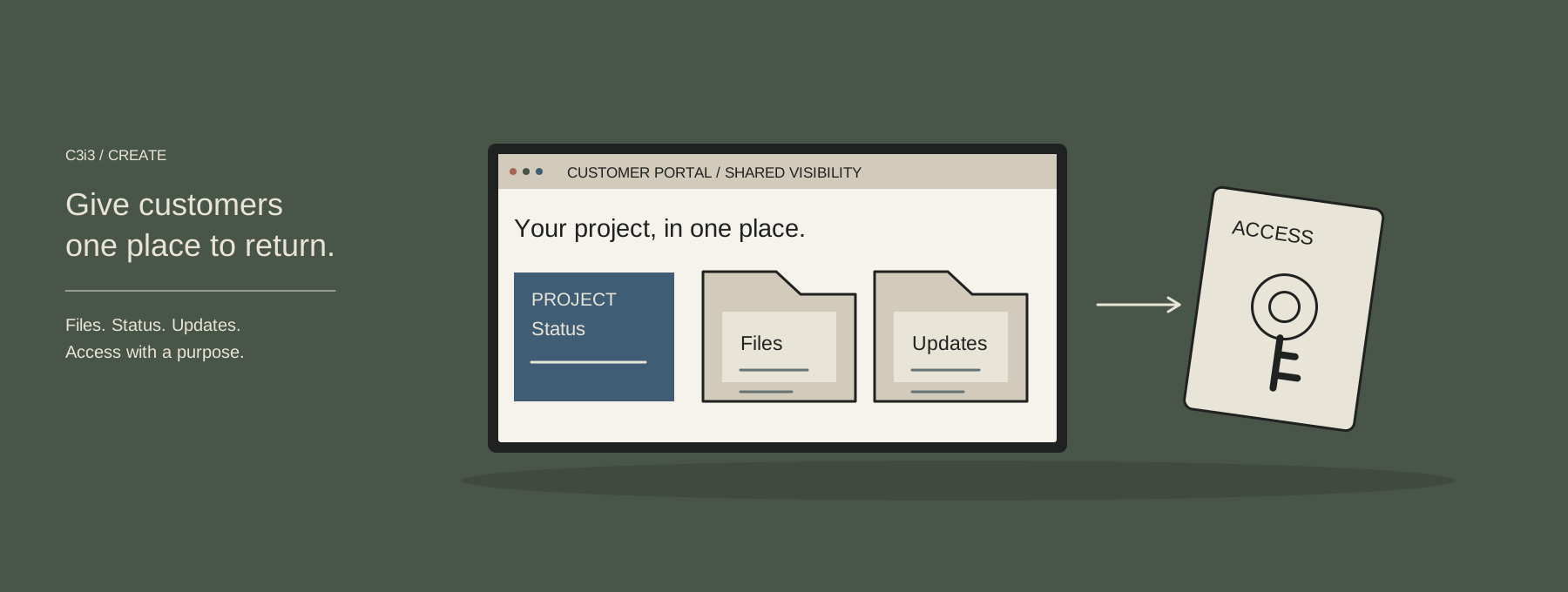
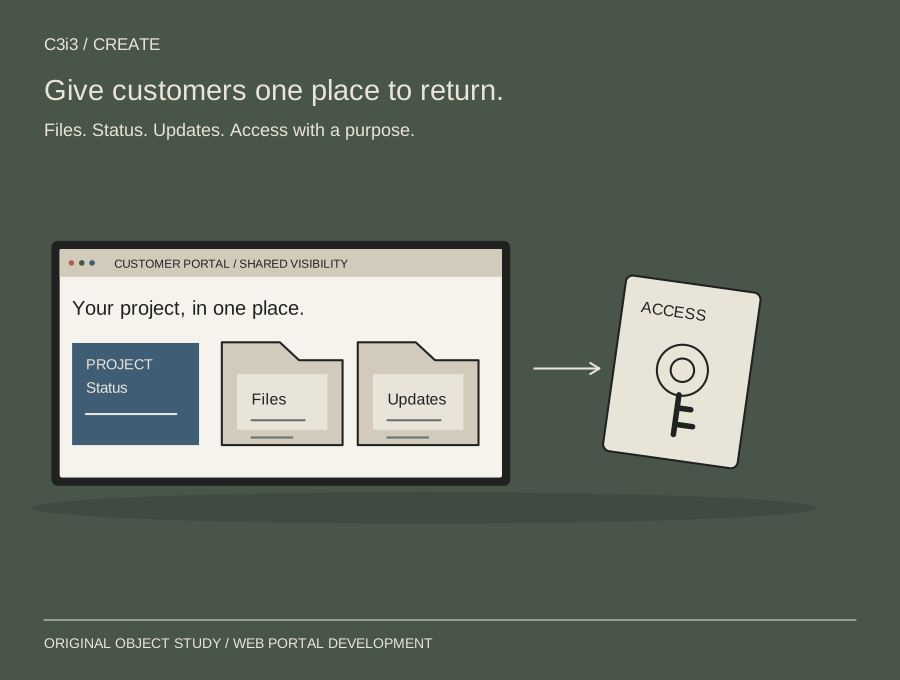
Consider an illustrative business that sends project updates and revised documents to several customer contacts. A scoped portal could show the approved status, current file and outstanding customer decision in one place. The internal team remains responsible for keeping those records accurate. The example shows a possible workflow, not a client result or a claim that a portal will remove every service conversation.
| The question or stage | What we examine | Why it matters |
|---|---|---|
| Customer access | An invited contact sees the relevant project | Connect access to the relationship and permission rules. |
| Current information | Approved status and the latest shared file | Give the customer a clear reference without competing versions. |
| A required decision | A request with an owner and confirmation | Make the next action understandable to both sides. |
| Business upkeep | Named editor and source record | Avoid launching a portal that nobody keeps current. |
To show how web portal development services can support a decision. Your recommendations depend on the evidence, resources, and constraints in your own brief.
Agree the brief.
Then make the work.
The proposal identifies audiences, user roles, screens, record types, integrations, migration needs, release environments and acceptance checks. Complex legacy data cleanup, replacement of outside systems and specialist security or compliance assessments are separate unless commissioned. We agree the sensitivity of the proposed information and the access arrangements before building. Begin with a recurring customer task and the tools your team uses now; confidential records and credentials belong in an appropriate private handover.
| Before we start | What we agree |
|---|---|
| The decision | The audience, offer, question, and boundaries the work needs to address. |
| The deliverables | Creative and production scope, format, review rounds, responsibilities, and handover. |
| The investment | Written fees, schedule, dependencies, and any separate third-party or implementation costs. |
We confirm the proposal before work begins. You can commission a focused engagement, connect it to a wider plan, or ask about a separately scoped delivery phase.
Discuss scope and timingUseful questions.
Straightforward answers.
Do we need a custom portal or can we use an existing platform?
We review the task, permissions and integrations first. An existing platform may fit. Custom work is considered when its benefits justify the additional build and operating responsibilities.
How is a portal different from an ordinary website?
A public website explains an offer to visitors. A portal serves a defined group with account-specific information or actions, requiring permissions, account handling and an operating owner.
Can customers upload files and submit requests?
These functions can be scoped with file rules, permissions, notifications and response ownership. An upload control alone does not establish a complete document or support process.
Can the portal connect to our existing business software?
We review available interfaces, permissions and update requirements. The proposal distinguishes supported connections from provider dependencies and any manual work that remains.
Who updates the project information after launch?
Your business names the operating owner and source records. Updates may be manual, integrated or mixed, with responsibilities documented before launch.
Will every customer see the same information?
Access follows the agreed permission model. Record-level rules, shared contacts and administrator privileges are defined and checked with representative accounts.
Does the build include ongoing support?
The project includes its specified handover and support. Continuing maintenance, administration or improvements require a defined ongoing arrangement connected to appropriate Manage services.
What should we bring to the first conversation?
Describe a repeated task, its users and the systems involved. An anonymized example can explain the workflow; sensitive information belongs in an appropriate private handover.
Keep the next step
connected to the plan.
App Development Services

Membership Website Development
Read how to choose between a website, app and landing page, or return to all Create services.