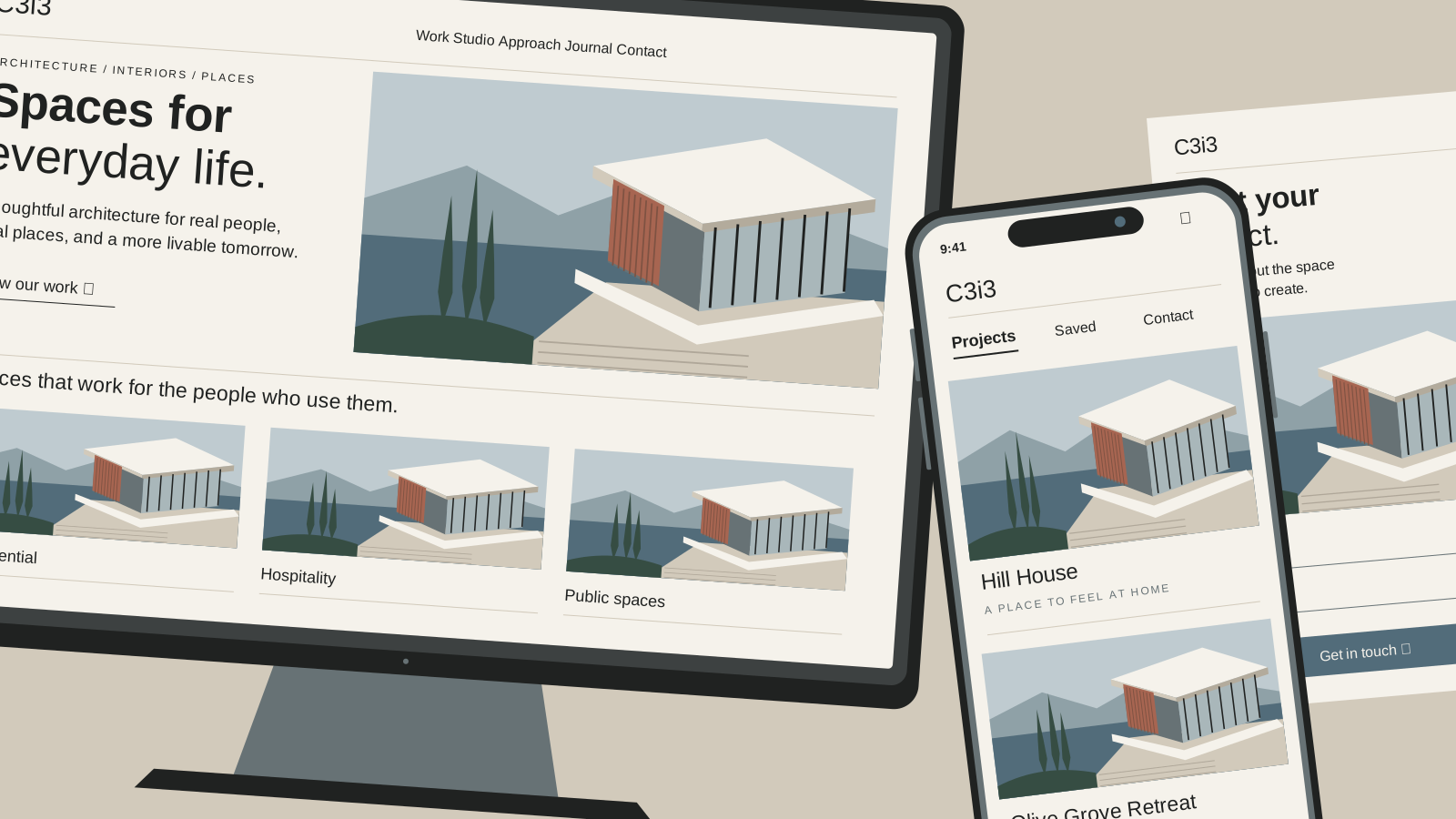
In this article
Before choosing a format, write down what you need a customer to do. Learn about your company? Request a quote for one service? Book repeatedly, manage an account, or use a specialized tool? Those are different jobs, and they do not automatically need the same solution.
For a small business, the strongest starting point is usually the experience you can explain, maintain, and measure. A polished app will not fix an unclear offer, and a large website can make a simple campaign harder to follow.
What is the difference between a website, an app, and a landing page?
A website organizes information and actions across connected pages. A landing page is a focused destination, often within that website. An app supports a function or workflow; it may run in a browser or be installed on a device.
| Format | A good fit when… | Plan for… |
|---|---|---|
| Website | Customers compare services, look for proof, and learn about the business. | Navigation, page relationships, content ownership, and ongoing updates. |
| Landing page | One audience needs to understand one offer and take a clear action. | Message continuity, evidence, a working contact path, and measurement. |
| App | People return to complete a useful task or manage information. | Accounts, workflows, data, support, and the appropriate delivery platform. |
Separate the format from the technology
“App” can mean a customer portal in a browser, a scheduling tool, or an installed mobile product. Decide which experience is needed before choosing how to build it. A website can also contain app-like functions, and a landing page can live within a larger site.
When does your business need a full website?
A website is useful when customers need more than one answer before they contact you. They may want to understand several services, review work, check where you operate, and decide whether your business is a good fit.
Give different questions their own pages
A contractor offering repairs, inspections, and replacement projects has several customer situations to explain. Putting everything onto one long page may make it difficult to find the relevant details. Connected service pages let each offer have a clear explanation while sharing the same brand and contact process.
Leave room for useful growth
If you expect to publish articles, add projects, or develop genuine local content, plan reusable page patterns and a sensible navigation structure. That does not mean launching dozens of empty pages. It means knowing where the next useful piece of information will belong.
Our web design services connect page structure with the questions people need answered. Before expanding a site, identify the information that deserves a distinct page and who will keep it accurate.
When is a landing page the better choice?
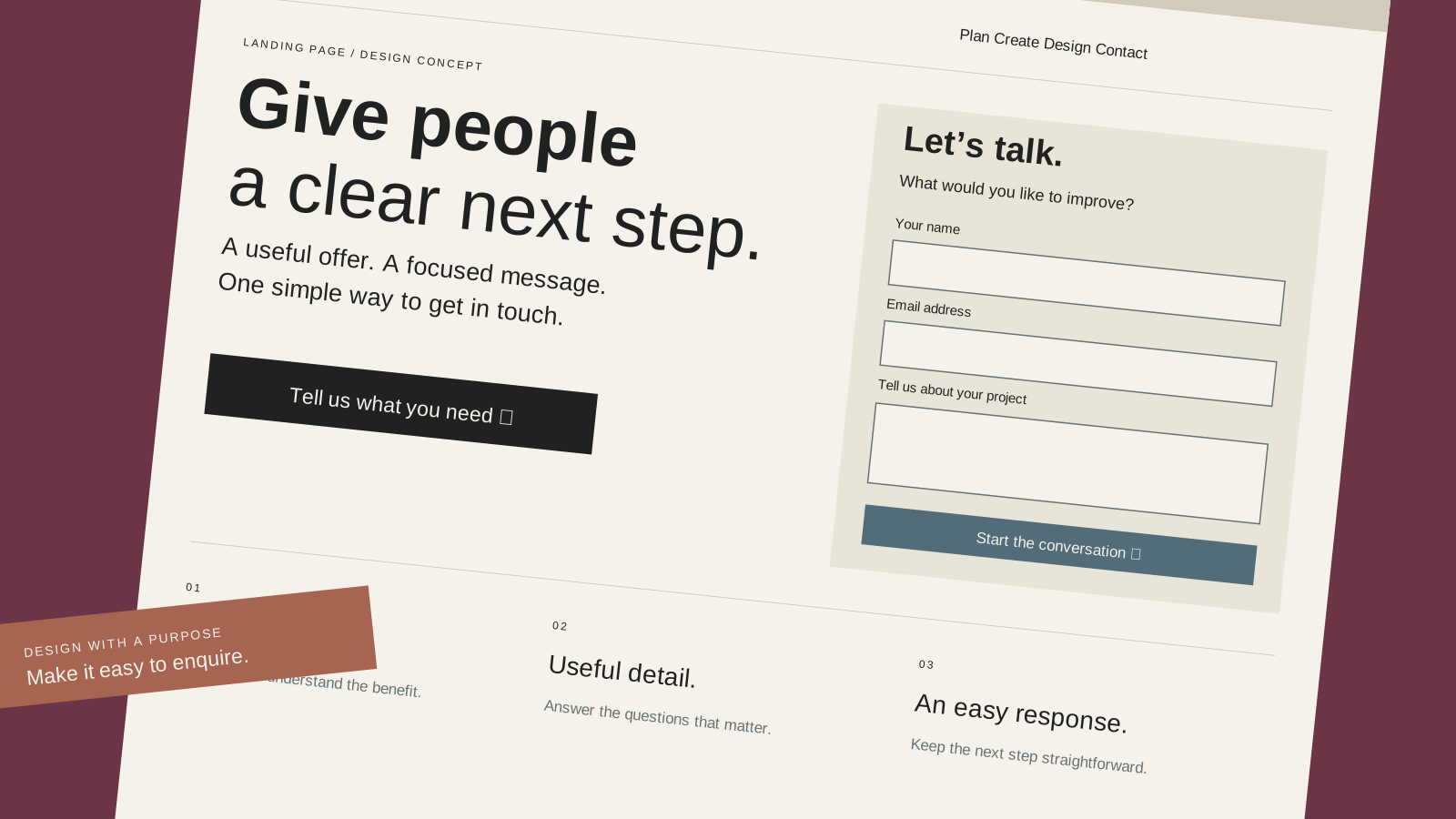
A landing page is useful when the visitor arrives with a specific expectation. An advertisement for office catering should lead to information about office catering, rather than asking someone to search a general restaurant homepage.
Keep the message connected from the first click
Use a clear offer, relevant evidence, practical details, and a prominent next step. The page should answer the questions that could stop a suitable customer from acting: coverage, availability, what is included, and how the process starts.
A focused page can still contain substantial information. Focus is about relevance, not forcing every offer into a few lines. A short demonstration, project example, or helpful comparison may be necessary to support the decision.
Make the action work
Test the form on a phone, verify where the submission goes, and assign someone to respond. If customers need a quote rather than an immediate purchase, ask for enough information to begin the conversation without creating unnecessary work.
See what website copy should answer before a customer contacts you for a practical way to review the message. A campaign destination is only as useful as the explanation and follow-up around it.
What happens after arrival?
- Explore
- A website helps people understand the business.
- Act
- A landing page supports a particular offer.
- Return
- An app can support an ongoing task.
Choose the experience around the task.
When does a business actually need an app?
Consider an app when there is a recurring task that deserves a dedicated experience. Customers might manage a service schedule, review project information, place repeat orders, or use a tool that saves them time.
Identify the useful function
Describe the task step by step. What information does the person enter? What should happen next? What happens when something goes wrong? Who can see or change the data? Those questions help reveal whether the project is a useful tool or simply a website being described as an app.
Compare browser and installed experiences
A browser-based application can let people use a service through a link. An installed mobile app may be appropriate when the interaction benefits from platform-specific capabilities or a familiar place on the device. Neither route is automatically right for every project.
A progressive web app is another option. It uses web technology and can provide an installable experience, with capabilities that depend on the implementation and the device. web.dev's introduction to progressive web apps explains the underlying approach.
Before committing, compare the actual requirements with your budget, support capacity, and customers' willingness to adopt the tool. Do not ask someone to install software just to read information that could be available on a useful mobile webpage.
Which option is better for SEO and lead generation?
The format alone does not decide the result. For a business selling services, a public website can provide a useful home for service information, relevant articles, and contact details. A landing page can support a more focused enquiry. An account-based tool may serve existing customers rather than attract new ones.
Keep discovery content accessible
If your app requires a login, keep a public explanation of what it does, who it helps, and how to begin. People need a way to assess the offer before creating an account. Do not hide the entire buying explanation inside a tool.
Connect useful pages instead of multiplying copies
A campaign page and a broader service page can serve different purposes. Define the relationship before building many near-identical versions. Ask your web team how the pages will be linked and managed, and which version should be the main public reference when content overlaps.
Our guide to AI search optimization explains how clear, accessible information supports search visibility. The starting point is an understandable offer and useful evidence, whatever interface sits around it.
What should you budget for beyond the initial build?
Compare the full responsibility of each option. An inexpensive launch can become difficult to manage if nobody has planned for writing, updates, integrations, customer questions, or security maintenance.
Ask what changes after launch
- Content: Who updates service details, images, product information, and help material?
- Technology: Who maintains the code, dependencies, hosting, and connections to other systems?
- Operations: Who receives enquiries, manages accounts, and responds when a workflow fails?
- Evaluation: Who reviews customer behavior and decides what to improve?
An app with accounts and stored data can introduce responsibilities beyond those of a simple informational page. The exact work depends on the design, so compare proposals against the same requirements rather than comparing a single headline price.
Prototype the uncertain part first
If the major question is whether customers can complete a booking, test that sequence before designing every screen. A small prototype can expose unclear instructions and missing steps while changes are still straightforward.
Can you start small and expand into a website or app later?
Yes. A sensible first phase can prove the offer and establish the customer journey before you add more pages or functions. Agree on the likely direction so the first version does not make later work unnecessarily difficult.
Choose a starting point you can maintain
A new service might begin with a clear landing page connected to an existing website. A growing business might first organize its core services, then build an article library. A repeat-order idea might begin with a simple workflow before a more specialized app is justified.
Write a useful brief
Include the customer, the task, the required information, the next action, the systems involved, and the person who owns the result. Add what success would look like and what must wait for a later phase.
Use the small business marketing plan guide to connect that brief to the bigger business priority. The next decision should follow from the plan rather than from the newest technology.
Have you chosen the right starting point?
A clear answer to these questions makes the design conversation more useful.
More about choosing the right format.
Can a landing page be part of my existing website?
Yes. A focused page can use the same domain, design system, and content tools as the rest of your site. Give it a clear purpose and decide how visitors should move between that offer and broader information. A separate site is not automatically required for every campaign.
Does a mobile-friendly website replace an app?
It may cover everything your customers need if the main tasks are reading, comparing, contacting, or making a straightforward booking. An app can be appropriate for a more specialized or recurring interaction. Review the function and the user journey before deciding that an installed product is necessary.
Can a landing page have more than one call to action?
It can, but give the page a clear primary objective. Calling and completing a form may be two ways to request the same help. Sending visitors toward unrelated products, services, and promotions can make the intended next step harder to understand.
Should I build the app before the website?
Start with the part that must work to serve your customer. If the app is the product, its essential workflow may be the first priority, alongside a public explanation. If your main need is service enquiries, a clear website or landing page may be the more useful first project.
For a local project, use the Bay Area web design directory to explore relevant service and city perspectives after choosing the right format for your business.
What should your customer be able to do?
We can help turn that answer into the right website, page, or digital product.