






































SaaS Website Design.

A useful product.
A website that cannot explain it?
Software buyers need to understand the product before they commit to a demo. C3i3 designs SaaS websites that connect the buyer’s task, the relevant feature, credible product evidence and the next step. We help turn a list of capabilities into an understandable website journey.
The brief starts with what the software actually does and which claims your team can substantiate. We review the product screens, common sales questions and differences between buyer roles. Then we decide how the homepage, feature pages, use cases and demo route work together. This is marketing-website design; application interface design is linked when the product itself also needs attention.
Explain the useful task
Connect product capabilities to a recognizable business problem without replacing detail with slogans.
Support evaluation
Organize approved screenshots, integration information and practical use cases around buyer questions.
Make the next step clear
Distinguish a demo request, a trial and a sales conversation where those routes exist.
Clear deliverables.
Useful decisions.
Your written scope confirms the depth and final format of the work. These are the components we can bring together for saas website design.
- 01Buyer and content map
Identify user roles, buying questions and the page that should answer each question.
- 02Product storytelling layouts
Design homepage, feature and use-case patterns with room for meaningful product evidence.
- 03Screenshot system
Specify crops, captions and annotations that explain the workflow while protecting sensitive information.
- 04Demo and enquiry screens
Design the request route, field logic and confirmation around the sales team’s actual follow-up.
- 05Responsive components
Create reusable sections that work with longer feature names, technical content and mobile reading.
- 06Launch handover
Record approved claims, content owners, layout behavior and the development dependencies needed for release.
Go deeper where
the decision needs it.
This work connects to the related design and development work below. Explore the relevant service to see its distinct scope and deliverables.
Landing Page Design
Choose your audience, message, channels and marketing priorities with a clear written direction.
Explore landing page designUI Design
Choose your audience, message, channels and marketing priorities with a clear written direction.
Explore ui designA clear process.
A practical handover.
The approach follows the user needs, content, technical requirements, and agreed scope. Open each step to see what happens and what it produces.
01Review the product and questions
Walk through the software and a typical sales conversation. Separate verified capabilities from ideas or roadmap items.
An approved product-evidence inventory.
02Build the page structure
Map features and use cases to buyer needs, then clarify the different contact or trial routes.
A website journey and page outline.
03Design the explanation
Compose product screens, copy and proof into responsive layouts. Review comprehension with representative tasks.
A reviewed design with annotated product evidence.
04Prepare implementation
Confirm assets, interaction states, tracking requirements and internal owners before the build.
A design handover and launch checklist.
From a feature list
to a buyer’s workflow.
Illustrative example: scheduling software lists calendars, permissions and notifications on the same page. A use-case design could show how a coordinator creates a booking, how a colleague approves it and how a participant receives confirmation. Each screen explains a real capability; the page does not invent usage figures or customer outcomes.
| The question or stage | What we examine | Why it matters |
|---|---|---|
| Problem | The task and the people involved | Give the feature a useful context. |
| Workflow | Approved screenshots and concise explanation | Show what happens in the product. |
| Next step | Demo request and response ownership | Connect the page to an actual conversation. |
To show how saas website design can support a decision. Your design depends on the users, content, requirements, and constraints in your own brief.
Agree the brief.
Then make the work.
We agree the audience, applications, review stages, final files and implementation responsibilities before design begins. Bring the existing material and explain what has become difficult to use. The scope identifies what we will design, what needs approval and who will maintain it after handover.
| Before we start | What we agree |
|---|---|
| The decision | The audience, offer, question, and boundaries the work needs to address. |
| The deliverables | Design and implementation scope, format, review rounds, responsibilities, and handover. |
| The handover | Approved source files, implementation notes, content ownership and the person responsible for the next step. |
We confirm the proposal before work begins. You can commission a focused engagement, connect it to a wider plan, or ask about a separately scoped delivery phase.
Discuss scope and timingUseful questions.
Straightforward answers.
Is this SaaS product design?
This service covers the public marketing website. If the application interface needs work, we connect it to UI design, UX research or mobile app design with a separate scope.
Can you use our existing product screenshots?
Yes. We check that they show the current product and contain no private customer data. Crops and annotations should explain the task accurately.
Do we need a page for every feature?
Not always. We group related features by buyer task and create separate pages only where the content and search intent are meaningfully different.
Can you design a demo-request form?
Yes. We define the useful qualification fields and the confirmation experience with the sales team. Development and CRM connections are explicitly scoped.
What should we bring to the first conversation?
Bring the current material, the customer or staff problem you want to solve, representative content and any technical constraints. Explain who will approve the work and who will use the final files.
How do we review the design?
We agree review points and collect feedback against the brief. A useful review identifies the reader or user task, the issue observed and the decision needed, rather than a list of disconnected preferences.
Can this connect to other C3i3 services?
Yes. We identify where strategy, copy, development or ongoing management is needed and link the appropriate service. Each part has an explicit responsibility and a defined handover.
What happens after the design is approved?
The agreed source files, exports and behavior notes are handed over to the responsible team. Implementation, publishing and ongoing changes follow the scope rather than being assumed from a finished visual.
Keep the experience
connected.
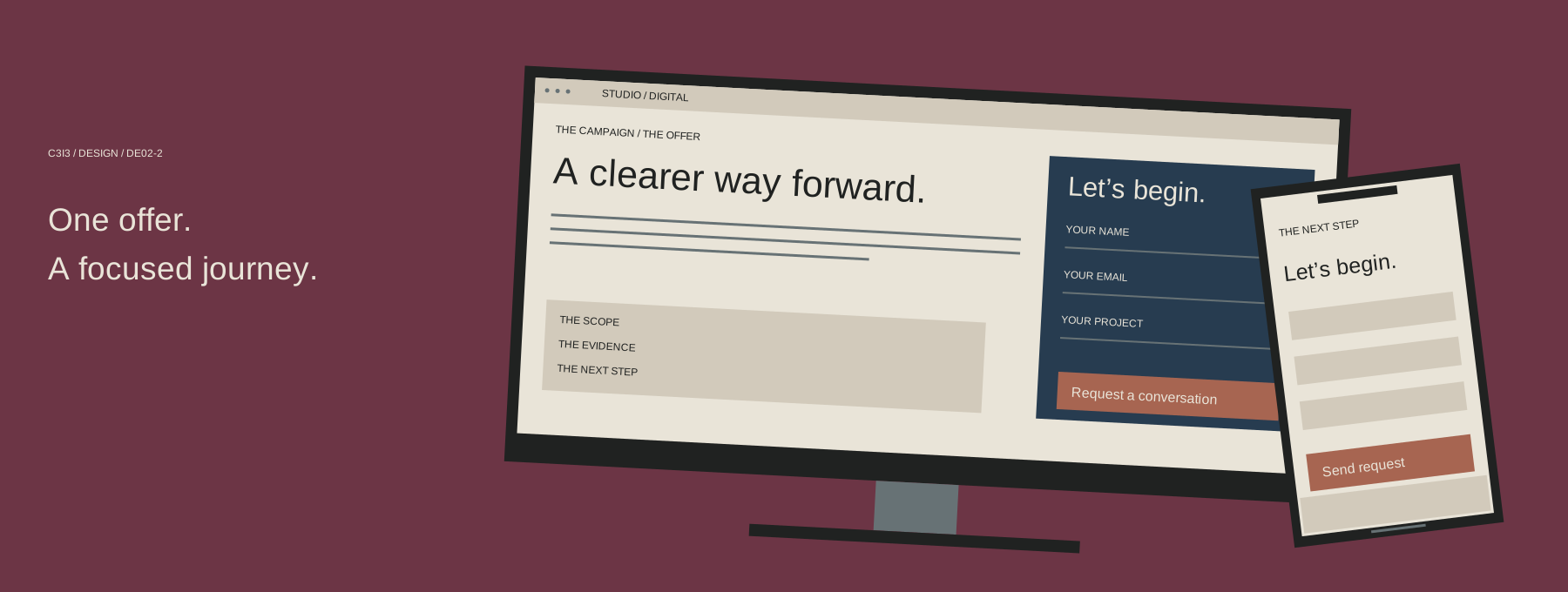
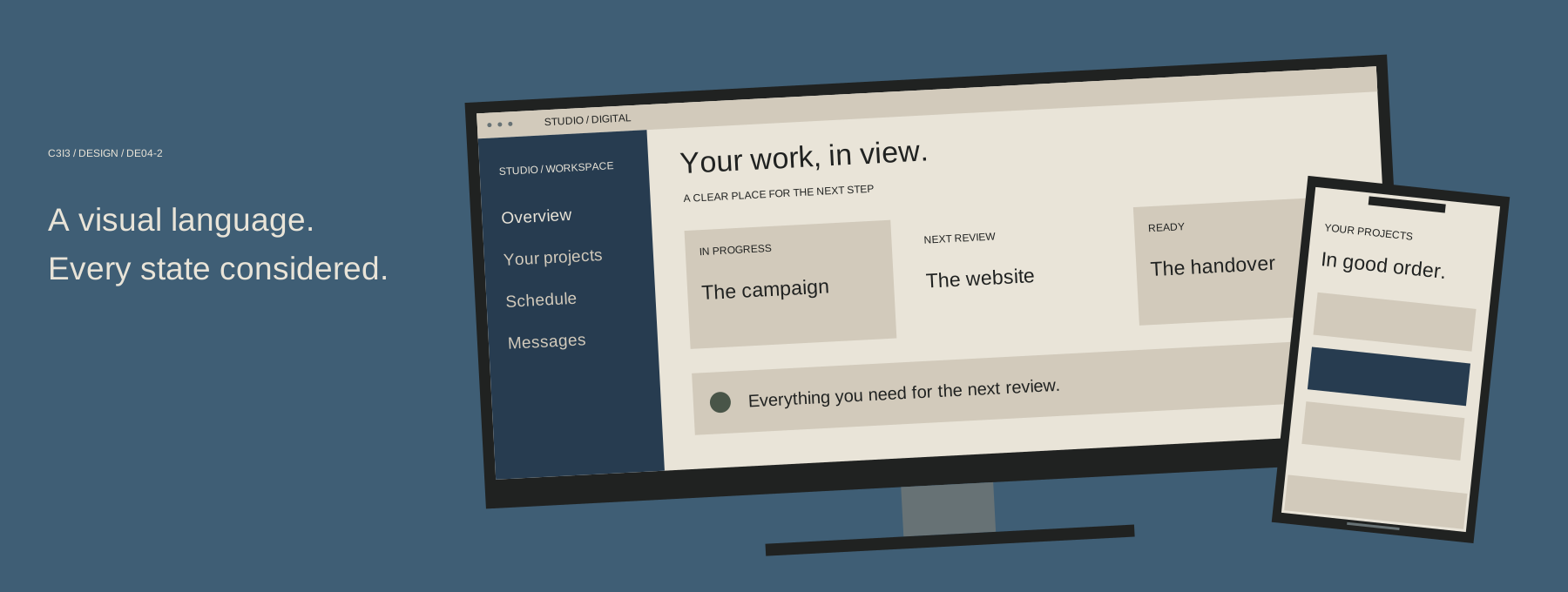
For a useful planning guide, read whether you need a website, app, or landing page. Or return to all Design services.
Useful reference: W3C guidance on usable forms .