






































In this article
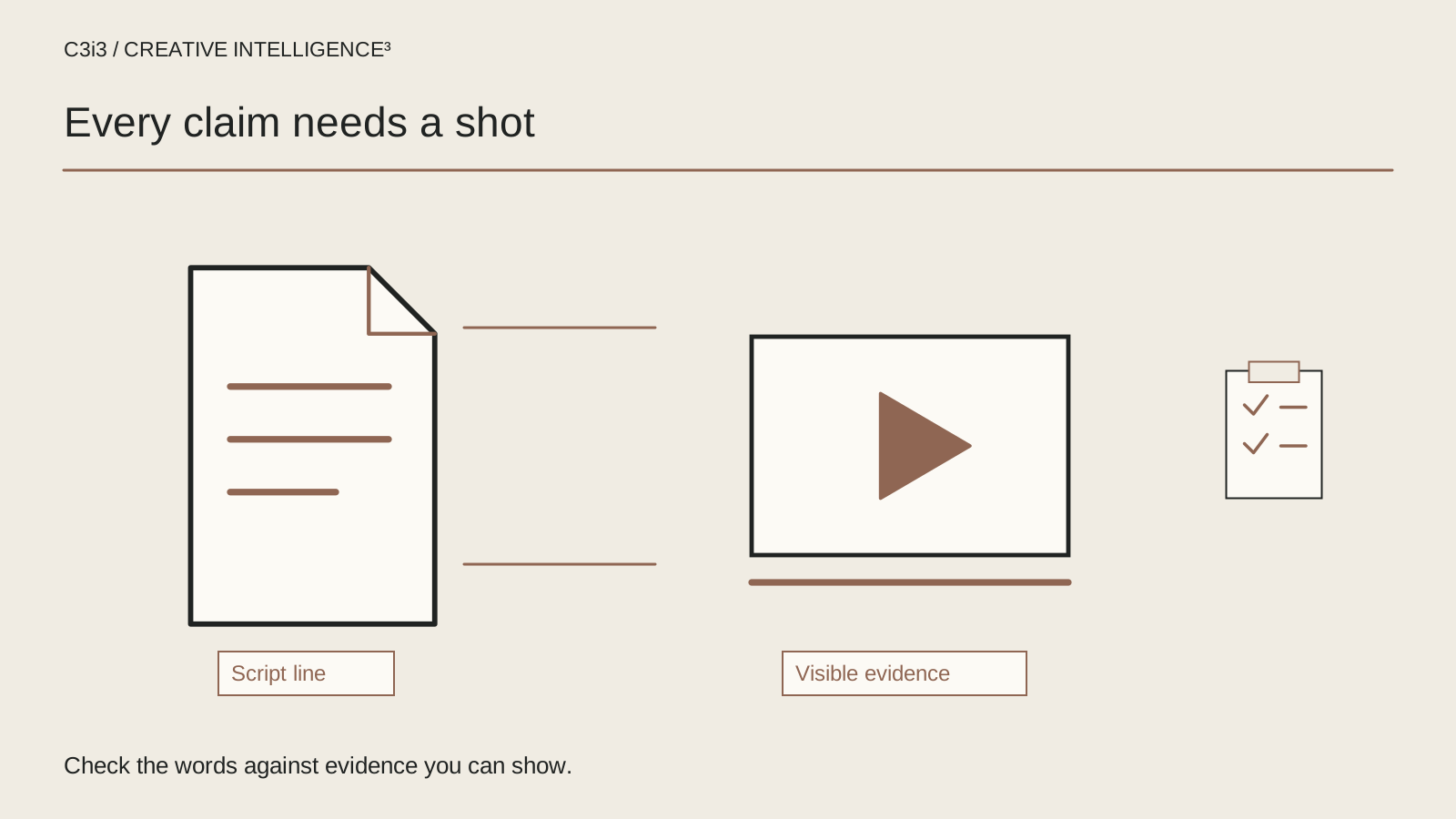
A script can make a claim before the narrator speaks. An interface changes instantly, a product appears to fit every setup or a sequence implies that a difficult task happens without any preparation. The words may be cautious while the picture tells a much larger story.
For a San Francisco business commissioning a video ad script, that mismatch deserves attention during writing. It is harder to correct after the product shot, animation and narration have all been approved. This guide focuses on claim-to-evidence review, not another general formula for a short service commercial. Use our 30-second video ad script guide for basic structure and the Bay Area video campaign diagnostic for the wider customer journey.
What is your commercial claiming beyond the spoken words?
Start with the intended takeaway. Ask someone outside the project to explain what the commercial says the product or service can do. Do not correct their interpretation immediately. The gap between that answer and the team's intention is useful review material.
Include on-screen words, demonstrations, diagrams, captions and editing in the exercise. A sequence can imply that two steps are automatic even when narration never uses that word. A clean result appearing after a product shot can imply causation without a direct statement. Your review needs to consider the whole impression.
The FTC's advertising guidance explains that express and implied claims matter and that advertisers need appropriate support. This article provides an editorial review method, not a legal determination about a particular advertisement. Route consequential claim questions to the right product, compliance or legal reviewer.
Avoid making the exercise a search for words that sound risky while overlooking the picture. A cautious caption does not automatically cancel a stronger visual impression. Review the actual size, timing and context in which the audience will encounter the statement.
Write the likely interpretation next to the script. That creates a concrete issue the team can resolve before approving the next version.
How do you build a claim-to-shot proof worksheet?
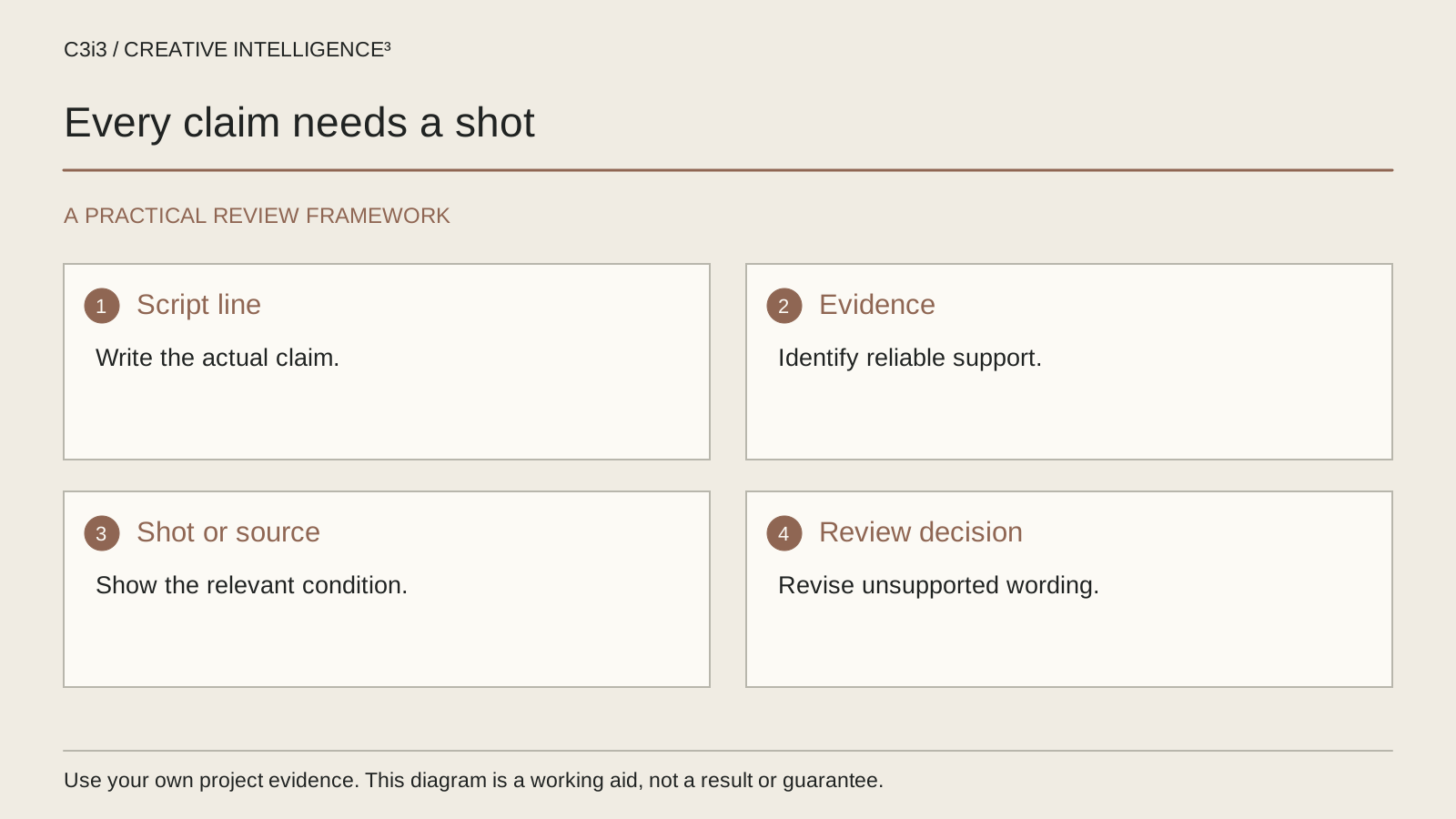
Give each material statement a row. Record the claim in ordinary language, the visual intended to support it, the evidence owner and any conditions the audience needs to understand. Keep unresolved items visible instead of marking the whole script approved because most of it is ready.
| Script element | Question to resolve | Evidence owner |
|---|---|---|
| Product demonstration | Does the current product perform the shown action under the shown conditions? | Product specialist |
| Interface sequence | Are the screens current, and are edited steps made understandable? | Product or implementation lead |
| Performance statement | What evidence supports the exact scope of this statement? | Designated technical reviewer |
| Service explanation | Does the described work match the actual service? | Service owner |
The worksheet is a planning example. It does not decide what evidence is legally sufficient. Its value is operational: it tells the production team where an unresolved question belongs.
Use references your reviewers can retrieve, with appropriate access controls for confidential material. Do not copy private customer data into a public-facing storyboard. If a reference changes, record the new version and ask whether the approved wording remains accurate.
The FTC policy statement on substantiation is an authoritative starting point for understanding why support must precede dissemination rather than being assembled after the advertisement runs.
How can you revise a software script without implying automatic results?
A software commercial often compresses several actions into one smooth sequence. That compression can be useful, but the audience still needs a fair understanding of what the product is doing and what the user supplies.
Consider this original editorial example for a hypothetical request-management product. It is not a client script or a performance claim.
| Element | Draft to question | More specific direction to review |
|---|---|---|
| Narration | “Every request takes care of itself.” | “Review assigned requests in one approval view.” |
| Visual | Unexplained tasks all complete at once | A person selects a request, reviews its details and records a decision |
| Evidence check | No defined conditions | Product owner confirms the current workflow and required permissions |
The revised direction is still conditional on the real product. If the application does not provide that view, the sentence must change. A rewrite is not substantiation.
Ask whether the edit removes important steps. Where sample data is used, make it appropriate and clearly illustrative when necessary. Do not place real customer records in the screen capture. Keep the product name, interface and demonstrated capability consistent across script, storyboard and destination.
The purpose of this revision is precision. It replaces an undefined outcome with an inspectable action that a qualified reviewer can confirm.
How can a physical product demonstration overstate compatibility?
A close-up can make a product look universal by hiding the conditions that make it work. The correct fit, accessory, preparation or supporting equipment may sit just outside the frame. A writer should ask about those conditions before asking the camera team to simplify the shot.
Here is a second original editorial example, this time for a hypothetical modular desk fixture. No real product is being endorsed.
| Element | Draft to question | More specific direction to review |
|---|---|---|
| On-screen wording | “Works with every workstation.” | Identify the demonstrated fixture and configuration |
| Demonstration | Crop away the mounting arrangement | Show the actual attachment and the relevant setup |
| Next step | Invite an undefined universal use | Direct viewers to the applicable configuration details |
The product team should decide what compatibility information is needed. The creative team should then make that information understandable instead of concealing it behind atmosphere or a rushed caption.
Keep props and generated imagery from creating capabilities the product has not demonstrated. An illustration can explain a concept, but it should not masquerade as a test. When the campaign needs real evidence, identify the necessary demonstration and capture it honestly.
This review also helps the commercial production team plan the shot that the final script actually requires.

Who should approve facts, visuals and accessibility before recording?
Separate editorial approval from factual approval. A marketing lead can judge whether the message fits the audience. A product specialist should verify the demonstrated capability. A service owner should check the scope. Appropriate specialist reviewers should handle claims that require their expertise.
Create a short approval record showing the version reviewed, the question answered and any unresolved conditions. “Approved” without a version reference becomes difficult to use after the script changes. If the team revises a material claim, send that claim back through the relevant review rather than assuming a previous approval covers it.
Read narration and captions together. A qualifier that appears only in a rushed visual may not be understandable to the viewer. A caption should accurately represent the relevant audio rather than quietly changing its meaning. Plan accessibility during scripting using W3C's media planning guidance so the production has room for the required text and explanation.
For San Francisco projects, the existing website services page connects the commercial with the destination that will carry its supporting detail. Make sure the page team receives the approved claim language as well.
The approval process should produce a script that can be filmed and checked, not a document that leaves the hardest factual questions to the editor.
What should trigger another script review after production?
Compare the final export with the approved script and storyboard. Editing, music, visual effects and captions can change the impression even when the narrator's words are unchanged. A product action shown twice may imply repeatability; an accelerated sequence may obscure a required step. Review the finished message, not only the text document.
A new product version, revised service scope or different intended use may also require review. Do not assume that an old commercial remains accurate because its visuals still look current. Give the business a practical way to identify the material that should be checked before reuse.
Record the final asset version alongside the approved wording and evidence references. For an enterprise campaign with several variants, identify which claims each version contains. A shorter edit may remove context that was present in the main film, so it deserves its own check.
Our platform version planning guide covers delivery adaptations. Claim review is an additional responsibility: every version should preserve an accurate message.
C3i3's sales copywriting services can connect script clarity with the product facts and the next page. The working standard is straightforward: every important statement should have an owner, appropriate support and a place in the actual customer journey.
Keep this checklist beside you
Questions before the next step
Does a disclaimer make an unsupported claim acceptable?
Do not treat a disclaimer as a general repair for a misleading message. Review the overall impression, the claim's evidence and the clarity of any necessary conditions. Appropriate legal or specialist reviewers should address the requirements for the actual advertisement.
Can AI-generated product footage be used in a commercial?
Generated material should not invent the product's appearance, functions or results. Decide whether an illustration could be mistaken for an actual demonstration and label or replace it as appropriate. For factual product proof, plan evidence your reviewers can verify rather than relying on a plausible-looking image.
Who should approve the final video ad script?
Identify approval responsibilities by question. Marketing can assess the audience and message; product or service owners should confirm factual scope; specialist reviewers should address claims requiring their expertise. Keep the version and unresolved conditions attached to those approvals.

How C3i3 Can Help
C3i3 can help San Francisco businesses write clearer commercial scripts and connect claims with a practical storyboard. Bring the product facts, current draft and the questions reviewers still need answered. We can help organize the wording, proof and approval process before production advances.