






































In this article
The camera is ready, but the product sample will not perform the approved demonstration. A screen contains real customer information. The spare accessory is a different version. The team can still record attractive close-ups, yet none of them answers the question the commercial was supposed to settle.
For East Bay video production, readiness is more than a location and a call time. The product, demonstration conditions, information clearance and required evidence need to be ready together. Discovering those gaps during the shoot turns production decisions into improvised business decisions.
This checklist focuses on object-led product filming and screen demonstrations. It helps a product brand, professional-services team or enterprise buyer prepare material that is useful, accurate and workable before the recording begins.
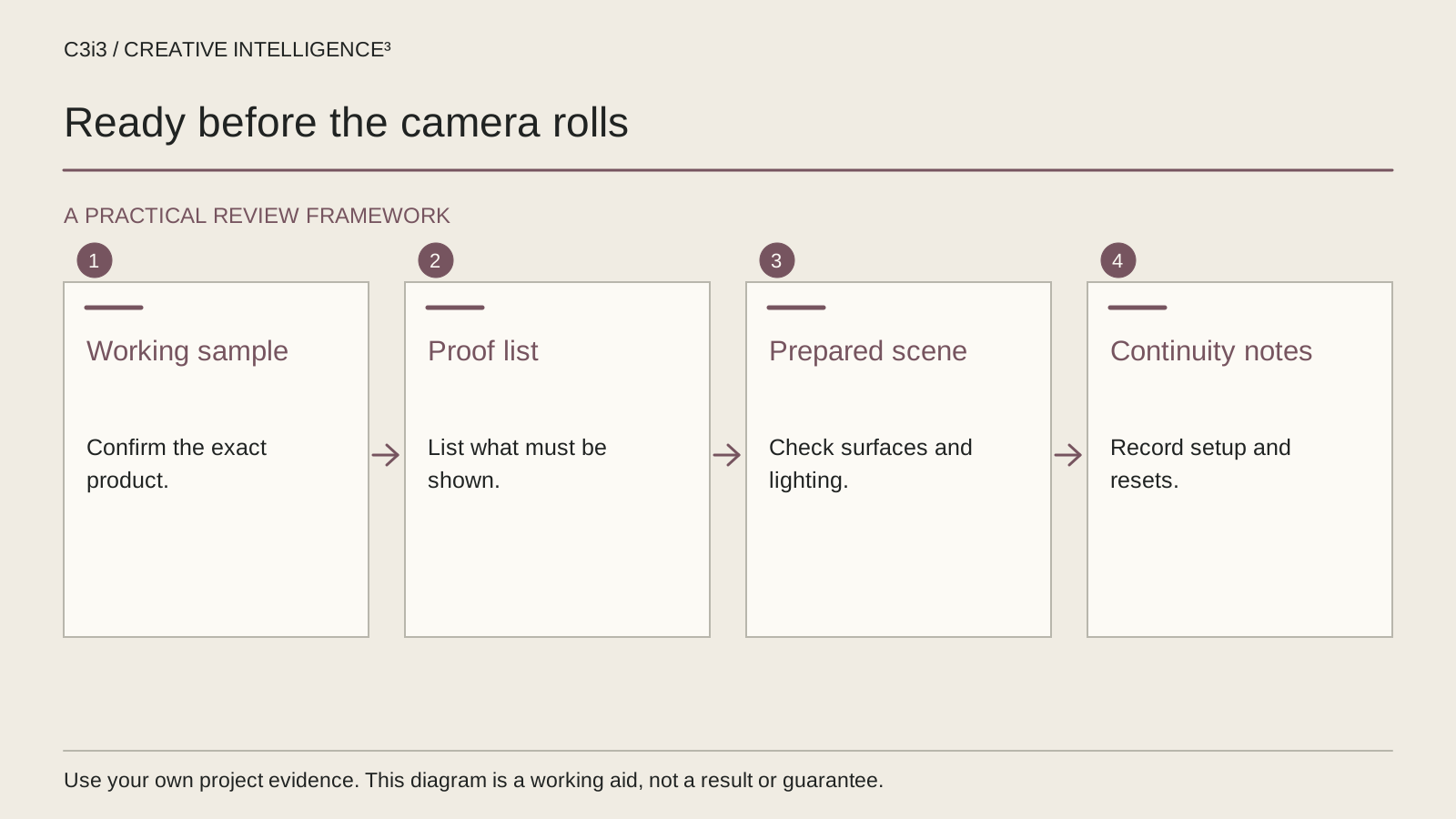
Is the actual product sample ready to demonstrate the agreed task?
Identify the product version and the configuration the viewer will see. Match it to the approved brief instead of assuming any sample from the office will be suitable. A prototype, a display shell and a released product can look similar while supporting very different demonstrations.
Run the intended task before shoot day. Check that the required accessory, power source, account access and sample material are available. If the action depends on connectivity or a particular setup, record that condition and prepare an appropriate contingency. The camera team should not be asked to invent a product workaround that changes the meaning of the demonstration.
Prepare an inventory with the main sample, agreed backup items and their identifiers. Note cosmetic differences that could interrupt continuity between shots. If the team uses one sample for a wide view and another for a close-up, the viewer should not unknowingly see conflicting product details.
In a hypothetical East Bay product shoot, a brand brings packaging for one version and the working unit from another. The mismatch may be easy to miss in separate shots but obvious in the final sequence. Resolve it before recording. The existing B2B product demonstration guide helps establish which task the sample needs to support before the team prepares a visual treatment.
Which buyer questions does the shot list need to answer?
Replace a list of attractive angles with a list of useful observations. A buyer may need to understand size, access, operation, compatibility or a required preparation step. Each question should have a proposed shot and a product owner who can confirm that the shot is accurate.
| Buyer question | Evidence to prepare | Readiness check |
|---|---|---|
| How large is it? | A clear scale reference or appropriately labeled dimension | The reference does not distort the product |
| How does the task start? | Prepared beginning state and required items | The demonstration can be repeated |
| What changes during use? | Visible action and resulting state | The sequence preserves meaningful context |
| What must the buyer know first? | Relevant condition or limitation | The reviewer approves its explanation |
Label this as a working sheet rather than a record of tested product performance. The shoot can document an action, but it does not automatically establish every broader claim someone might attach to the footage.
Prioritize must-have evidence separately from decorative coverage. If time or product availability changes, the team should know which observations the commercial cannot function without. The buyer-question shot matrix goes deeper into choosing demonstrations; this checklist establishes whether those demonstrations can actually be recorded.
Are screens, documents and demonstration data safe to record?
Review the entire visible environment of a screen demonstration. Names, account identifiers, internal messages, browser tabs, notifications and background windows may appear outside the main product area. Prepare a demonstration environment and ask the authorized information owner to confirm what can be public.
Do not make the editor responsible for discovering every sensitive detail after capture. Cropping or blurring can be a planned technique, but it should not substitute for thoughtful preparation. A later crop may also remove the controls needed to understand the task.
Use illustrative information deliberately and identify it appropriately in the final communication. Keep the sample internally consistent so the sequence does not confuse the buyer. If the demonstration moves between several screens, check that its visible product version and state make sense from one step to the next.
For an enterprise team, assign someone who can approve the prepared data before the shoot and answer questions while recording. Do not share production access more broadly than required. Keep any private credentials out of call sheets and review exports.
The product-demo approval guide explains how to separate factual review from creative preferences. Apply that process to screen preparation as well as to the finished edit, so the recording starts with a cleared source rather than an unresolved information problem.
Have you tested surfaces, labels and screens with the planned setup?
Record a short test of the difficult material before treating the setup as ready. Reflective packaging, small labels, dark controls and screen content can appear differently through a camera than they do to someone standing nearby. Ask whether the important information remains understandable in the intended composition.
Inspect the actual test file, including a representative crop or viewing size. A product name that seems readable on a large monitor may become unhelpful in a narrow social placement. Decide whether it needs a closer shot, a simpler composition or a separate graphic, while preserving the accuracy of the product depiction.
Keep continuity notes for product position, visible settings, props and packaging. A simple reference image of the approved arrangement helps the team restore it after a change. Identify which items may be moved and which are part of the demonstrated condition.
Plan how visual information will be explained. The W3C media-planning resource is a useful starting point for access considerations. In production terms, leave a workable route for narration, captions and important text instead of filling every part of the frame with decorative material. Test the product evidence first; a dramatic lighting idea is not useful when it conceals the thing the buyer needs to see.
Who can resolve a product problem during the shoot?
Name a product contact with the knowledge and authority to answer questions about the demonstration. The contact does not need to direct the camera. They do need to distinguish an acceptable visual adjustment from a change that misrepresents operation or removes a necessary condition.
Agree a stop-and-check procedure for unresolved facts. If the product behaves differently from the approved outline, record the observation and ask the appropriate person. Do not quietly substitute another action because it produces a cleaner shot. The discrepancy may require a revised explanation or a different demonstration.
Keep a short decision log with the issue, the authorized answer and the shots affected. That record helps the editor understand why a particular take was accepted or excluded. It also prevents an unapproved test from returning to the commercial because it happens to look good.
For a hypothetical equipment demonstration, the team may discover that the required accessory is missing. Attractive footage of the product can still be useful, but it should not be presented as proof that the planned operation was recorded. Decide whether to film alternative coverage, reschedule the demonstration or revise the brief. Preserve the difference between what was actually shown and what remains a production intention.
What should be checked before the team packs away the product?
Review the must-have evidence against the shot list while the product and responsible people are still available. Confirm that the beginning state, essential action and meaningful result are visible. Check critical labels, screen details and any agreed qualification that must accompany the demonstration.
Identify files and takes clearly enough for the next stage. Keep the product-version reference, continuity notes, approved demonstration data and unresolved questions with the production record. A folder full of clips is not a substitute for knowing which clips accurately support the brief.
If the creative treatment uses realistic synthetic scenes or meaningfully altered material, check the intended publication platform's current disclosure requirements. YouTube's AI-content disclosure guidance distinguishes the kinds of realistic altered or generated content that need disclosure. A label also does not make an inaccurate product depiction acceptable.
Use C3i3 business video production for the service behind the planning and the established Bay Area services hub for regional context. When the commercial is ready to launch, return to the views-to-enquiries diagnostic guide. Readiness provides useful evidence for the commercial; the audience, destination and follow-up still need their own checks.
Keep this checklist beside you
Questions before the next step
Do we need a finished product before booking a shoot?
Clarify what the available sample can honestly demonstrate. A prototype or display model may suit some visual tasks but not others. Record the version, limitations and approved explanation before production. Do not let attractive footage imply that a behavior or released feature was demonstrated when it was not.
Can confidential screen information be removed in editing?
Some material can be concealed through a planned edit, but preparation should come first. Use an appropriately cleared demonstration environment and inspect everything visible on screen. Ask the authorized information owner to approve the plan. Late concealment can also remove details needed to understand the product task.
Should we record extra footage just in case?
Useful additional coverage has a defined purpose. Prioritize the evidence required for the agreed buyer question, then record alternate compositions or supporting details where appropriate. Label the material and its approval status. More clips do not compensate for missing a critical operation or failing to document the conditions shown.
How C3i3 Can Help
C3i3 helps East Bay businesses prepare product demonstrations around useful evidence, clear messages and a workable shoot brief. Bring the actual product, the buyer's questions and the people who can verify its operation. We can help translate that material into a practical production plan.