






































In this article
The product team wants more detail. Sales wants a shorter story. IT notices a screen that should not be public. Leadership asks for a different opening after everyone else has approved the edit. The video is not necessarily difficult to make. The business has left several different decisions inside one undefined approval.
San Jose video production often serves organizations with technical products and multiple stakeholders. A useful product demo needs enough factual review to be credible without turning every preference into a production instruction. More reviewers alone will not solve that problem.
This guide sets up a product-demo approval process around decisions, evidence and named responsibilities. Its purpose is to make disagreement visible early, not to remove the people whose expertise protects the business.
Which decision is the demo supposed to help the buyer make?
Write the buyer's question before choosing screens or features. An operations manager considering a workflow needs a different explanation from a technical evaluator checking an integration. If a single demo is expected to satisfy both completely, the disagreement may be in the brief rather than in the edit.
Describe the task in observable terms. A viewer should be able to recognize the starting situation, understand the demonstrated action and identify a relevant next step. Avoid a broad instruction such as show that the platform is powerful. That gives reviewers little basis for deciding which feature belongs.
Use a clearly hypothetical San Jose software example. Sales wants an introductory workflow demonstration while product management expects a detailed configuration walkthrough. Both requests can be reasonable, but they imply different assets. Decide which one this commercial is, then give the other request a separate destination or later task.
Record exclusions as well as inclusions. Naming the product areas that will not be covered helps reviewers understand that an omitted feature was a deliberate scope decision. The B2B product-video guide can help define the buyer task before the team attempts to approve a sequence. Save that statement where reviewers can see it beside the current cut.
Who checks facts, confidentiality and the final creative decision?
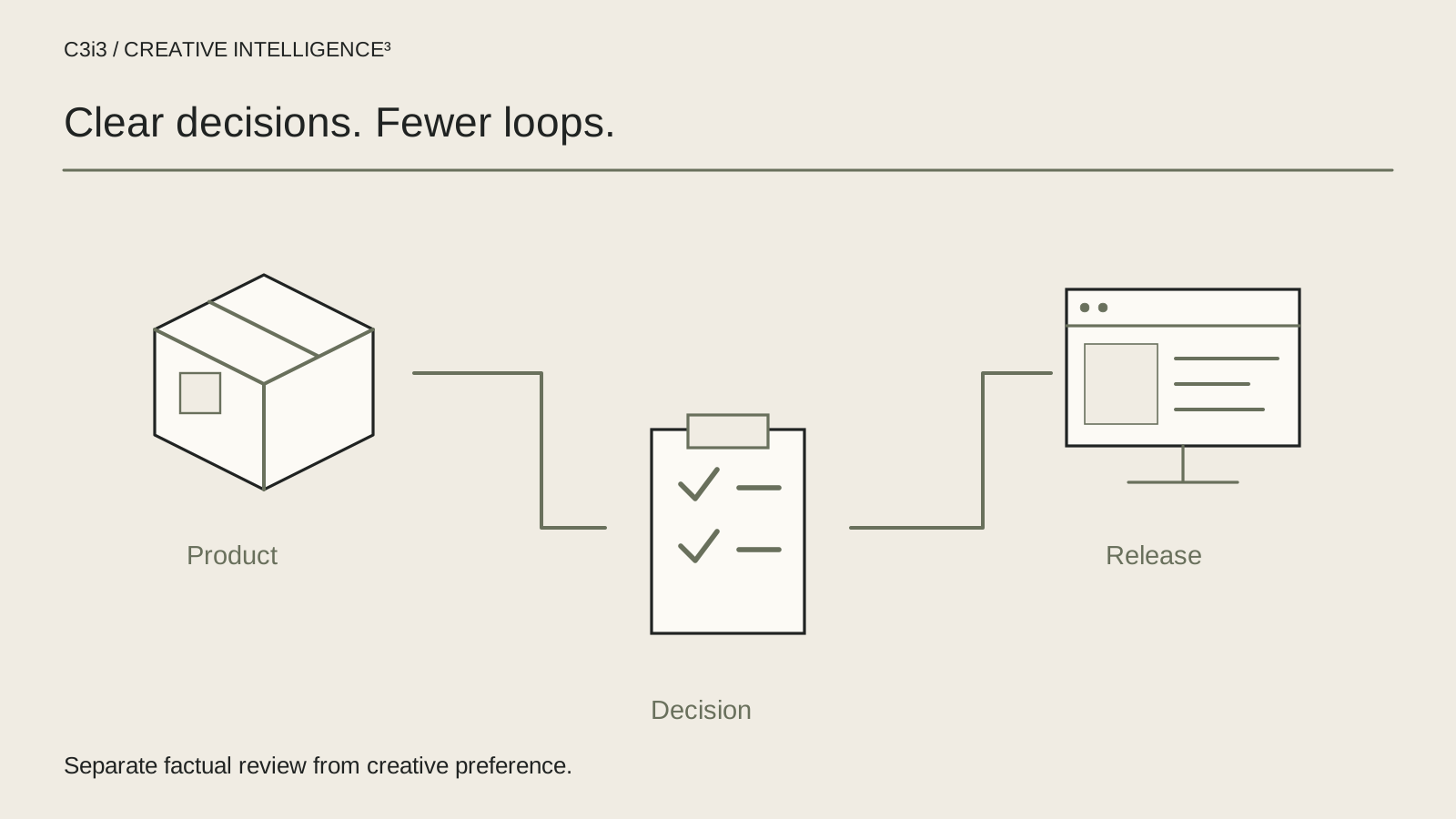
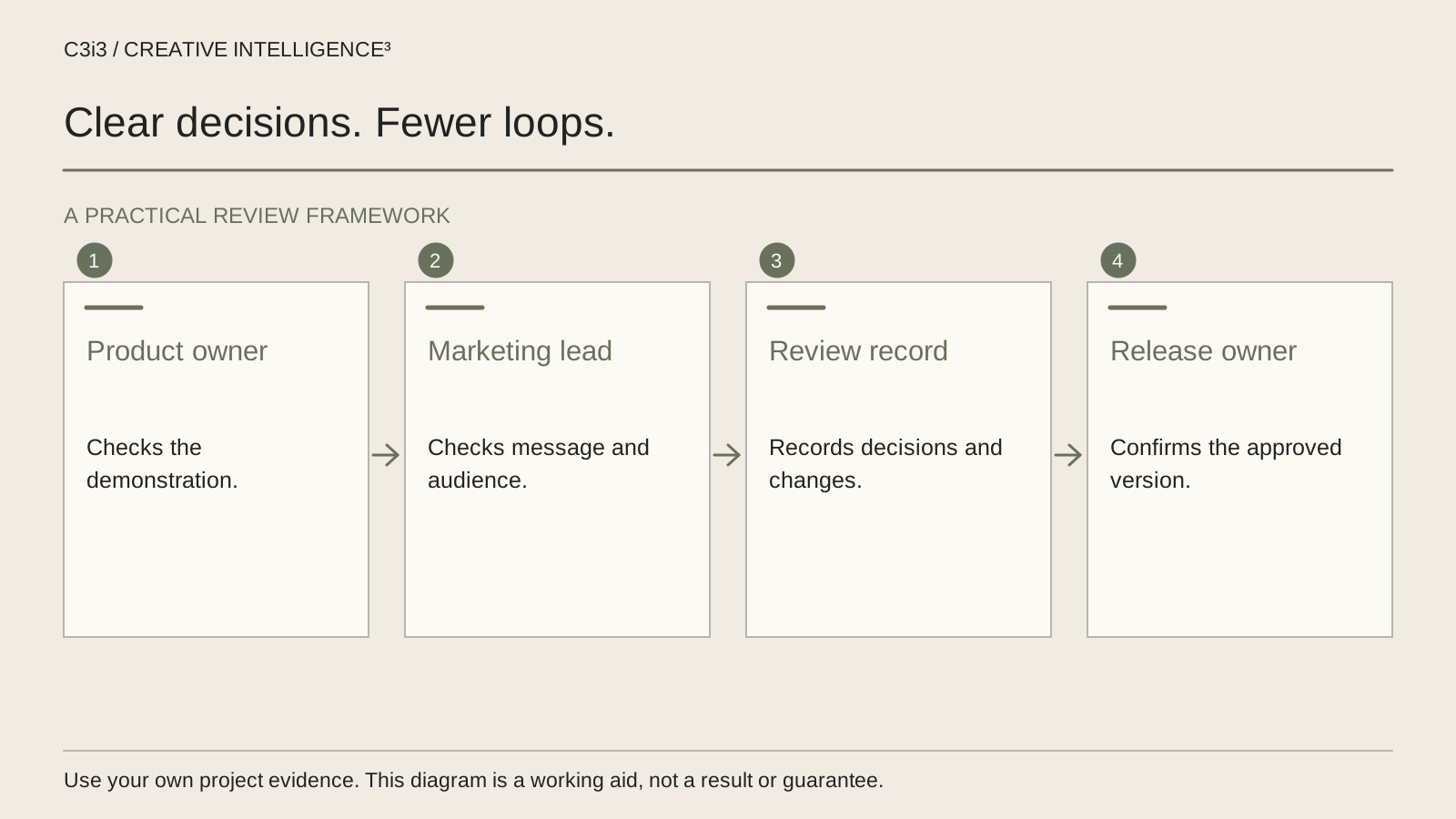
Separate expertise from final decision authority. Product specialists can validate what the demonstration shows. An information owner can check whether screenshots expose private material. The campaign owner can decide whether the communication supports the agreed buyer task. One person should be responsible for resolving conflicts that span those areas.
| Decision | Responsible review | Evidence to save |
|---|---|---|
| Product accuracy | Named product reviewer | Approved configuration and supporting reference |
| Information exposure | Authorized information owner | Cleared demonstration data and screens |
| Buyer clarity | Campaign owner | Accepted message and action |
| Conflict resolution | Project decision owner | Decision with reason and affected version |
Make clear what each reviewer can approve and what requires escalation. Asking every participant to approve everything encourages vague comments and leaves the editor to arbitrate business disagreements.
Keep the supporting record proportionate. It can be a short shared decision log rather than another large presentation. What matters is that the team can identify the current answer, who accepted it and what evidence was considered. For wider website stakeholder questions, the sales-and-IT website approval guide addresses a related but separate project.
What should be approved before the polished edit exists?
Review a sequence outline and evidence list before investing attention in finishing details. Show the proposed opening, each demonstrated step, the relevant factual qualification and the next action. A simple storyboard is often enough to expose a disagreement about the subject while that disagreement is still inexpensive in effort to address.
Ask product reviewers to validate the exact configuration and available behavior. If the production sample differs from the current released product, record that difference and decide how it will be represented. Do not let a placeholder screen become an implied promise because it survived several review rounds.
Approve the treatment of sample data and confidential material before recording. A fictional name alone may not make a copied customer screen safe to publish. Use a properly prepared demonstration environment and have the authorized information owner review it.
Accessibility also belongs in planning. The W3C audio and video planning guidance helps teams consider the media's access needs before delivery. In practice, assign responsibility for checking readable text, narration, captions and the explanation of important visual steps. A late request to make a silent screen sequence understandable can affect the script and recording, not just the final export.
How do you turn scattered comments into useful editing instructions?
Require feedback to identify the version, the relevant moment and the problem it creates for the agreed task. Replace vague notes such as make this more dynamic with a specific observation: the opening names the company but does not identify the task until the next scene. The editor then has a communication problem to solve instead of an undefined mood to interpret.
Use a common review location so comments do not fragment across email, chat and annotated screenshots. Adobe's frame-specific commenting documentation illustrates how feedback can be tied to a particular video moment. The process is useful even when your team chooses a different review system; current product versions and access arrangements should be checked separately.
Consolidate conflicting requests before sending them to production. If one reviewer asks to remove a sequence and another asks to expand it, the decision owner needs to resolve the intended outcome. The editor should not discover the conflict by alternately implementing both.
Maintain a response record: accepted change, clarification needed, deferred request or declined request with a reason. This keeps a comment from reappearing as a supposed omission after it has already been discussed. It also distinguishes a factual correction from a new creative preference.
When should a new request reopen an earlier approval?
Define a change by what it affects. Correcting a mislabeled button is different from replacing the target audience or introducing another product line. A small visible edit can still alter the meaning of a claim, while a large visual adjustment may leave the accepted message intact.
When a request arrives, identify the earlier decision it changes, the affected material and the reviewers needed to accept the revision. Reopen only the relevant part of the approval rather than asking every person to restart the entire project. Keep the prior version available so the change can be understood.
Consider a hypothetical product-demo update. A feature shown in the approved storyboard becomes unavailable in the release planned for the campaign. Removing the label alone would not solve the problem if the action remains visible on screen. The product reviewer and campaign owner need to agree a truthful replacement sequence and a revised explanation.
Use the commercial production workflow to understand the stages involved, but keep the change decision specific to this project. Save whether the request is required for factual correctness, necessary for access or a new scope preference. Those distinctions help the team prioritize without hiding a legitimate concern inside an argument about taste.
What evidence makes the demo ready for publication?
Use an approval packet that identifies the exact export and its associated materials. Include the accepted buyer task, the final product review, the information-clearance status, the current captions or transcript and the destination for the next action. Confirm that the publication team is using this export rather than a similarly named review file.
Watch the final sequence after changes have been applied. A corrected shot can introduce a new continuity problem or leave outdated narration elsewhere. Verify the complete relationship between what is shown, said and written instead of checking only the single requested edit.
Record unresolved limitations clearly. If a demonstration depends on particular settings or illustrative data, make sure the published explanation remains accurate. Do not use approval language to imply that the video establishes a performance result that was never tested.
For regional context, use the existing San Jose services page. C3i3's business video production service can support the creative planning and coordination. Once the demo is live, use the Bay Area commercial diagnostic guide to assess the journey from attention to enquiry. An approved video is ready to be used; its business contribution still requires an appropriate campaign and evidence.
Keep this checklist beside you
Questions before the next step
Should every stakeholder attend every review?
No single meeting pattern suits every project. Match reviewers to the decisions they are qualified and authorized to make. Product accuracy, confidential information and campaign communication may need different review groups. Keep one decision owner responsible for resolving conflicts and making sure required checks have actually happened.
Does silence mean the product demo is approved?
Use the explicit acceptance process agreed for the project. Silence can mean a reviewer has not seen the current version or does not understand what they are being asked to approve. Record the named reviewer, version and decision so the publication team does not infer permission from an unanswered message.
How do we stop late feedback from restarting the edit?
Approve the buyer task and demonstration evidence early, then classify later requests by what they change. Resolve factual or access problems appropriately. Treat a new audience, product or campaign purpose as a scope decision. Save the reason for each accepted or deferred request so it does not return as unexplained feedback.

How C3i3 Can Help
C3i3 helps San Jose businesses plan product demonstrations around a buyer's question, factual evidence and a clear review process. Bring the product workflow and the people responsible for approving it. We can help turn competing requests into a workable creative brief and review sequence.