






































In this article
The shopper sees an item represented on a person or in a familiar setting and suddenly understands its style better. Virtual try on can make that moment easier. The danger appears when the preview is interpreted as evidence it cannot actually provide.
A visual impression does not automatically verify size, comfort, material behavior or compatibility. Those questions still need accurate product information and an understandable way to evaluate the item.
What does the preview help a shopper judge?
Google’s try-on guidance describes a visualization experience and cautions that it is not a guarantee of actual fit or appearance. That distinction is useful when briefing any virtual preview: specify what the tool is intended to show.
Style, color relationships or a general impression may be part of the experience. A decision about size or physical suitability may require different information. Make the boundary understandable where the customer uses the feature, rather than hiding it in unrelated legal copy.
Which product information should remain beside it?
Keep the relevant dimensions, variant details, materials and instructions accessible. A preview should add to that information, not replace it. Check that the selected item stays consistent as a shopper changes options.
A customer comparing two variants should be able to tell which facts belong to each. When the preview cannot represent a variation reliably, explain that limitation instead of allowing a polished visual to imply a level of precision the system does not have.

How do you design an understandable interface?
Provide a clear entry point, a readable explanation and a way to return to the product details. Avoid making the preview the only path to evaluation. Some shoppers will not want to upload an image or may be unable to use the feature.
Check keyboard operation, labels and instructions alongside the visual design. A compelling demonstration can still be a difficult interface. The alternative product information needs to remain usable when the feature is unavailable.
What privacy questions deserve attention?
Review what the particular service collects, where processing happens and how retention or deletion works. These details vary by provider and implementation. Do not copy a privacy description from another platform and assume it applies to your site.
Explain the relevant choices in plain language and avoid requesting more information than the feature needs. If the implementation changes, revisit the explanation. A privacy statement is part of the product experience, not a decorative footer attachment.
How should a business evaluate the feature?
Watch whether shoppers understand both the preview and its limits. Ask them what they believe the image proves. If they infer a size guarantee that the system does not supply, the design or explanation needs revision.
Evaluate the complete product page, including loading, alternative information and the next step. The goal is a better-informed decision. A highly realistic image is only one part of that outcome.
Put the decision into practice
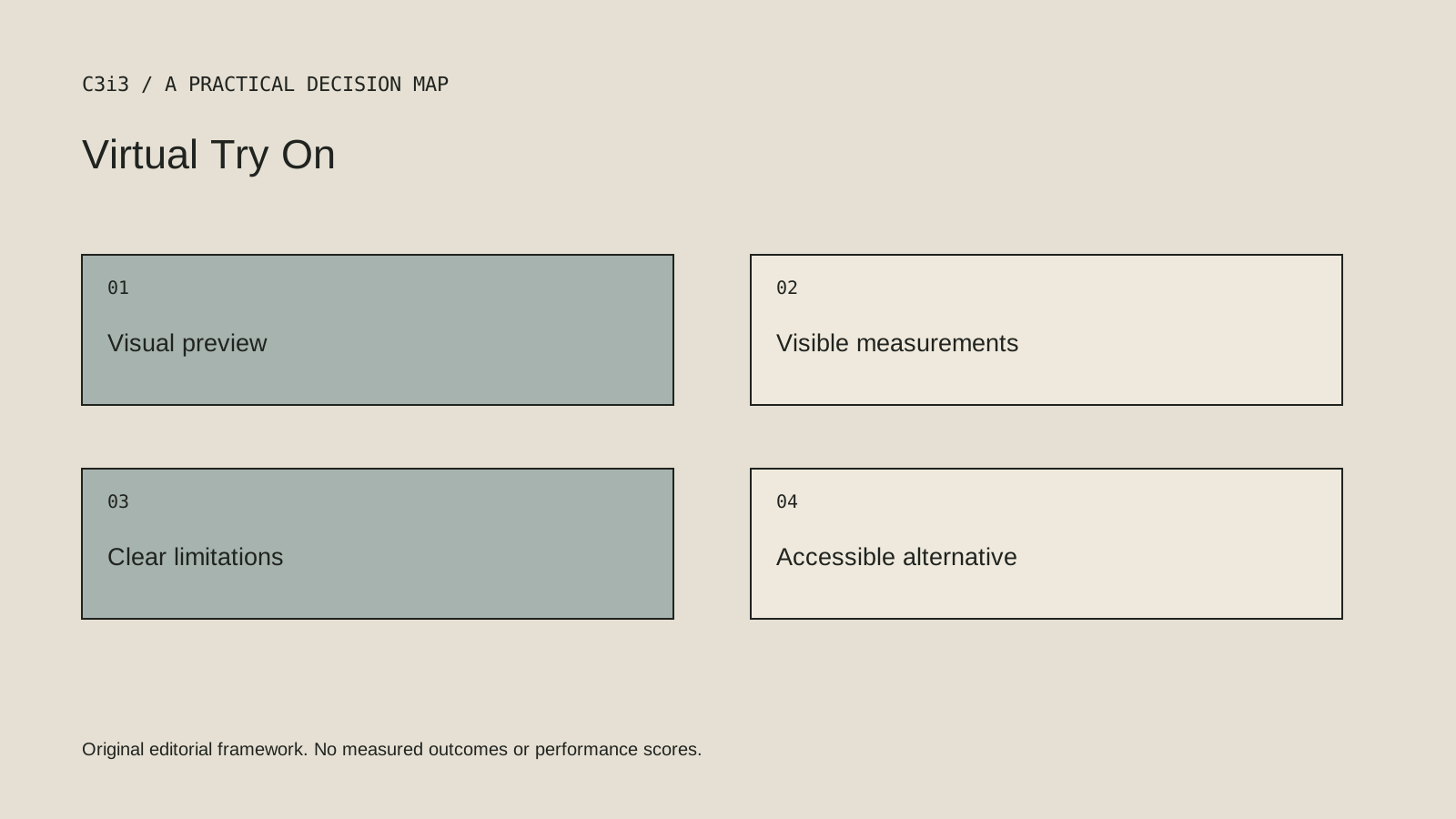
- State what the preview does and does not establish.
- Keep dimensions and variant facts visible.
- Provide an accessible alternative to the feature.
- Review the provider’s actual privacy behavior.
- Test what shoppers believe the preview proves.
Sources and editorial method
Reviewed November 6, 2026. Linked announcements retain their original dates. Product documentation establishes described capabilities; it does not establish that a subject is currently a search breakout. Examples and decision frameworks are editorial analysis.
Questions readers ask
Does virtual try on guarantee that an item will fit?
Not necessarily. Check the specific system. A visual style preview should not be represented as a measurement or fit guarantee.
Should every shopper have to upload a photograph?
No. Preserve a usable way to evaluate the product through reference images, specifications and other appropriate information.
How C3i3 can help
C3i3 helps businesses turn a clear customer question into useful content, a coherent digital experience and a manageable production process. Bring the product, page or workflow you are reviewing so we can discuss the work it needs.