






































In this article
Your ad is ready but its destination is a general homepage that answers a different question. A landing page builder can make a dedicated page easier to produce. The page still needs an accurate offer, a useful explanation and a working next step.
Compare the editing experience and the complete enquiry workflow together.
How we chose these 5 options
This editorial shortlist uses official product documentation and the practical criteria below. The order groups different workflows; it is not a laboratory performance ranking. We have not represented these products as hands-on tests. Features, availability and account access can change, so check the linked documentation for your intended setup.
| Criterion | Question to answer |
|---|---|
| Message match | Does the destination continue the question or offer in the ad? |
| Page control | Can the team maintain content, mobile layouts and accessibility? |
| Enquiry delivery | Does the form reach the right system and responsible person? |
1. Unbounce
AI/drag-and-drop landing-page building, A/B testing and traffic routing.
Consider it for: Campaign teams testing focused landing pages.
Check before choosing: An experiment needs a clear goal and enough usable traffic; the builder is not evidence of a performance lift.

2. Instapage
Landing pages, forms, experimentation, personalization and collaboration.
Consider it for: Teams matching ad campaigns to specific post-click experiences.
Check before choosing: Evaluate approval workflow, CRM delivery and experiment requirements.
3. Leadpages
Landing-page creation with experimentation and measurement tools.
Consider it for: Businesses creating dedicated lead, sales or webinar pages.
Check before choosing: Check forms, tracking and ownership before replacing an existing campaign page.
4. HubSpot Landing Pages
Landing-page building within HubSpot’s customer platform.
Consider it for: Teams connecting page submissions with CRM and marketing workflows.
Check before choosing: Test actual contact creation, consent handling and follow-up after form submission.
5. Webflow
Visual website design, CMS publishing and brand-oriented team workflows.
Consider it for: Marketing/design teams needing controlled visual editing.
Check before choosing: Assess CMS structure, permissions and any required custom integrations.
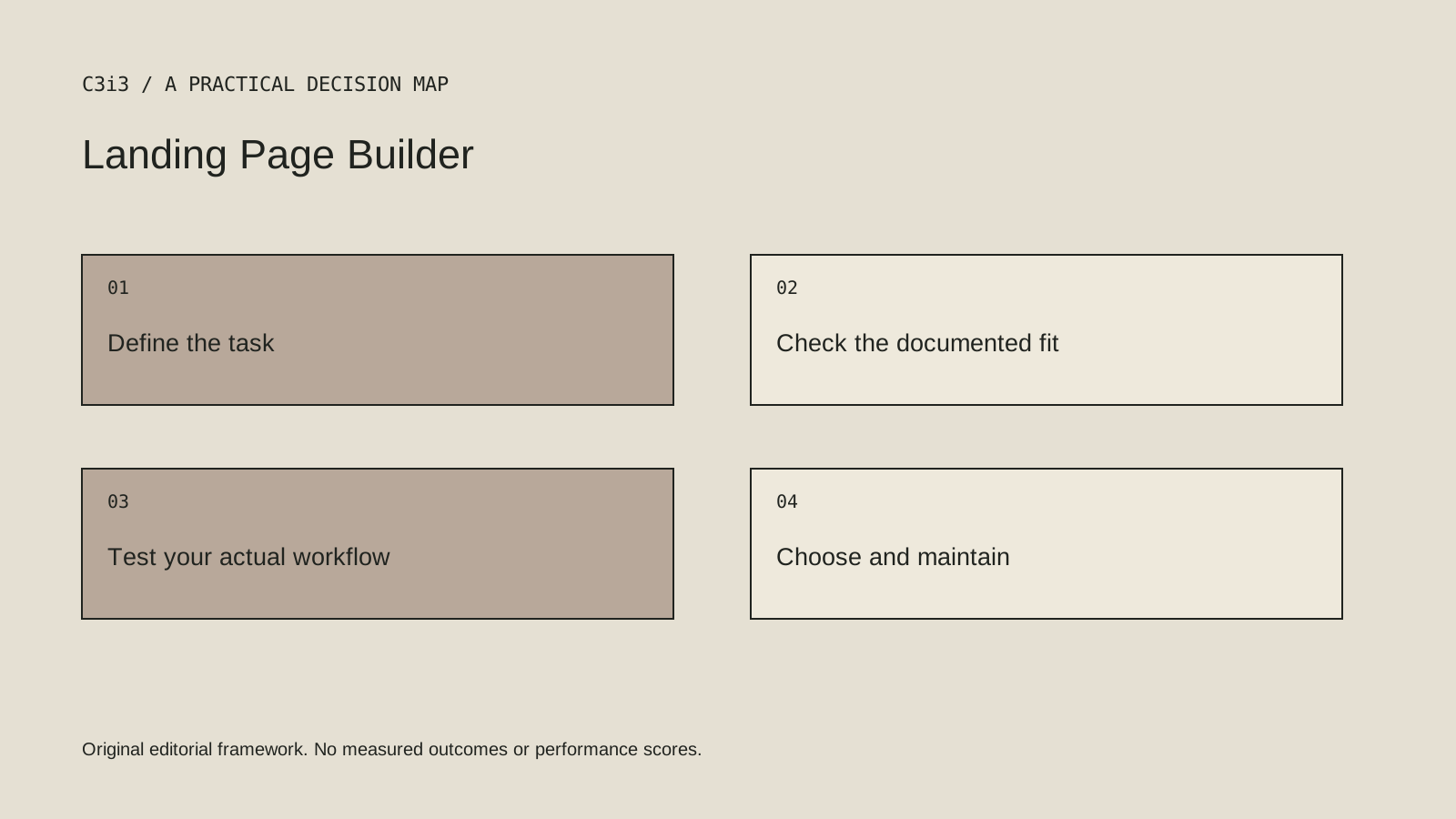
How to narrow the shortlist
Sketch the customer’s question, supporting evidence and next action before selecting a template. Keep the content specific to the campaign. A large headline cannot compensate for missing information about what the business actually provides.
Clarify who can publish and who checks changes. Campaign pages often outlive their original launch. Keep the domain, account and tracking responsibilities documented so a future correction does not depend on finding the person who built the first version.
A practical check before committing
Create a controlled sample page with realistic text, an image and the actual form integration. Test a submission end to end and review the page on a phone. Check loading, labels, success handling and the result when required information is missing.
What this comparison does not establish
A form success message is not proof that a message was delivered. Verify the receiving system and response responsibility.
Put the decision into practice
- Does the destination continue the question or offer in the ad?
- Can the team maintain content, mobile layouts and accessibility?
- Does the form reach the right system and responsible person?
- Review the current official documentation and actual handover.
Sources and editorial method
Reviewed November 6, 2026. Linked announcements retain their original dates. Product documentation establishes described capabilities; it does not establish that a subject is currently a search breakout. Examples and decision frameworks are editorial analysis.
Questions readers ask
Is the first option the best choice for every business?
No. The list covers different use cases. Use the stated criteria and your actual requirements to decide which options deserve further evaluation.
Are these hands-on product reviews?
No. They are research-based editorial comparisons using official documentation and practical selection criteria. No claim of personal testing or a guaranteed result is made.
How C3i3 can help
C3i3 helps businesses turn a clear customer question into useful content, a coherent digital experience and a manageable production process. Bring the product, page or workflow you are reviewing so we can discuss the work it needs.