







































In this article
A marketing team may need to change content, obtain approval and publish without requesting a developer for every routine edit. That makes website builders attractive. The harder comparison is what happens when the site becomes more complex or the team changes.
Evaluate the operating model, not only how the homepage looks in a demonstration.
How we chose these 7 options
This editorial shortlist uses official product documentation and the practical criteria below. The order groups different workflows; it is not a laboratory performance ranking. We have not represented these products as hands-on tests. Features, availability and account access can change, so check the linked documentation for your intended setup.
| Criterion | Question to answer |
|---|---|
| Editorial control | Can the right people draft, review and publish the right content? |
| System requirements | Which data, integrations and page types must the site support? |
| Ownership and exit | What can be exported, transferred or maintained by another team? |
1. Webflow
Visual website design, CMS publishing and brand-oriented team workflows.
Consider it for: Marketing/design teams needing controlled visual editing.
Check before choosing: Assess CMS structure, permissions and any required custom integrations.

2. WordPress
Open-source publishing with blocks, themes and plugins.
Consider it for: Organizations needing a flexible publishing foundation.
Check before choosing: Separate the CMS choice from hosting, plugin maintenance and security responsibilities.
3. Wix
Hosted website creation with ecommerce, business features and CRM options.
Consider it for: Businesses wanting several site and operating features on one hosted platform.
Check before choosing: Check export, permissions and integration needs before committing the site architecture.
4. Squarespace
Website building, ecommerce, content/memberships, scheduling and marketing tools.
Consider it for: Businesses organizing a designed site with straightforward commerce or services.
Check before choosing: Confirm the content structure and integrations needed beyond the initial template.
5. Shopify
Commerce-focused site building, checkout, inventory, B2B and selling-channel tools.
Consider it for: Businesses where online selling is the central website job.
Check before choosing: Plan catalog, fulfillment, customer data and app integrations alongside page design.
6. Framer
Visual website creation with CMS, publishing and agent-assisted workflows.
Consider it for: Design-led marketing sites that need a visual publishing workflow.
Check before choosing: Check the required structured content, collaboration and custom behavior before selection.
7. Drupal CMS
Open-source CMS with visual page building, content workflows and marketing integrations.
Consider it for: Organizations needing governed content and an extensible platform.
Check before choosing: Budget time for architecture, integration ownership and long-term platform care; do not repeat vendor compliance guarantees.
How to narrow the shortlist
Document the content types and responsibilities the organization actually has. A product catalog, a regional service library and an internal portal create different requirements. Do not assume a builder’s simplest demonstration represents the final architecture.
Separate content ownership from portability. A platform can allow ownership of your material while keeping some functionality tied to its hosting or services. Ask what happens to forms, databases, commerce and integrations if the arrangement changes.
A practical check before committing
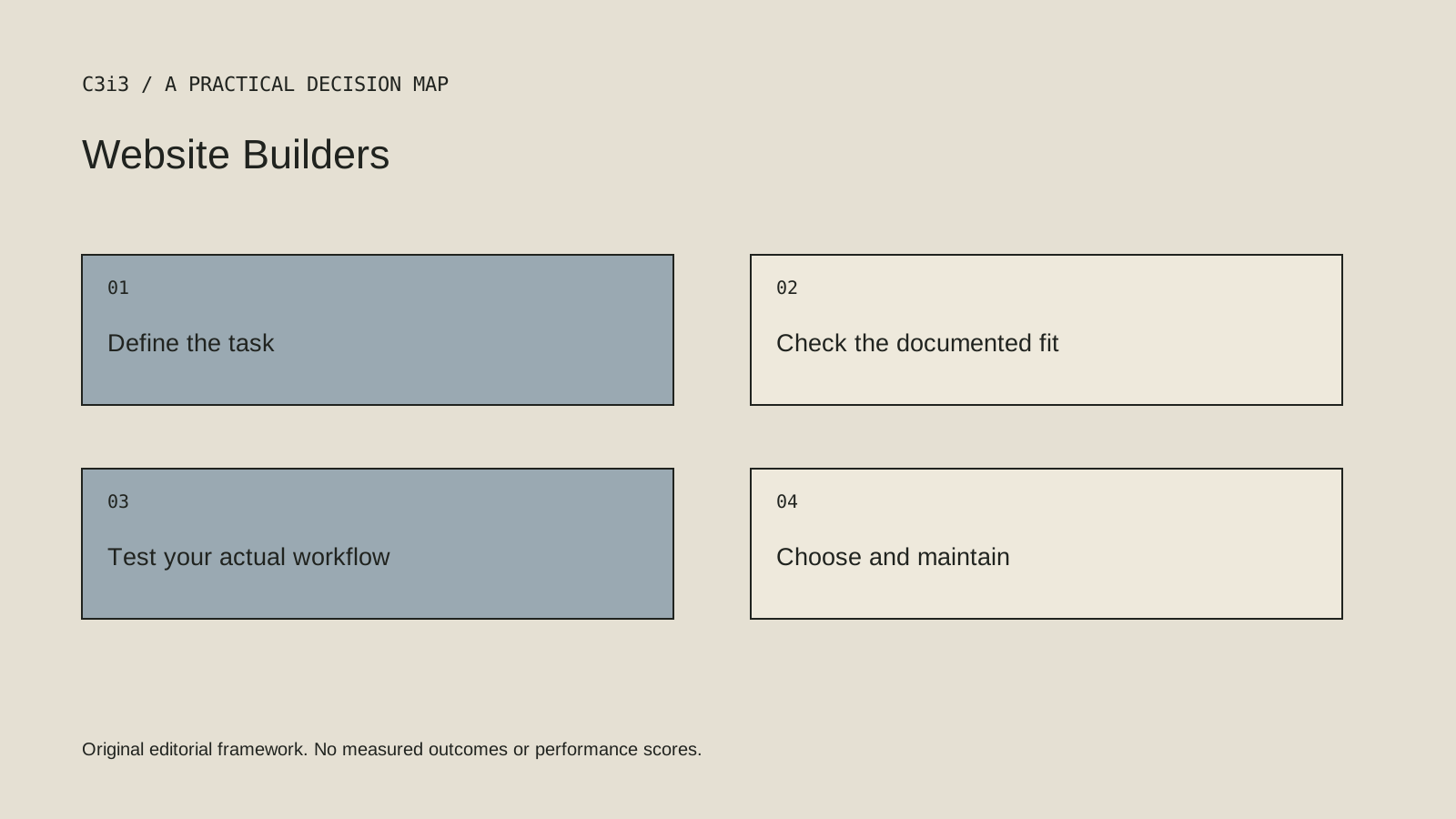
Build one representative page type with real editorial roles and a required integration. Ask a second person to update it using the proposed handover. Review the export and account transfer documentation rather than relying on a broad claim that the site belongs to you.
What this comparison does not establish
The ability to export files does not necessarily include the hosted behavior that made those files useful.
Put the decision into practice
- Can the right people draft, review and publish the right content?
- Which data, integrations and page types must the site support?
- What can be exported, transferred or maintained by another team?
- Review the current official documentation and actual handover.
Sources and editorial method
Reviewed November 6, 2026. Linked announcements retain their original dates. Product documentation establishes described capabilities; it does not establish that a subject is currently a search breakout. Examples and decision frameworks are editorial analysis.
Questions readers ask
Is the first option the best choice for every business?
No. The list covers different use cases. Use the stated criteria and your actual requirements to decide which options deserve further evaluation.
Are these hands-on product reviews?
No. They are research-based editorial comparisons using official documentation and practical selection criteria. No claim of personal testing or a guaranteed result is made.
How C3i3 can help
C3i3 helps businesses turn a clear customer question into useful content, a coherent digital experience and a manageable production process. Bring the product, page or workflow you are reviewing so we can discuss the work it needs.