






































In this article
A product demo needs clear details and accurate captions. A web commercial may need tighter pacing, controlled sound and several final versions. The right video editing software depends on the material, the team and the handover, not simply the longest feature list.
This shortlist spans accessible production tools and more specialized editing environments so a business can compare the actual working arrangement.
How we chose these 7 options
This editorial shortlist uses official product documentation and the practical criteria below. The order groups different workflows; it is not a laboratory performance ranking. We have not represented these products as hands-on tests. Features, availability and account access can change, so check the linked documentation for your intended setup.
| Criterion | Question to answer |
|---|---|
| Source material | Which camera files, screen recordings and sound sources must be edited? |
| Review process | How will product specialists and decision-makers approve changes? |
| Final delivery | Which formats and editable project materials must be retained? |
1. Adobe Premiere
Professional timeline-based video editing.
Consider it for: Commercial projects that require controlled editing and a production handoff.
Check before choosing: Confirm system, collaboration and delivery requirements before choosing a professional editing workflow.

2. DaVinci Resolve
Editing, color, Fusion effects, Fairlight audio and collaboration in one product.
Consider it for: A production team that needs integrated finishing disciplines.
Check before choosing: Evaluate the workstation, learning and handoff requirements with actual project media.
3. Final Cut Pro
Video/audio editing with automatic captions, Magnetic Mask, visual/transcript search and AI-assisted reframing.
Consider it for: Teams committed to Apple editing devices.
Check before choosing: Check Mac versus iPad feature and interchange requirements rather than treating the versions as identical.
4. Descript
Text-based video/audio editing, screen recording, captions and clip creation.
Consider it for: Interview, narration and screen-demo material where spoken content drives the edit.
Check before choosing: Review transcript accuracy, final pacing and export handoff needs.
5. CapCut
Timeline editing, automatic captions, reframing and AI-assisted creation tools.
Consider it for: Teams preparing social-first versions from existing footage.
Check before choosing: Review music and asset commercial-use rights and the availability of each feature in the actual account.
6. Canva Video Editor
Drag-and-drop multi-layer video editing, caption styling and AI-powered editing tools.
Consider it for: Marketing teams combining brand templates with straightforward videos.
Check before choosing: Test whether the required timeline control and project handoff fit the production rather than choosing by template appearance.
7. Microsoft Clipchamp
Online editing, screen/camera recording, captions and narration tools.
Consider it for: Straightforward business explainers and recorded demonstrations.
Check before choosing: Confirm work versus personal account capabilities and whether the editing depth fits the project.
How to narrow the shortlist
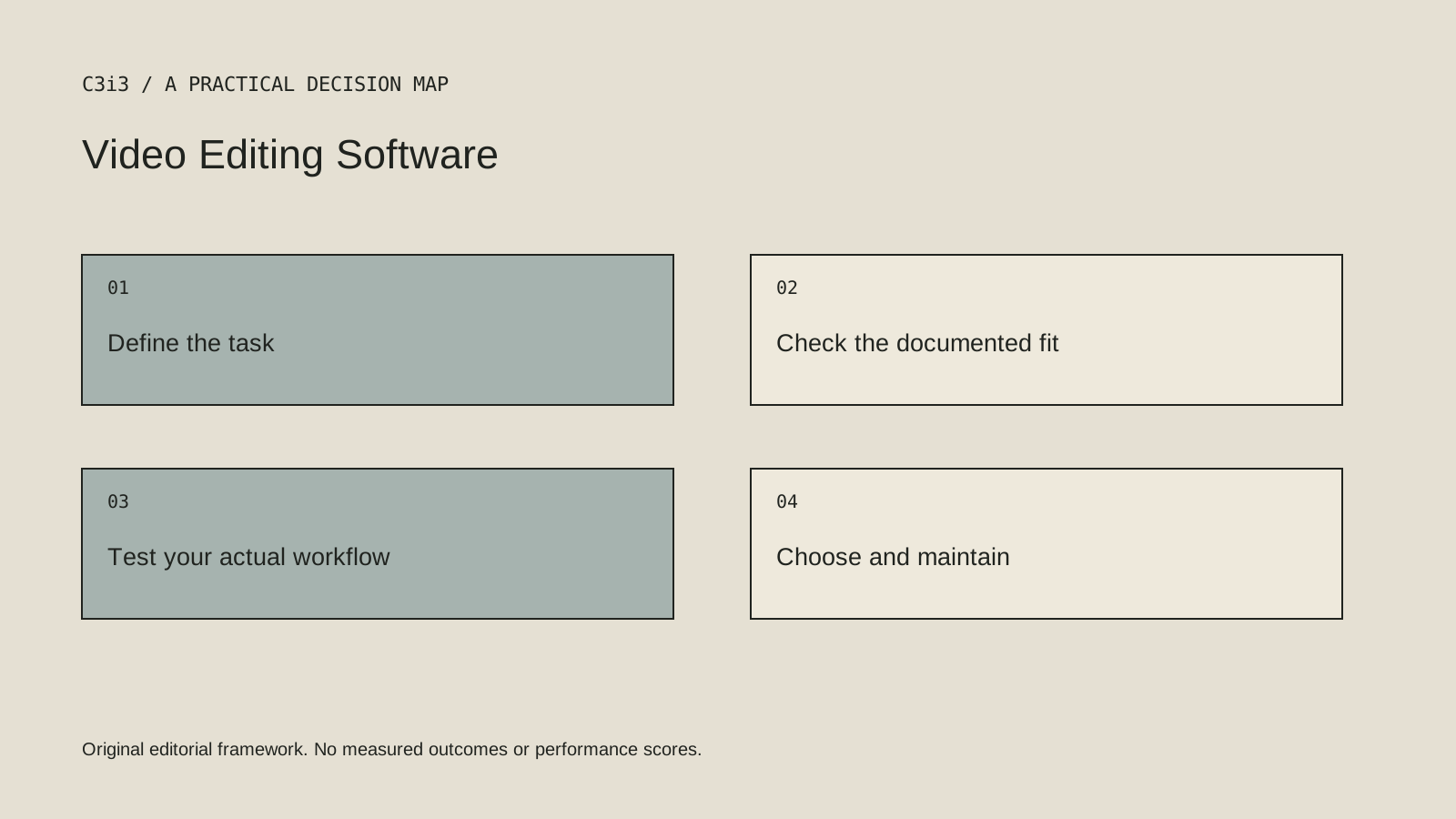
Write the delivery requirements before choosing the editor. Include aspect ratios, caption requirements, audio review and the person who will maintain later versions. An application that suits a single creator may create a different handover requirement for a larger team.
Separate editing capability from subject expertise. The software does not decide which product claim is supported or whether a demonstration skips an important condition. Keep accurate reference information beside the timeline so those decisions can be reviewed.
A practical check before committing
Complete a small real assignment from import to final export. Ask someone else to open the project or understand the handover. Check where the source footage, licensed material and approved graphics are stored. A successful export alone does not prove that a future revision will be manageable.
What this comparison does not establish
Do not assume that a project opens cleanly in another editor or that a finished video includes transferable rights to all source assets.
Put the decision into practice
- Which camera files, screen recordings and sound sources must be edited?
- How will product specialists and decision-makers approve changes?
- Which formats and editable project materials must be retained?
- Review the current official documentation and actual handover.
Sources and editorial method
Reviewed November 6, 2026. Linked announcements retain their original dates. Product documentation establishes described capabilities; it does not establish that a subject is currently a search breakout. Examples and decision frameworks are editorial analysis.
Questions readers ask
Is the first option the best choice for every business?
No. The list covers different use cases. Use the stated criteria and your actual requirements to decide which options deserve further evaluation.
Are these hands-on product reviews?
No. They are research-based editorial comparisons using official documentation and practical selection criteria. No claim of personal testing or a guaranteed result is made.
How C3i3 can help
C3i3 helps businesses turn a clear customer question into useful content, a coherent digital experience and a manageable production process. Bring the product, page or workflow you are reviewing so we can discuss the work it needs.