







































In this article
A creator has a product explanation, a longer interview and several platform formats to deliver. AI video editing tools may help with selected steps such as transcripts, captions, masking or reframing. The useful comparison is which step they improve in the actual production workflow.
These seven options cover different editing environments. They are not interchangeable simply because each offers an AI-related feature.
How we chose these 7 options
This editorial shortlist uses official product documentation and the practical criteria below. The order groups different workflows; it is not a laboratory performance ranking. We have not represented these products as hands-on tests. Features, availability and account access can change, so check the linked documentation for your intended setup.
| Criterion | Question to answer |
|---|---|
| Editing task | Do we need transcript editing, captions, masking or a different operation? |
| Meaning and accuracy | Can a reviewer catch a cut or caption that changes the explanation? |
| Handover | Can the team preserve the source media, project and approved exports? |
1. Adobe Premiere
Professional timeline-based video editing.
Consider it for: Commercial projects that require controlled editing and a production handoff.
Check before choosing: Confirm system, collaboration and delivery requirements before choosing a professional editing workflow.

2. Descript
Text-based video/audio editing, screen recording, captions and clip creation.
Consider it for: Interview, narration and screen-demo material where spoken content drives the edit.
Check before choosing: Review transcript accuracy, final pacing and export handoff needs.
3. CapCut
Timeline editing, automatic captions, reframing and AI-assisted creation tools.
Consider it for: Teams preparing social-first versions from existing footage.
Check before choosing: Review music and asset commercial-use rights and the availability of each feature in the actual account.
4. Canva Video Editor
Drag-and-drop multi-layer video editing, caption styling and AI-powered editing tools.
Consider it for: Marketing teams combining brand templates with straightforward videos.
Check before choosing: Test whether the required timeline control and project handoff fit the production rather than choosing by template appearance.
5. VEED
Browser-based editing, captions, audio cleanup and AI clip tools.
Consider it for: Collaborative web-based short-video production.
Check before choosing: Check upload handling, review permissions and final export requirements.
6. Microsoft Clipchamp
Online editing, screen/camera recording, captions and narration tools.
Consider it for: Straightforward business explainers and recorded demonstrations.
Check before choosing: Confirm work versus personal account capabilities and whether the editing depth fits the project.
7. Final Cut Pro
Video/audio editing with automatic captions, Magnetic Mask, visual/transcript search and AI-assisted reframing.
Consider it for: Teams committed to Apple editing devices.
Check before choosing: Check Mac versus iPad feature and interchange requirements rather than treating the versions as identical.
How to narrow the shortlist
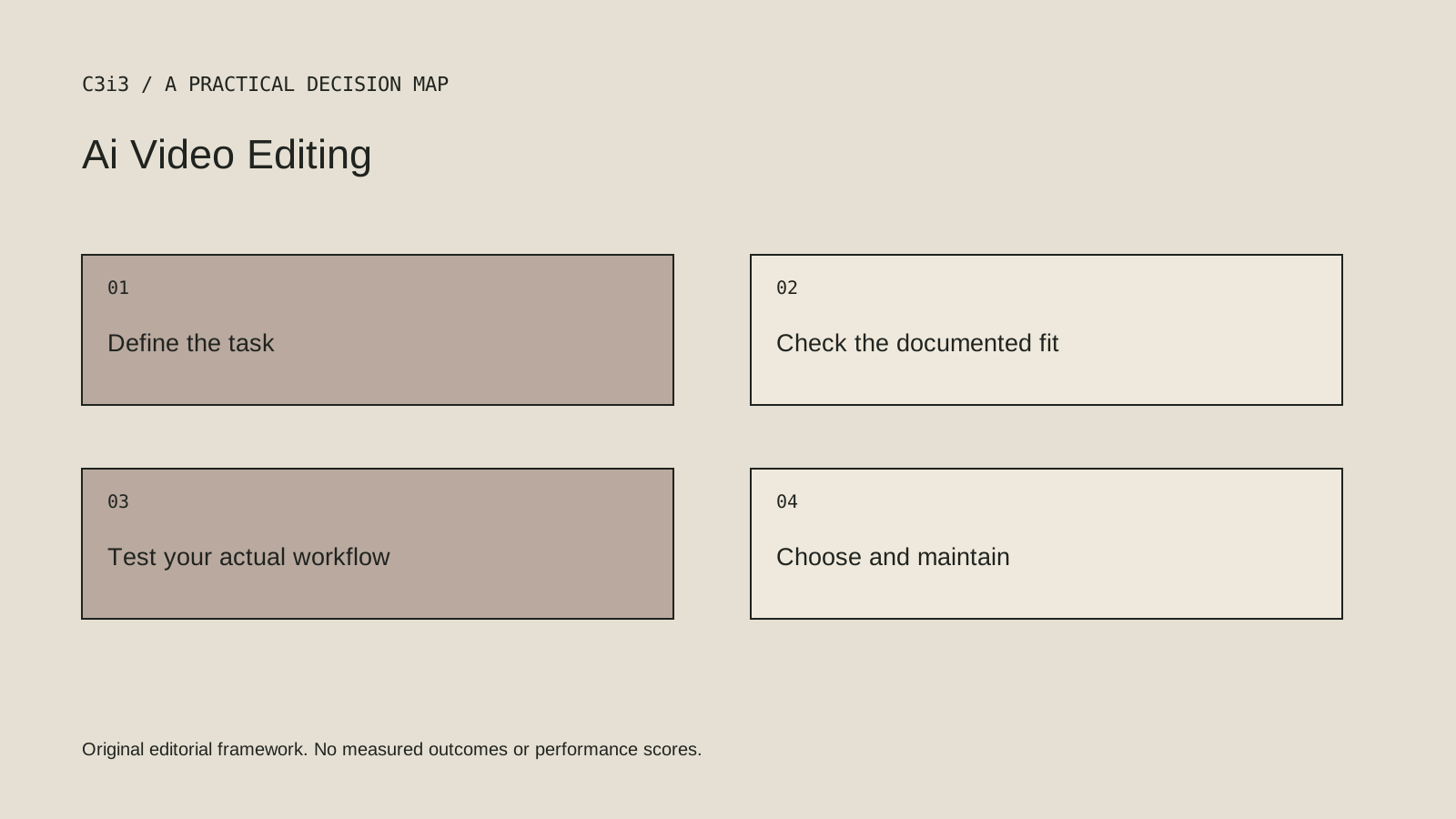
Map the existing edit before comparing features. If the problem is finding a usable explanation inside a long interview, transcript navigation may help. If the challenge is adapting a shot for vertical delivery, subject placement and reframing controls may matter more.
Keep the final editorial decision with a reviewer who understands the product. An automated cut can remove a condition that makes a claim accurate. A generated caption can misstate a technical term. Faster assembly is useful only when the result still communicates the right thing.
A practical check before committing
Use the same short, approved source clip in each shortlisted workflow. Include a product name, a pause, a difficult cut and both horizontal and vertical delivery. Inspect the exported result as well as the editor preview, and record which corrections still need a person.
What this comparison does not establish
AI feature names, beta labels and account access change. Verify the specific function you need rather than purchasing on the strength of a broad AI label.
Put the decision into practice
- Do we need transcript editing, captions, masking or a different operation?
- Can a reviewer catch a cut or caption that changes the explanation?
- Can the team preserve the source media, project and approved exports?
- Review the current official documentation and actual handover.
Sources and editorial method
Reviewed November 6, 2026. Linked announcements retain their original dates. Product documentation establishes described capabilities; it does not establish that a subject is currently a search breakout. Examples and decision frameworks are editorial analysis.
Questions readers ask
Is the first option the best choice for every business?
No. The list covers different use cases. Use the stated criteria and your actual requirements to decide which options deserve further evaluation.
Are these hands-on product reviews?
No. They are research-based editorial comparisons using official documentation and practical selection criteria. No claim of personal testing or a guaranteed result is made.
How C3i3 can help
C3i3 helps businesses turn a clear customer question into useful content, a coherent digital experience and a manageable production process. Bring the product, page or workflow you are reviewing so we can discuss the work it needs.