






































In this article
The interview is visually strong, but wind, clothing noise or an incompatible connection makes the explanation difficult to hear. A wireless microphone needs to fit the recording device and the way the team works on location.
These five documented options serve different arrangements. Compare the complete audio path rather than assuming a small transmitter will work with every camera or phone.
How we chose these 5 options
This editorial shortlist uses official product documentation and the practical criteria below. The order groups different workflows; it is not a laboratory performance ranking. We have not represented these products as hands-on tests. Features, availability and account access can change, so check the linked documentation for your intended setup.
| Criterion | Question to answer |
|---|---|
| Connection | Which receiver, adapter and recording application will be used? |
| Backup | Is a separate internal recording needed and who will retrieve it? |
| Location setup | How will mounting, wind protection and monitoring work? |
1. DJI Mic 3
Dual-file 32-bit float internal recording. Integrated timecode and four-channel output capability.
Consider it for: Multi-speaker production with a managed post-production audio workflow.
Check before choosing: 32-bit float internal recordings should not be confused with the camera's input recording format. Confirm receiver and adapter compatibility; the specification does not list a 3.5 mm microphone input.
2. RØDE Wireless PRO
Two transmitters with onboard 32-bit float recording. Timecode support and locking 3.5 mm transmitter connectors.
Consider it for: Interviews where a separate backup audio file and lavalier connection matter.
Check before choosing: GainAssist does not apply to onboard recordings. Timecode requires compatible devices and editing software; it is not an automatic repair for every sync problem.
3. Hollyland LARK M2S
Transmitter approximately 7 g. 48 kHz, 24-bit audio with separate mobile and camera receiver configurations.
Consider it for: Discreet microphone placement in lightweight mobile or camera setups.
Check before choosing: Choose the receiver version for the actual recording device. Manufacturer transmission distances are laboratory measurements and differ between line-of-sight and obstructed conditions.
4. Shure MoveMic Two
Two-channel direct-to-phone recording through Shure MOTIV mobile apps. IPX4-rated lavalier microphones.
Consider it for: Phone-first interview recording with the supported Shure app workflow.
Check before choosing: Direct-to-phone operation is recommended for Shure MOTIV apps. Cameras, computers and broader third-party mobile-app compatibility require the MoveMic Receiver.
5. Saramonic Ultra
Two-channel wireless system with timecode. 8 GB onboard storage with 24-bit or 32-bit float internal recording.
Consider it for: Interviews using separate backup audio and a timecode-based edit.
Check before choosing: The transmitter can overwrite oldest files when storage fills. The manual specifies that 32-bit float applies to onboard recording and does not change the camera recording format.
How to narrow the shortlist
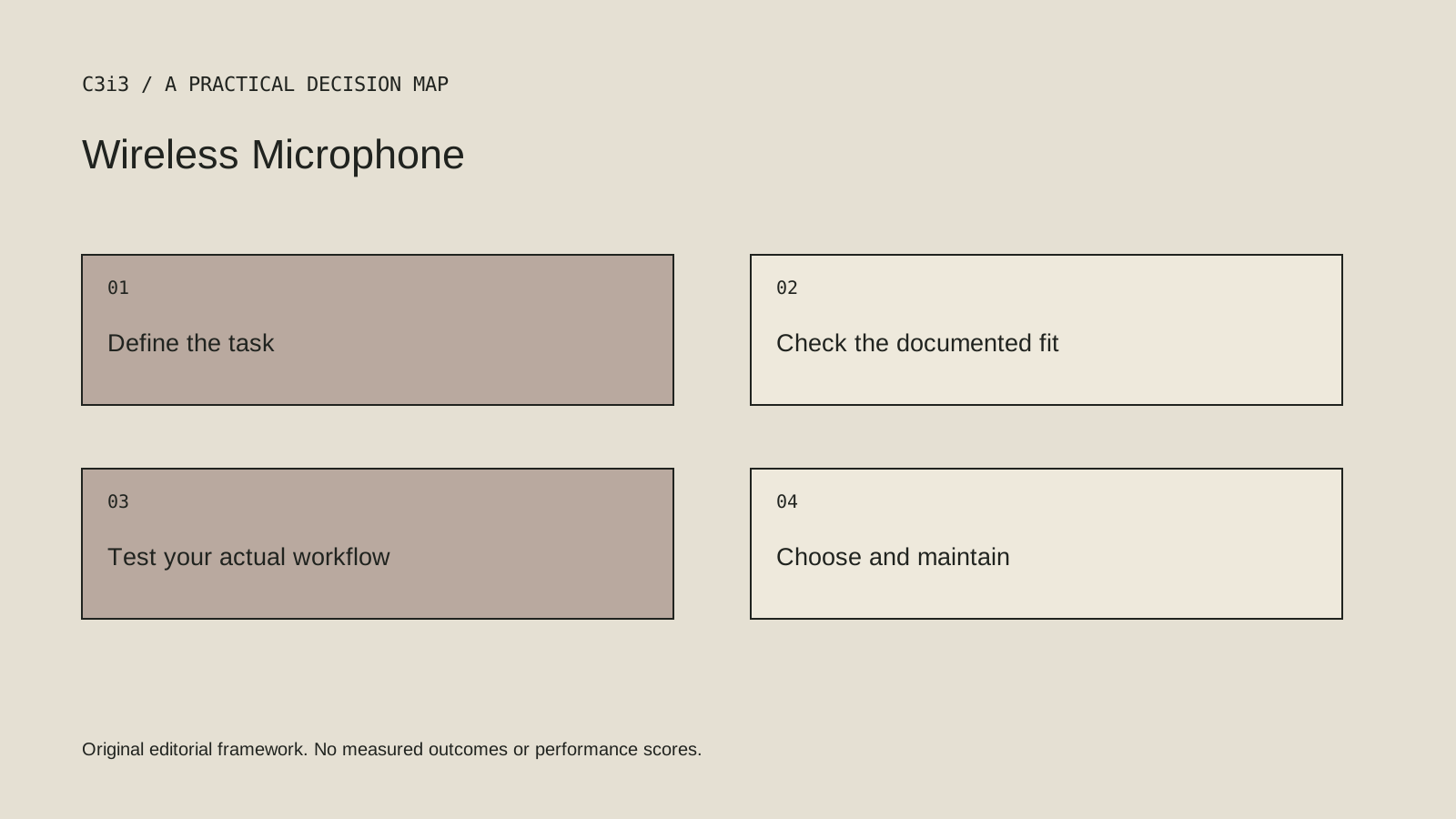
Trace the signal from the speaker to the final recorded file. A microphone’s internal recording format and the camera’s audio input can be different. If you rely on a backup file, include retrieval, naming and synchronization in the production plan.
Choose the actual receiver configuration for the camera or phone. Direct-to-phone claims can depend on a supported app. Check the manufacturer’s documentation for the combination you intend to use and keep the required accessories with the kit.
A practical check before committing
Record a short sample using the real camera or phone, application and clothing arrangement. Listen to the file with headphones and check the backup route if the system provides one. A successful pairing indication is not the same as a usable recorded interview.
What this comparison does not establish
Manufacturer transmission figures depend on conditions. Do not treat a laboratory distance or an internal recording feature as a guarantee of location performance.
Put the decision into practice
- Which receiver, adapter and recording application will be used?
- Is a separate internal recording needed and who will retrieve it?
- How will mounting, wind protection and monitoring work?
- Review the current official documentation and actual handover.
Sources and editorial method
Reviewed November 6, 2026. Linked announcements retain their original dates. Product documentation establishes described capabilities; it does not establish that a subject is currently a search breakout. Examples and decision frameworks are editorial analysis.
Questions readers ask
Is the first option the best choice for every business?
No. The list covers different use cases. Use the stated criteria and your actual requirements to decide which options deserve further evaluation.
Are these hands-on product reviews?
No. They are research-based editorial comparisons using official documentation and practical selection criteria. No claim of personal testing or a guaranteed result is made.
How C3i3 can help
C3i3 helps businesses turn a clear customer question into useful content, a coherent digital experience and a manageable production process. Bring the product, page or workflow you are reviewing so we can discuss the work it needs.