






































In this article
An on-site demonstration may involve movement, a tight viewpoint or a place where a larger camera is awkward. An action camera can provide another angle. It still needs a safe mount, an understandable view and footage that accurately represents the work.
These five alternatives suit different shooting approaches. Choose the view the explanation requires before choosing the camera.
How we chose these 5 options
This editorial shortlist uses official product documentation and the practical criteria below. The order groups different workflows; it is not a laboratory performance ranking. We have not represented these products as hands-on tests. Features, availability and account access can change, so check the linked documentation for your intended setup.
| Criterion | Question to answer |
|---|---|
| Viewpoint | Does a conventional wide view or a reframable 360-degree view suit the task? |
| Mounting | Can the camera be secured without creating a hazard or changing the work? |
| Finishing | Who will stabilize, reframe, edit and explain the footage? |
1. GoPro HERO13 Black
5.3K recording up to 60 fps. HyperSmooth 6.0 stabilization and built-in mounting fingers plus tripod thread.
Consider it for: A wide-angle equipment or process demonstration with a planned mounting position.
Check before choosing: Specialist lens looks depend on compatible HB-Series hardware and settings. Do not interpret short burst slow-motion modes as continuous recording modes.

2. DJI Osmo Action 5 Pro
1/1.3-inch sensor. Front and rear OLED touchscreens with DJI microphone connection support.
Consider it for: A compact wide-angle camera with a supported wireless audio workflow.
Check before choosing: HorizonSteady and subject-tracking features have resolution, frame-rate and orientation restrictions. Manufacturer runtime depends on laboratory settings, not a full day of 4K filming.
3. Insta360 Ace Pro 2
8K recording up to 30 fps. FreeFrame video mode and wind-reduction audio mode.
Consider it for: Wide-angle production with several recording formats and later reframing needs.
Check before choosing: There is no built-in storage, so a suitable microSD card is required. Highest-rate modes, battery tests and mobile editing requirements have separate conditions.
4. Insta360 X5
8K 360-degree video. User-replaceable lenses and reframing through the Insta360 editing workflow.
Consider it for: A production where selecting the viewing angle after capture is useful.
Check before choosing: The 8K specification refers to the complete 360-degree image. Plan the flat-video export and reframing workflow rather than expecting every cropped view to be 8K. This is not claimed to be the newest X-series model.
5. DJI Osmo 360
8K panoramic video up to 50 fps. 128 GB built-in storage with approximately 105 GB available and microSD expansion.
Consider it for: 360-degree capture where internal storage provides another media option.
Check before choosing: DJI specifies a minimum stitching distance of 75 cm. The manufacturer cautions about underwater refraction and stitching with the bare camera; water-resistance depth is not a blanket endorsement for underwater production.
How to narrow the shortlist
Plan the scene around the information the buyer needs. A dramatic angle that hides the important connection or makes scale confusing is not a useful demonstration. A 360-degree workflow may offer reframing flexibility while creating an additional editing step.
Keep safety and permission separate from image quality. Do not place a camera where it interferes with equipment, protective procedures or someone’s work. Ask the responsible site team before filming and avoid exposing private customer or operational information.
A practical check before committing
Record a short controlled sequence with the intended mount and delivery format. Check whether viewers can identify the important action without explanation from the camera operator. Review the exported image and audio, not only the camera’s preview.
What this comparison does not establish
Water-resistance, mounting and stabilization claims have model-specific conditions. Confirm the relevant instructions and avoid translating a specification into a blanket safety claim.
Put the decision into practice
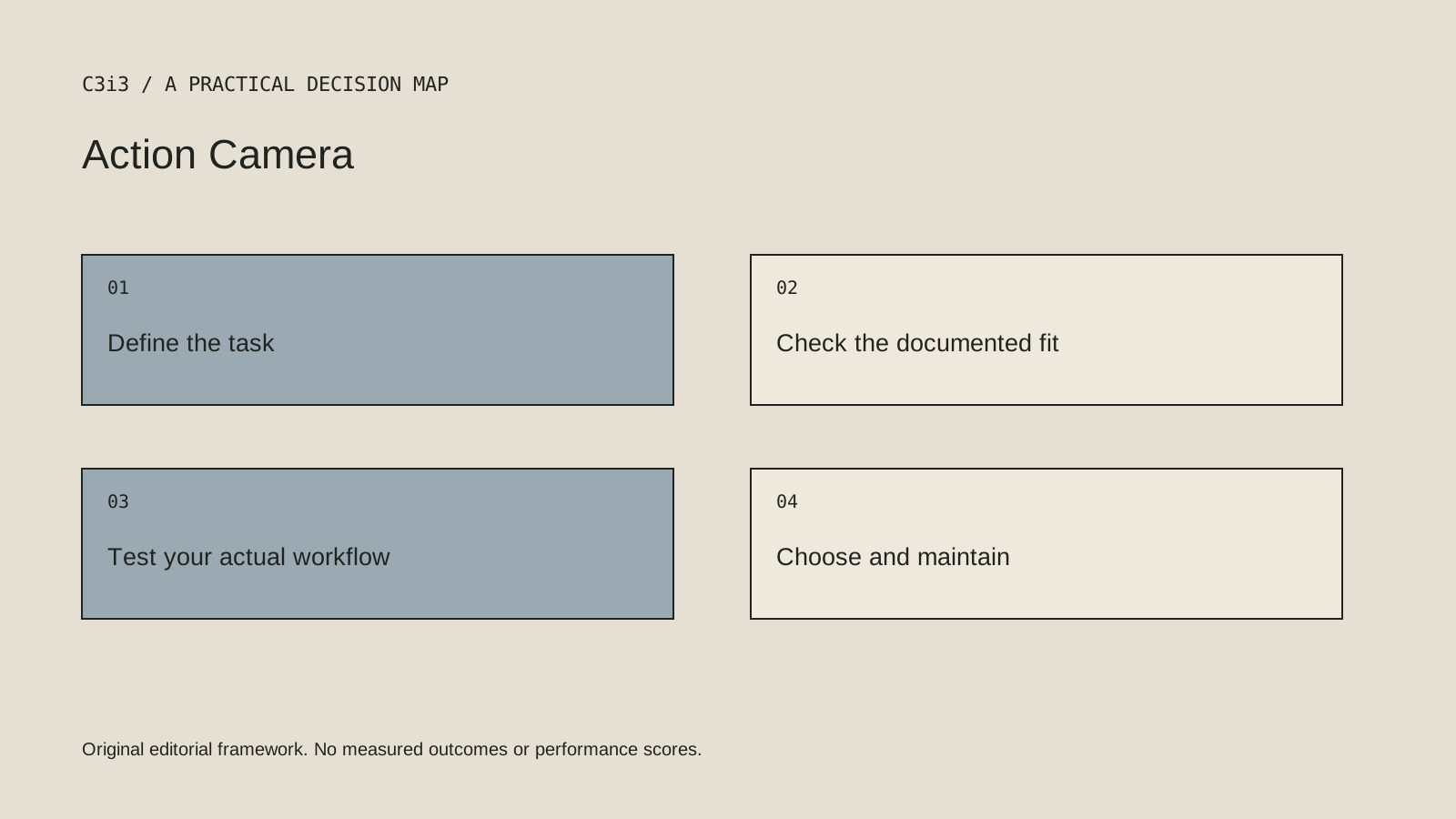
- Does a conventional wide view or a reframable 360-degree view suit the task?
- Can the camera be secured without creating a hazard or changing the work?
- Who will stabilize, reframe, edit and explain the footage?
- Review the current official documentation and actual handover.
Sources and editorial method
Reviewed November 6, 2026. Linked announcements retain their original dates. Product documentation establishes described capabilities; it does not establish that a subject is currently a search breakout. Examples and decision frameworks are editorial analysis.
Questions readers ask
Is the first option the best choice for every business?
No. The list covers different use cases. Use the stated criteria and your actual requirements to decide which options deserve further evaluation.
Are these hands-on product reviews?
No. They are research-based editorial comparisons using official documentation and practical selection criteria. No claim of personal testing or a guaranteed result is made.
How C3i3 can help
C3i3 helps businesses turn a clear customer question into useful content, a coherent digital experience and a manageable production process. Bring the product, page or workflow you are reviewing so we can discuss the work it needs.