






































In this article
A creative team reviews layouts in a client meeting, edits away from its main desk or needs a second screen for a production checklist. A portable monitor can help, provided the laptop can supply the right signal and the work suits the display.
Compare the connection and operating setup before concentrating on screen size alone.
How we chose these 5 options
This editorial shortlist uses official product documentation and the practical criteria below. The order groups different workflows; it is not a laboratory performance ranking. We have not represented these products as hands-on tests. Features, availability and account access can change, so check the linked documentation for your intended setup.
| Criterion | Question to answer |
|---|---|
| Signal and power | Does the device support the required display output and power arrangement? |
| Visual task | Is this for reference material, layout review or color-sensitive finishing? |
| Working setup | How will the stand, cables and desk space work in practice? |
1. ASUS ZenScreen MB16ACV
15.6-inch 1920 × 1080 IPS anti-glare display. USB-C input and a quarter-inch tripod socket.
Consider it for: A portable reference or application screen with a matte surface.
Check before choosing: The specification lists no speakers and 250 cd/m² typical brightness. Verify the host connection requirements; do not imply this is a calibrated reference grading monitor.

2. Lenovo ThinkVision M14t Gen 2
14-inch 2240 × 1400 16:10 display. Ten-point touch and pen input with 4,096 pressure levels.
Consider it for: Supported Windows-based annotation or layout review away from a desk.
Check before choosing: The support document lists Windows 10 and 11 requirements. Confirm touch, pen and rotation support for the actual host OS rather than promising identical Mac behavior.
3. ViewSonic VX1655-4K-OLED
15.6-inch 3840 × 2160 OLED display. USB-C and mini-HDMI input options.
Consider it for: Detailed visual review where 4K resolution and multiple input types matter.
Check before choosing: The panel has a glossy surface. Verify host power and scaling at 4K; manufacturer gamut coverage is not evidence that the complete field setup has been calibrated.
4. LG gram +view 16MR70.ASDU1
16-inch 2560 × 1600 16:10 IPS display. Two USB-C ports supporting DisplayPort Alt Mode.
Consider it for: A larger mobile canvas for layout work and side-by-side document review.
Check before choosing: This model is non-touch. USB-C connectors on a laptop do not by themselves establish DisplayPort Alt Mode compatibility.
5. espresso Display 15 Non-touch
15.6-inch 1920 × 1080 display. Two USB-C ports with power passthrough and magnetic Stand+.
Consider it for: A second application or presentation display using a compatible USB-C host.
Check before choosing: It is non-touch and Full HD, not the 4K Pro or Touch model. Some devices require additional power or adapters; distinguish the exact product name when linking.
How to narrow the shortlist
Check the laptop’s exact ports and the monitor’s documented requirements. A connector shaped like USB-C does not establish that every needed display function is available. Keep the correct cables and any separate power arrangement identified.
Be explicit about the visual task. A convenient reference display should not automatically become the authority for color-critical approval. If color accuracy matters, evaluate the specific display, settings and validation process appropriate to that work.
A practical check before committing
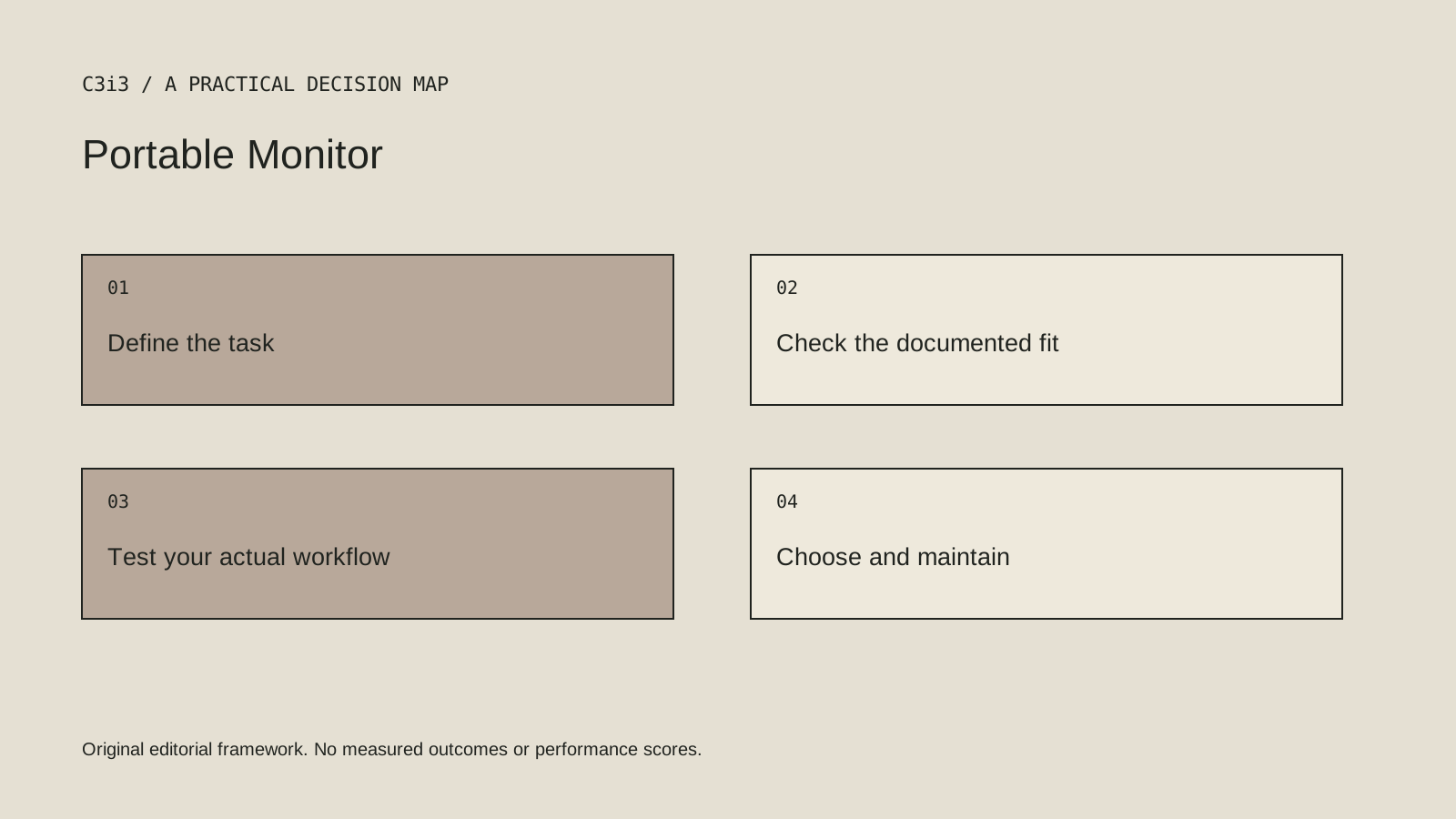
Connect the shortlisted monitor to the actual laptop and test the intended application. Check text readability, scaling, power behavior and stability of the stand. Ask whether the setup remains practical in the meeting room or location where it will be used.
What this comparison does not establish
Verify current regional availability and exact model identifiers. A documented model may not be stocked by every seller or in every market.
Put the decision into practice
- Does the device support the required display output and power arrangement?
- Is this for reference material, layout review or color-sensitive finishing?
- How will the stand, cables and desk space work in practice?
- Review the current official documentation and actual handover.
Sources and editorial method
Reviewed November 6, 2026. Linked announcements retain their original dates. Product documentation establishes described capabilities; it does not establish that a subject is currently a search breakout. Examples and decision frameworks are editorial analysis.
Questions readers ask
Is the first option the best choice for every business?
No. The list covers different use cases. Use the stated criteria and your actual requirements to decide which options deserve further evaluation.
Are these hands-on product reviews?
No. They are research-based editorial comparisons using official documentation and practical selection criteria. No claim of personal testing or a guaranteed result is made.
How C3i3 can help
C3i3 helps businesses turn a clear customer question into useful content, a coherent digital experience and a manageable production process. Bring the product, page or workflow you are reviewing so we can discuss the work it needs.