






































In this article
A customer requests information and the follow-up depends on someone remembering a note. As the business grows, that arrangement can become difficult to manage. Email marketing software can organize communication, but it also makes it easier to send an unclear message to more people.
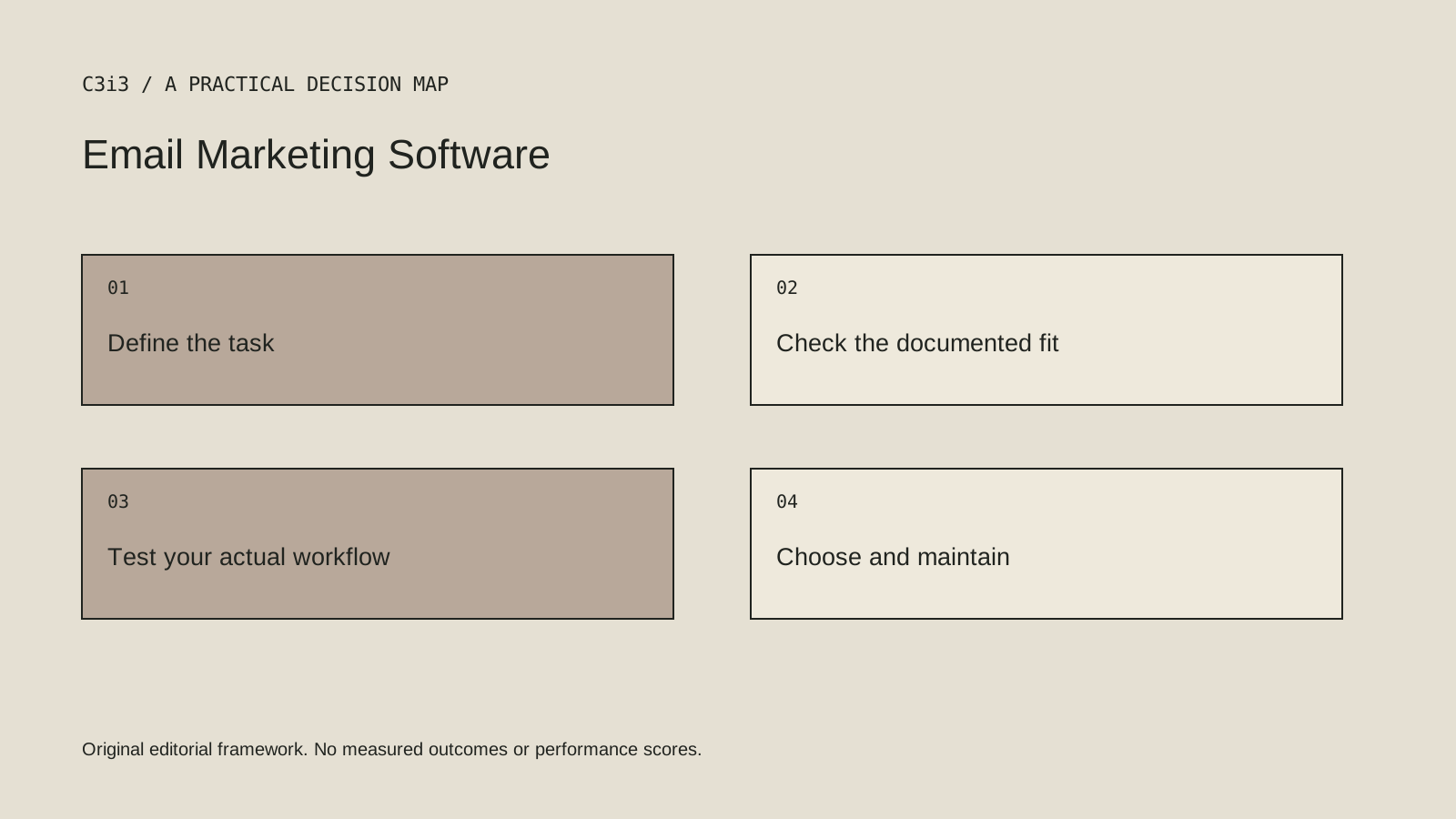
Choose the platform after deciding what recipients expect and who will maintain the sequence.
How we chose these 5 options
This editorial shortlist uses official product documentation and the practical criteria below. The order groups different workflows; it is not a laboratory performance ranking. We have not represented these products as hands-on tests. Features, availability and account access can change, so check the linked documentation for your intended setup.
| Criterion | Question to answer |
|---|---|
| Audience permission | What communication did each person request or agree to receive? |
| Sequence purpose | Which useful next step does each message support? |
| Record maintenance | Who handles corrections, unsubscribes and changed circumstances? |
1. Mailchimp
Email design, segmentation, automation flows and campaign reporting.
Consider it for: Businesses building repeatable newsletters and customer follow-up.
Check before choosing: Define consent, list ownership and the needed automation before comparing plan features.

2. Brevo
Contact segmentation, email campaign editing and marketing automation.
Consider it for: A business coordinating email with a wider customer messaging workflow.
Check before choosing: Keep promotional and transactional messaging requirements distinct.
3. Kit
Creator email marketing, visual automations and digital-product sales tools.
Consider it for: Newsletter-led creators and businesses turning expertise into a product.
Check before choosing: Check that a creator/subscriber model matches the organization’s sales process.
4. ActiveCampaign
Marketing automation and email marketing.
Consider it for: Businesses with defined, multi-step customer follow-up journeys.
Check before choosing: A complex automation still needs clear rules, content ownership and suppression logic.
5. HubSpot Email Marketing
Email marketing within the HubSpot customer platform.
Consider it for: A team linking campaigns to its CRM records and sales activity.
Check before choosing: Check the required CRM integration and subscription capabilities.
How to narrow the shortlist
Separate one-to-one enquiry replies from ongoing marketing subscriptions. A person asking a service question has not necessarily requested every newsletter the business may publish. Make the collection process and message purpose understandable.
Sketch the sequence in plain language before building automation. Include the condition that starts it, what should stop it and when a person should take over. If an enquiry has already been resolved, another generic follow-up may create confusion rather than assistance.
A practical check before committing
Use controlled test contacts representing different states: a new subscriber, someone who unsubscribed and a person whose request has been resolved. Check the messages, timing, reply route and stop conditions. Review the actual mobile email, not only the editor template.
What this comparison does not establish
An attractive template does not establish deliverability, suitable consent or a useful message. Those require their own review.
Put the decision into practice
- What communication did each person request or agree to receive?
- Which useful next step does each message support?
- Who handles corrections, unsubscribes and changed circumstances?
- Review the current official documentation and actual handover.
Sources and editorial method
Reviewed November 6, 2026. Linked announcements retain their original dates. Product documentation establishes described capabilities; it does not establish that a subject is currently a search breakout. Examples and decision frameworks are editorial analysis.
Questions readers ask
Is the first option the best choice for every business?
No. The list covers different use cases. Use the stated criteria and your actual requirements to decide which options deserve further evaluation.
Are these hands-on product reviews?
No. They are research-based editorial comparisons using official documentation and practical selection criteria. No claim of personal testing or a guaranteed result is made.
How C3i3 can help
C3i3 helps businesses turn a clear customer question into useful content, a coherent digital experience and a manageable production process. Bring the product, page or workflow you are reviewing so we can discuss the work it needs.