






































In this article
A lead is in someone’s inbox, the latest note is in a spreadsheet and the salesperson is away. A CRM can help organize that relationship, but only if the team agrees on what each stage means and who owns the next action.
These seven platforms offer different environments. Compare them against a real enquiry journey before deciding that a new system will solve an unclear process.
How we chose these 7 options
This editorial shortlist uses official product documentation and the practical criteria below. The order groups different workflows; it is not a laboratory performance ranking. We have not represented these products as hands-on tests. Features, availability and account access can change, so check the linked documentation for your intended setup.
| Criterion | Question to answer |
|---|---|
| Lead ownership | Can the team identify one responsible person and a next action? |
| Useful records | Which information is necessary to understand the customer’s request? |
| Handover | Can another team member continue the conversation without guessing? |
1. HubSpot CRM
Contact records, deal pipelines, tasks, imports and reporting dashboards.
Consider it for: Teams that want marketing and sales records connected.
Check before choosing: Map the actual handoff, permissions and reporting requirements before migrating data.

2. Salesforce Sales
Sales account, pipeline, automation and reporting workflows.
Consider it for: Organizations coordinating more complex sales operations.
Check before choosing: Identify configuration ownership, integrations and data governance before rollout.
3. Zoho CRM
Sales workflows, cadences, no-code functions and analytics.
Consider it for: A team that wants configurable sales processes.
Check before choosing: Test integrations and process configuration against a real lead-to-customer journey.
4. Pipedrive
Visual pipeline, lead/deal management, email sync and sales automation.
Consider it for: Sales teams organizing next actions around deals.
Check before choosing: Check how marketing, delivery and support data will connect to the sales pipeline.
5. Freshsales
Lead capture/routing, kanban sales views and AI-assisted insights.
Consider it for: A team that wants a structured sales view and lead follow-up.
Check before choosing: Review the communication channels and integrations needed for the actual operation.
6. monday CRM
Contact, lead, campaign and sales-work management on the monday platform.
Consider it for: Teams connecting their sales process to collaborative work.
Check before choosing: Ensure custom boards and fields produce reliable ownership and reporting.
7. Copper
Google Workspace-oriented CRM with activity, sales and project workflows.
Consider it for: Service businesses already working heavily in Gmail and Google Workspace.
Check before choosing: Validate the Google Workspace fit and project handover before migrating contacts.
How to narrow the shortlist
Define a small set of meaningful stages and the evidence required to move between them. A contact who downloaded a guide is not automatically a qualified sales opportunity. Keep those distinctions visible in reporting.
Agree on record maintenance and permissions. A CRM becomes less useful when everyone keeps a private version of the customer history. Check how email, forms and other systems connect, and decide which source should prevail when records disagree.
A practical check before committing
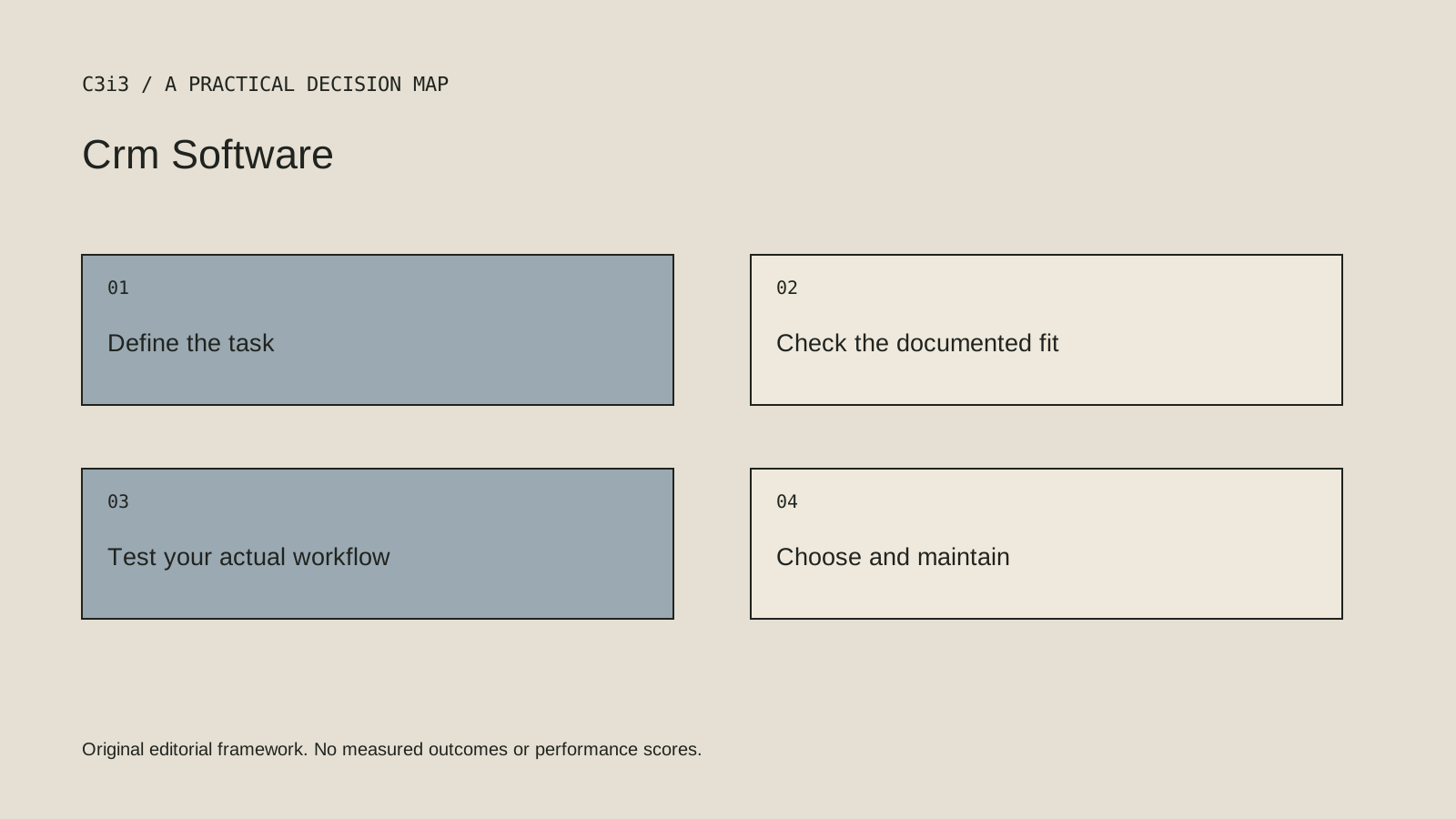
Take one sample enquiry from arrival to follow-up, handover and closure. Change the assigned person during the exercise. Can the next team member understand the history and commitments? Can the record be corrected without leaving contradictory copies in connected systems?
What this comparison does not establish
Adding required fields does not automatically improve data quality. Collect information the team can explain and maintain.
Put the decision into practice
- Can the team identify one responsible person and a next action?
- Which information is necessary to understand the customer’s request?
- Can another team member continue the conversation without guessing?
- Review the current official documentation and actual handover.
Sources and editorial method
Reviewed November 6, 2026. Linked announcements retain their original dates. Product documentation establishes described capabilities; it does not establish that a subject is currently a search breakout. Examples and decision frameworks are editorial analysis.
Questions readers ask
Is the first option the best choice for every business?
No. The list covers different use cases. Use the stated criteria and your actual requirements to decide which options deserve further evaluation.
Are these hands-on product reviews?
No. They are research-based editorial comparisons using official documentation and practical selection criteria. No claim of personal testing or a guaranteed result is made.
How C3i3 can help
C3i3 helps businesses turn a clear customer question into useful content, a coherent digital experience and a manageable production process. Bring the product, page or workflow you are reviewing so we can discuss the work it needs.