







































In this article
One team manages several brands, each with its own approvals, tone and publishing calendar. A social media management tool can organize that work, but a shared dashboard can also make it easier to publish the right message to the wrong account.
Compare the permission and review process as carefully as the scheduling interface.
How we chose these 7 options
This editorial shortlist uses official product documentation and the practical criteria below. The order groups different workflows; it is not a laboratory performance ranking. We have not represented these products as hands-on tests. Features, availability and account access can change, so check the linked documentation for your intended setup.
| Criterion | Question to answer |
|---|---|
| Account separation | Can people tell which brand and channel they are working on? |
| Approval | Who verifies the content before it becomes public? |
| Reporting | Can the team explain what each metric does and does not measure? |
1. Buffer
Content ideas, scheduling, insights, engagement and collaboration.
Consider it for: A small team maintaining a clear publishing routine.
Check before choosing: Check support for each specific network, post type and approval need.

2. Hootsuite
Publishing, social inbox, analytics, listening and employee advocacy products.
Consider it for: A business coordinating multiple social workflows.
Check before choosing: Compare the particular products and network permissions rather than assuming one feature set.
3. Sprout Social
Publishing, engagement, performance analysis and listening.
Consider it for: Teams that need publishing and customer interaction in the same workflow.
Check before choosing: Check role permissions and the reporting needed by client and internal stakeholders.
4. Later
Social scheduling, analytics, AI tools, approvals and collaboration.
Consider it for: A team connecting a social publishing process with creator work.
Check before choosing: Distinguish Later Social from its creator and enterprise campaign offerings.
5. Agorapulse
Publishing, social inbox, listening and reporting.
Consider it for: Teams managing engagement alongside scheduled content.
Check before choosing: Check inbox coverage and escalation responsibilities on the networks used.
6. SocialPilot
Scheduling, analytics, bulk import, team management and approvals.
Consider it for: Agencies and multi-account teams organizing recurring publishing.
Check before choosing: Verify per-account access and approval needs before centralizing client work.
7. Metricool
Planning, analytics, reports, inbox and campaign tools.
Consider it for: Teams comparing publishing activity with channel results.
Check before choosing: Check which networks and metrics are available for each connected account.
How to narrow the shortlist
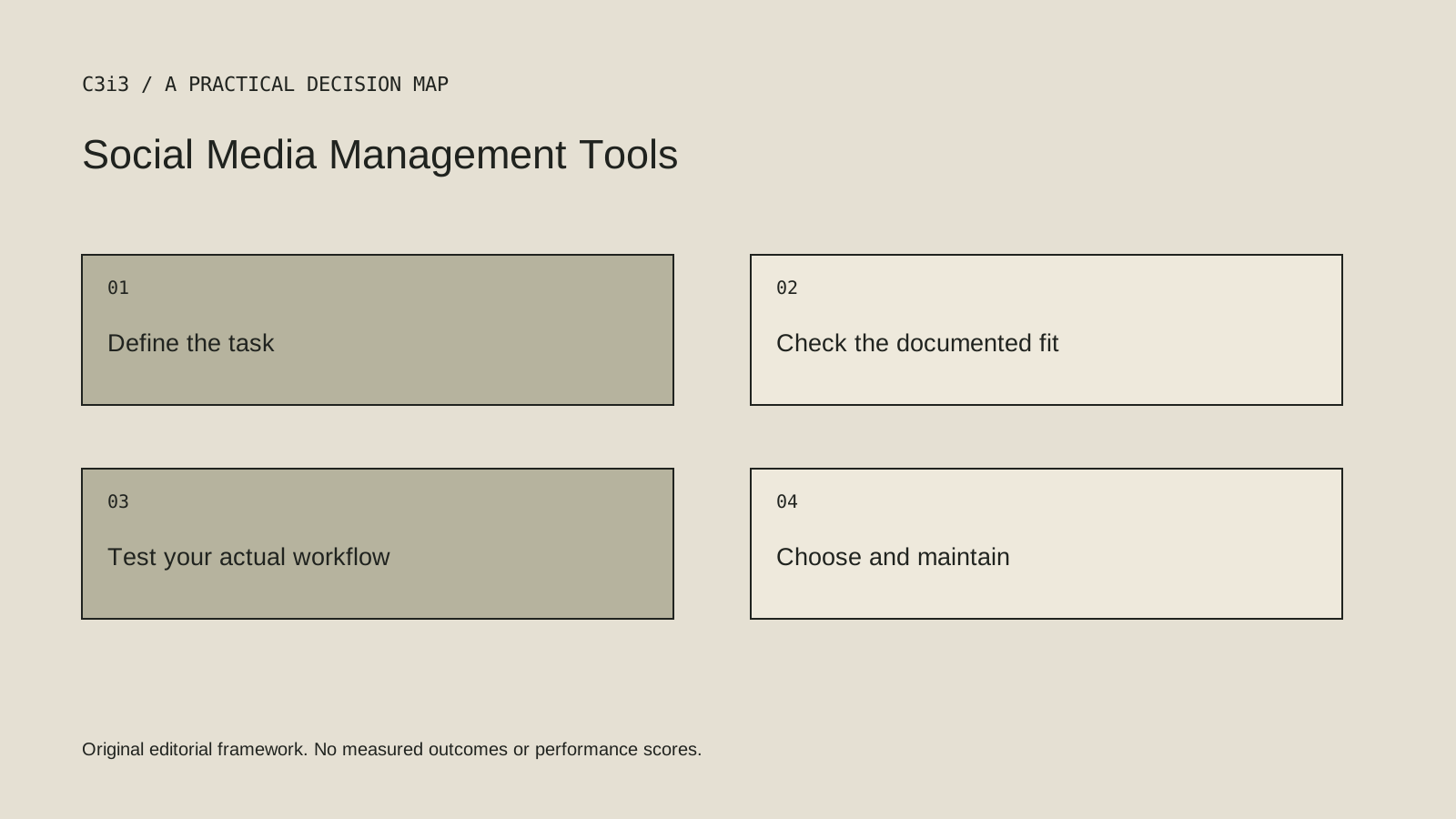
Map the production process from request to draft, review, approval and publication. Decide which roles need access and how urgent corrections are handled. Keep an account owner and recovery process outside a single employee’s memory.
Choose reporting that supports the actual question. A comparison of posts can help with editorial decisions. It is not automatically a complete account of business enquiries or sales. Keep platform engagement and customer outcomes labeled separately.
A practical check before committing
Create a controlled draft for two different brands and route it through the proposed approval process. Check account labeling, permissions, revision history and the correction route. Confirm which channels and publishing features work under the account’s actual access.
What this comparison does not establish
Do not assume every platform supports every post format, approval function or inbox integration equally. Verify the needed combination.
Put the decision into practice
- Can people tell which brand and channel they are working on?
- Who verifies the content before it becomes public?
- Can the team explain what each metric does and does not measure?
- Review the current official documentation and actual handover.
Sources and editorial method
Reviewed November 6, 2026. Linked announcements retain their original dates. Product documentation establishes described capabilities; it does not establish that a subject is currently a search breakout. Examples and decision frameworks are editorial analysis.
Questions readers ask
Is the first option the best choice for every business?
No. The list covers different use cases. Use the stated criteria and your actual requirements to decide which options deserve further evaluation.
Are these hands-on product reviews?
No. They are research-based editorial comparisons using official documentation and practical selection criteria. No claim of personal testing or a guaranteed result is made.
How C3i3 can help
C3i3 helps businesses turn a clear customer question into useful content, a coherent digital experience and a manageable production process. Bring the product, page or workflow you are reviewing so we can discuss the work it needs.