



































In this article
Your developer has stopped replying, and the website still needs attention. A staff change is waiting, a license renewal has failed, and nobody knows whether the login in an old document still works. You are considering a new provider, but the first question is more basic: what does the business actually control?
Start with continuity and access before committing to a rebuild. A quiet developer may have left a usable site with incomplete documentation, or there may be urgent faults to address. WordPress support should assess the situation and plan a controlled handover.
Separate an urgent fault from a frustrating handover
Write down what customers can and cannot do today. Check whether important pages load and whether an approved test enquiry reaches the team. Record visible faults and renewal deadlines. A working site with a missing staff photograph needs a different first response from a site that cannot take orders.
Tell prospective support providers about the actual impact and what has changed recently. Include the last confirmed working date when possible. Ask for an initial assessment and stabilization scope. Do not combine every long-standing design wish with the immediate continuity problem, because that can obscure the work needed to keep the business operating.
Build an account inventory from business records
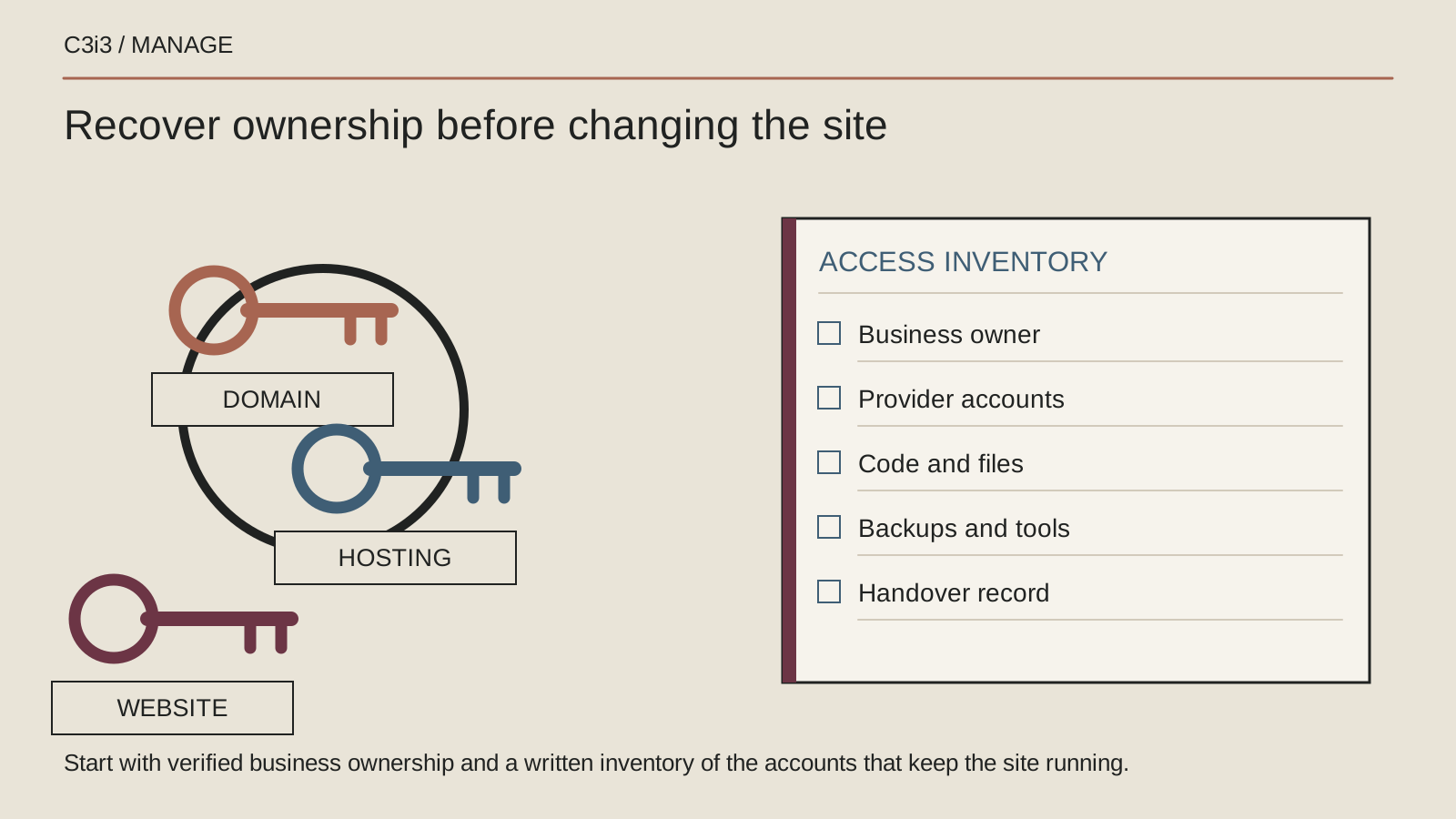
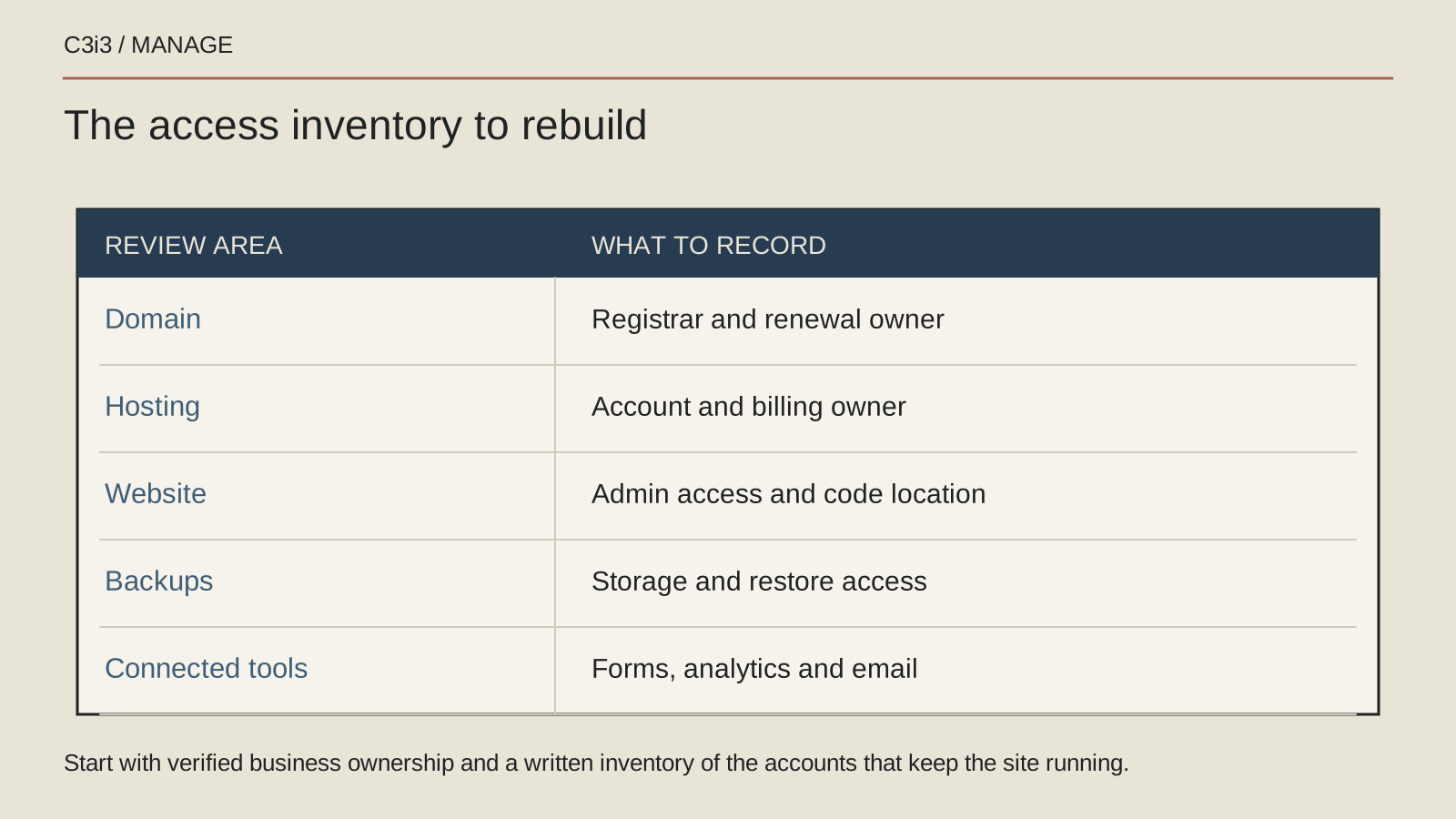
Find invoices, renewal notices, onboarding emails and existing contracts to identify the domain registrar, hosting provider, website accounts and connected services. Record the organization holding each account, authorized contacts and whether your business can sign in. Keep credentials in a suitable password manager rather than a general handover spreadsheet.
Distinguish a WordPress login from control of hosting and the domain. One does not automatically provide the others. Note business email and booking or payment services as separate dependencies. A new provider needs this map to plan responsibly. It also reveals where a recovery email points to a former supplier or a departed employee.
Recover access through legitimate provider procedures
If your business cannot access an account, contact the provider through its official support channel. Explain the relationship and ask what ownership or authorization evidence it requires. Prepare relevant contracts, invoices and business records, sharing only what the provider requests through its approved process.
Do not impersonate the missing developer or attempt to bypass account controls. If account ownership is disputed, seek appropriate professional advice about the agreement and available remedies. An invoice for website work does not by itself establish every account right. Record recovery requests, evidence, case numbers and next steps to prevent conflicting requests.
Request a specific handover that another person can use
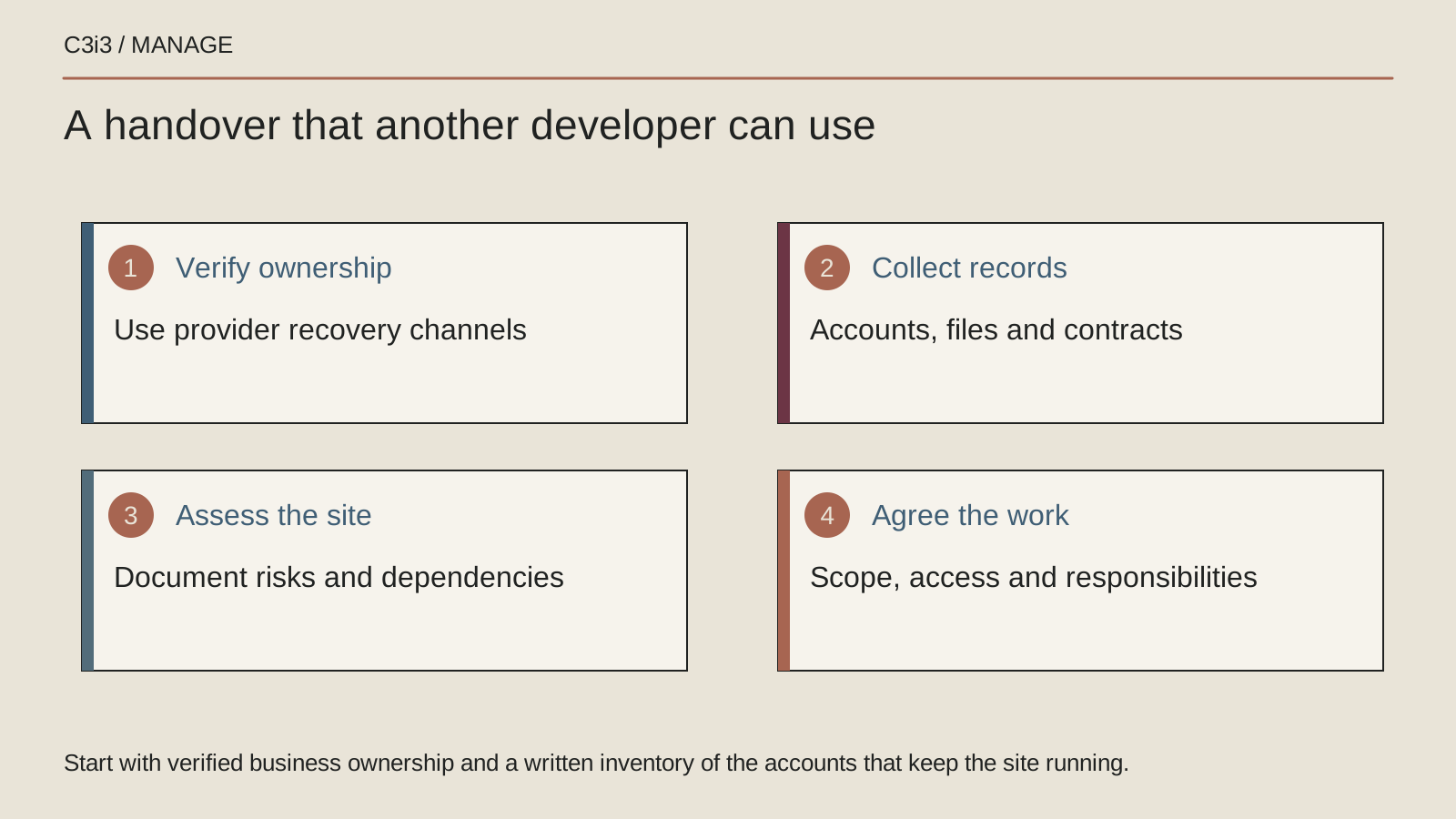
Send a concise written request through your established contact route. Ask for the account inventory, administrative handover, current backups, custom code location, software licenses, integration details and any unfinished work. Include a reasonable response date based on the circumstances and the existing agreement.
A useful handover explains unusual dependencies and recurring tasks, not just a password. Ask which licenses can transfer, which belong to the developer and what happens when support ends. WordPress documents how different user roles control actions; confirm that the business receives suitable authorized access rather than assuming any successful login provides administrative control.
Preserve the current site before a new team changes it
Arrange a documented copy of the required files and database through an authorized provider. Ask what is covered, where the copy is kept and whether restoration can be tested safely. The WordPress file-backup guidance identifies files and database as separate parts of site protection.
Also preserve useful configuration records and recent business content through an appropriate process. A visual screenshot is not a site backup. Avoid giving a replacement team blanket permission to overwrite the live site during its assessment. Agree which changes are authorized immediately and which need a proposal after the team understands the dependencies and recovery limits.
Commission an assessment before accepting a rebuild
Ask the new support provider to inspect maintainability, active components, custom work, available source files, licenses and critical integrations. Request findings grouped by urgency with an explanation of business impact. The output should identify what can continue safely, what needs investigation and what requires a larger decision.
A rebuild may be appropriate, but it should follow evidence about the site's condition and business needs. Likewise, preserving everything indefinitely may carry avoidable support problems. Compare a stabilization plan with any proposed replacement using scope, disruption, future maintenance and ownership. The chosen route should solve your actual problem.
Use the transition to remove the single-person dependency
Agree a support process with one business contact, a request queue and a documented escalation route. Give individual accounts to the people who need them, maintain business recovery contacts and review access after handover. Coordinate removals so legitimate operations continue and important material remains available.
The WordPress hardening guidance supports careful access management and trusted software sources. Translate that into everyday ownership: keep an account register, document consequential changes and have a second authorized business contact. An employee can manage requests while specialists deliver the work. The arrangement should survive an absence without returning every technical question to the owner.
Keep this checklist beside you
Questions before the next step
Do I need a new website when my developer disappears?
Not automatically. A support assessment can establish whether the current site can be maintained and which dependencies need attention. Decide about a rebuild using the findings and your business needs rather than the communication breakdown alone.
Can a new provider take over without the old developer?
Sometimes, depending on authorized access, available records, licensing and the site itself. Ask for a bounded assessment and a list of missing items. Recovery may involve hosting or domain providers, and disputed ownership needs appropriate professional advice.
How C3i3 Can Help
C3i3 can help assess an existing site and organize ongoing website management with practical handover and support responsibilities. We can start from the accounts, records and working site your business can legitimately access.
Bring the current website, known renewal dates and a short list of unresolved requests. We can identify what needs immediate attention, what information is missing and how a scoped support arrangement could give your employee and outside specialists a dependable way to work together.