








































In this article
Your maintenance email says everything is green, but a customer still cannot submit an inquiry from a phone. Another visitor finds an expired offer. The report lists successful updates, but when was the contact journey last tested?
Website maintenance services need a business checklist as well as a software checklist. A monthly review gives the owner a dependable point to inspect evidence, approve work and catch changing information. It should sit alongside prompt handling of urgent problems, rather than become a reason to leave a broken form or security warning waiting until next month.
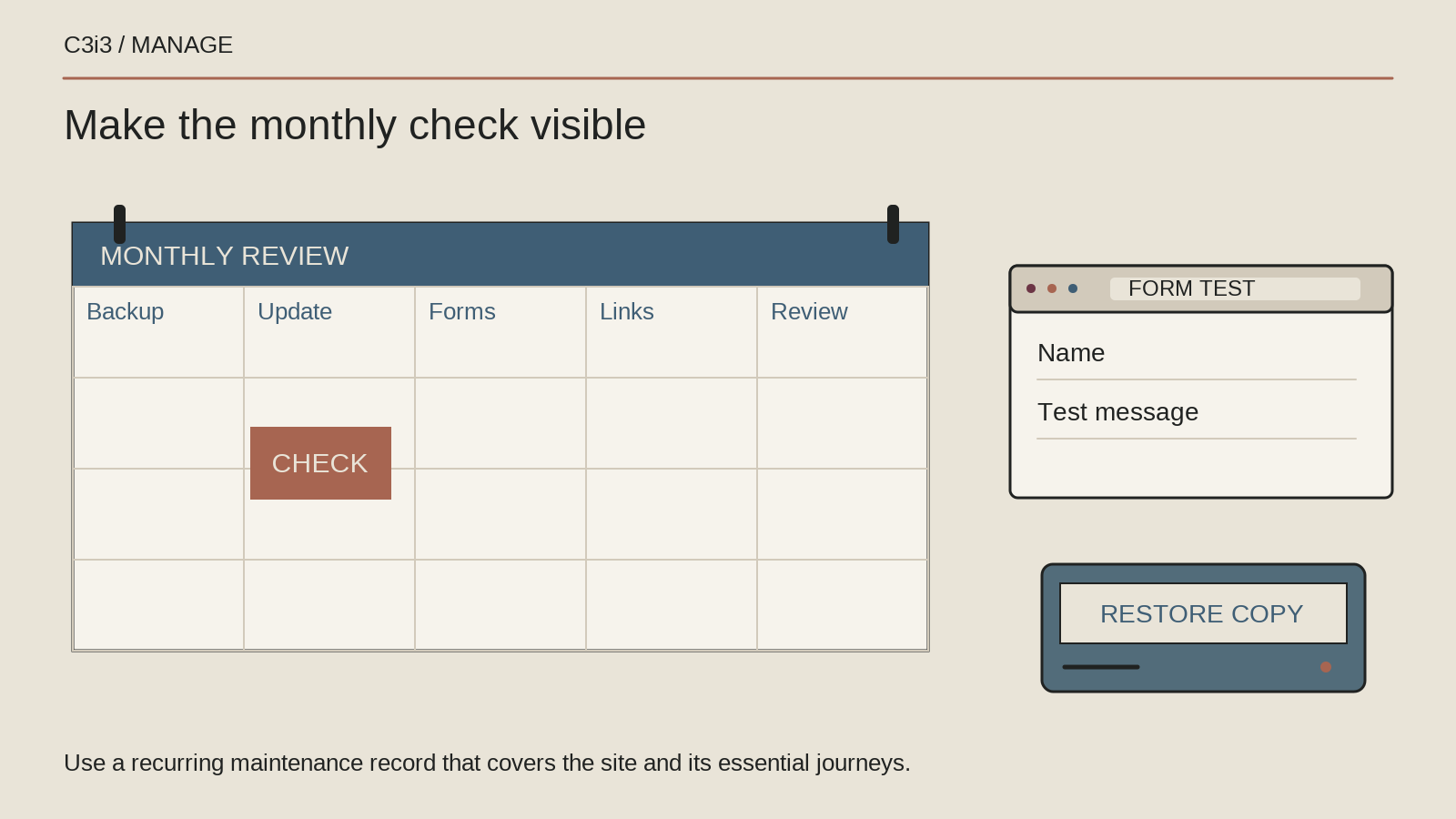
Test an inquiry from the visitor through to the office
Submit a clearly labeled test inquiry through the main contact form using a phone. Check required fields, error messages, the confirmation screen and the message that reaches the team. Agree how test records will be identified so they do not confuse sales reporting or trigger unnecessary follow-up.
If bookings or orders are essential, include an approved test route appropriate to that system. Do not create real charges or appointments casually. Record the date, device, steps and outcome. When a test fails, assign someone to trace the problem across the website, email delivery and connected service rather than repeating the test indefinitely.
Review updates as changes that need verification
Ask which website software was updated, what failed and which updates remain pending. A list of version numbers should connect to a short explanation of important exceptions. If an update is deferred, record the reason, interim action, owner and next review date.
WordPress recommends a backup before updating in its updating guidance. Your maintenance process should also define the checks after the change. Confirm key layouts and customer tasks, particularly when the form, commerce or page-building components changed. Do not treat an update completion notice as evidence that the entire site still works as intended.
Inspect backup evidence and the separate restore record
Review the latest completed backup, any failures and whether the copies cover the files and data your site needs. Check that the responsible person can reach the recovery system through an authorized business account. An inaccessible copy is a weak recovery arrangement.
Keep a separate line for the most recent successful restore exercise, where it took place and what was tested. The WordPress lesson on backing up a site distinguishes files from the database. Ask your provider to explain coverage in plain language. Schedule restore testing according to the site's risks and changes rather than assuming a daily backup proves daily recoverability.
Find old information that affects a buying decision
Choose a manageable group of important pages each month. Check service availability, contact details, staff information, opening hours, downloads and any time-sensitive offers. Ask the business person responsible for those facts to verify them. A technician cannot reliably guess whether an old service description is still correct.
Record content decisions in a small worksheet: page, incorrect fact, approved replacement, approver and publication date. Rotate through other pages over time, while checking high-risk information more frequently when it changes. A price update is complete only when the relevant page, downloadable document and inquiry instructions agree, where those materials are in use.
Review access and approaching renewals
Compare the people with administrative access against current employees and active suppliers. Investigate unfamiliar access through the designated administrator. Plan access changes to preserve required integrations and a working recovery route.
Check approaching domain, hosting and software renewals. Identify the account holder, payment method owner and decision needed. WordPress's security guidance includes limiting access as a general principle. For an owner, the practical monthly question is whether each provider still needs the access they have and whether a business contact can recover control without relying on one person's private inbox.
Look for deterioration on the pages people actually use
Review a few representative service pages and key journeys on desktop and mobile. Look for obstructive banners, missing images, unreadable text, broken navigation and unusual loading delays. If you collect performance measurements, compare like pages and conditions rather than reacting to one isolated score.
Include recent customer complaints and employee observations. A receptionist who repeatedly receives calls about a confusing booking page has maintenance evidence worth investigating. Separate a reproducible problem from an improvement idea, then assign the appropriate next step. Monthly maintenance should produce a smaller, clearer work queue rather than an accumulating list that nobody owns or prioritizes.
Close the review with decisions and named follow-up
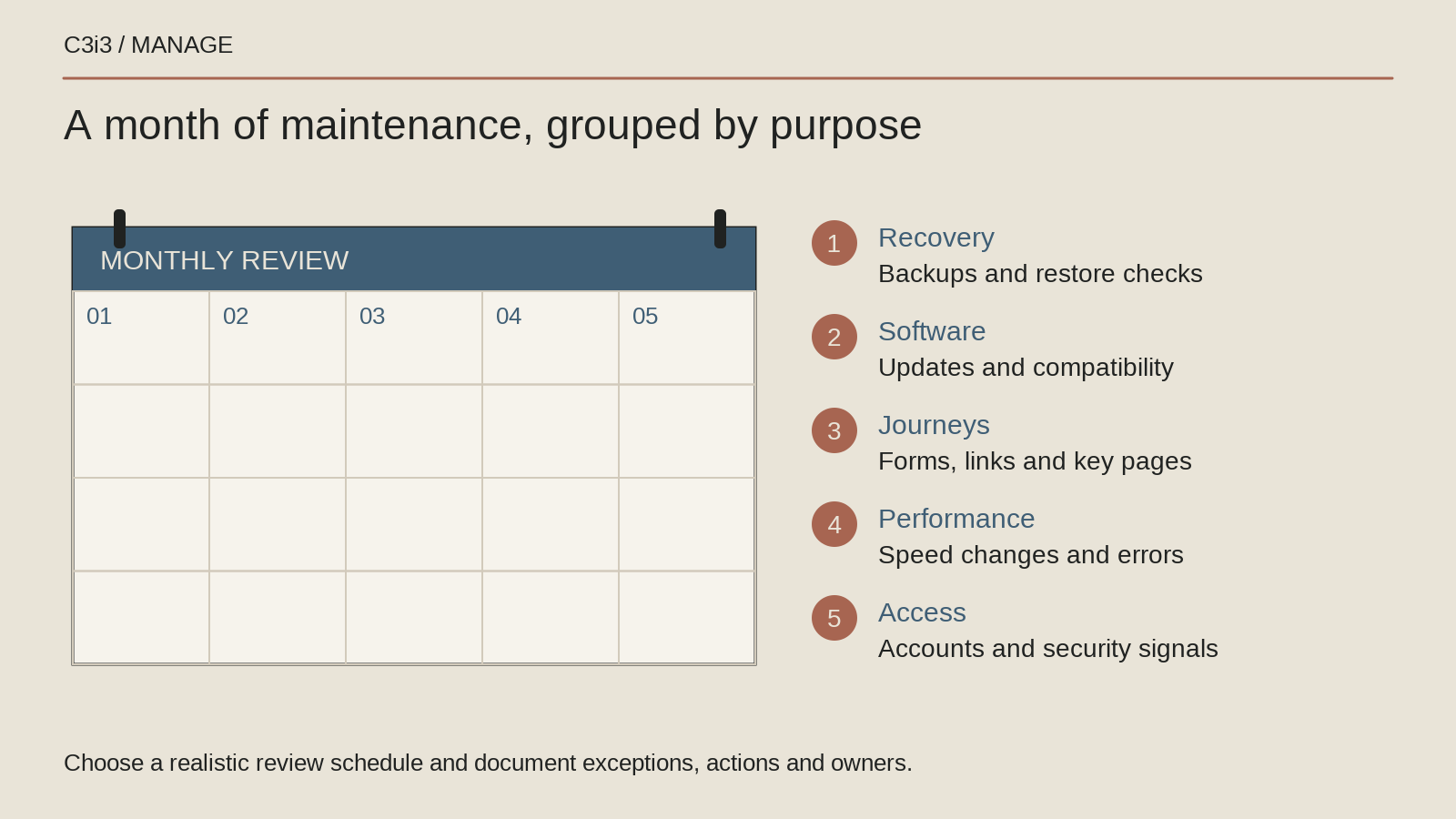
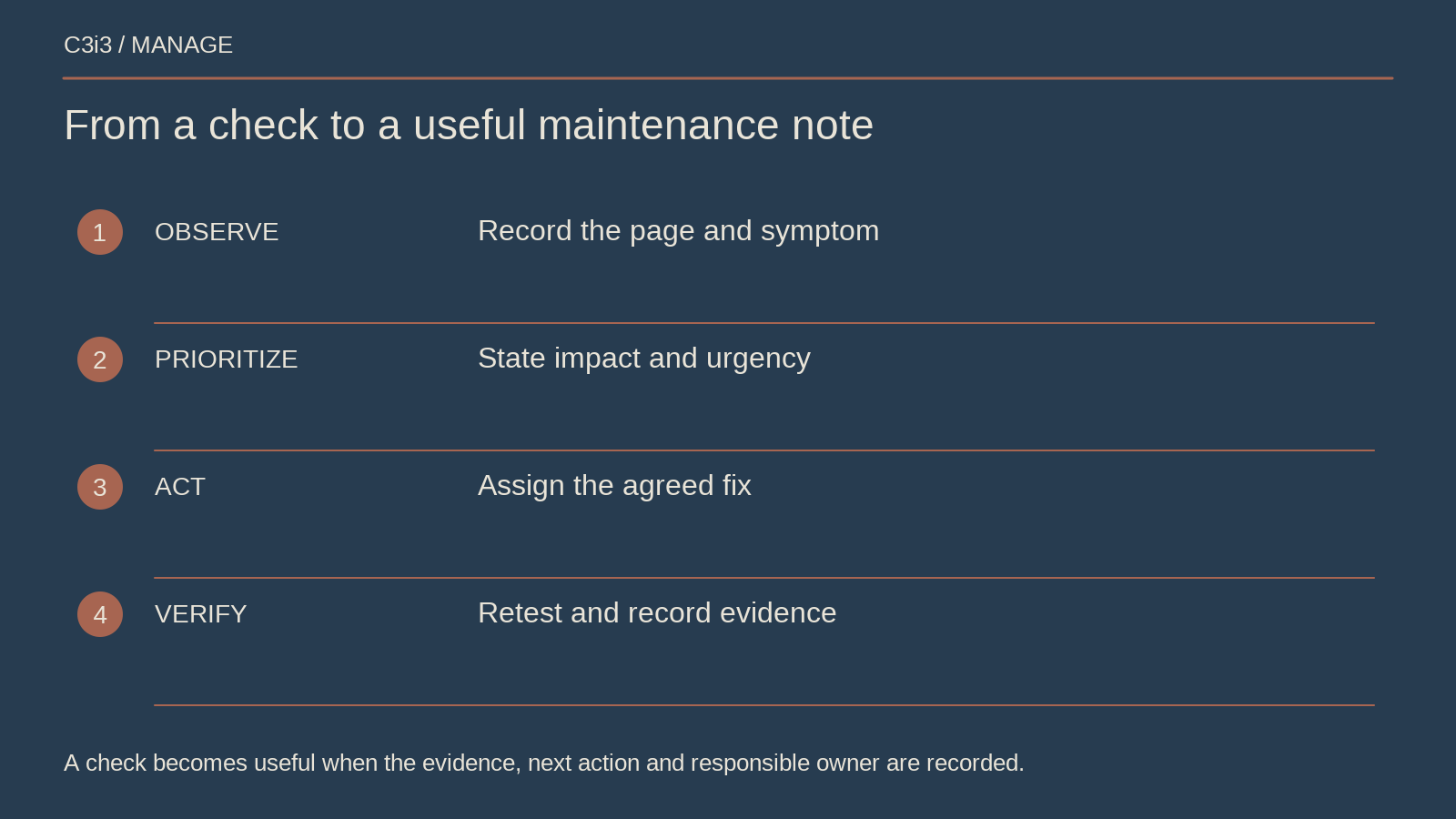
Use a review sheet with five columns: check, evidence, result, owner and next action. A passed form test might link to a labeled test record. A renewal issue might show the decision deadline and person authorized to approve payment. Avoid recording sensitive customer details unnecessarily in a shared report.
Finish with the items the business needs to decide. Identify urgent faults separately from planned improvements and describe any work outside the agreed scope. At the next review, start with those unresolved items. The value of the monthly rhythm comes from closing the loop, not from sending a new report while last month's problem remains untouched.
Keep this checklist beside you
Questions before the next step
Is a monthly maintenance visit enough?
It can be a useful review interval, but not every issue should wait. Agree how availability, failed inquiries and urgent security notices are detected and handled between reviews. The right arrangement depends on what customers do on the site and the impact of interruption.
Should the owner read every technical report?
The owner needs clear decisions, significant exceptions and confidence that someone reviewed the details. A concise summary with evidence and assigned actions is usually more useful than expecting the owner to interpret every automated notification.

How C3i3 Can Help
C3i3 can help put website maintenance and ongoing support into a review process your business can use. We can define essential journeys, organize requests and coordinate the people responsible for technical and content work.
Share a recent maintenance report and an example of a problem that remained unresolved. We can identify missing checks, clarify who owns the follow-up and scope a recurring arrangement that gives your team practical next steps each month.