



































In this article
Your website felt faster after the last round of work. Now the service page hesitates, the menu takes a moment to respond, and someone has suggested buying a different plugin. It is frustrating to revisit a problem you thought the business had already paid to solve.
A previous improvement can be real while the current slowdown is also real. New photographs, booking tools, advertising tags, software updates and hosting changes can alter the page after the original test. The useful starting question is what changed, where the delay occurs and whether the same conditions are being compared.
Find out whether the same pages are slow
Start with an actual example rather than the statement that the whole website is slow. Record the page address, device, approximate time and action that caused the delay. A homepage that loads slowly and a booking form that freezes after a selection may have different causes.
Ask a second person to repeat the journey on another connection. Note whether the issue affects every visit or only certain circumstances. Do not dismiss a customer report because the page feels quick on an office computer. Equally, one unusual connection does not establish that the entire website needs rebuilding.
Choose a small set of important journeys for investigation: opening the main service page, moving through the menu and submitting an enquiry. Those examples give the support team something specific to reproduce and give you a practical way to judge whether the work helped.
Compare measurements without treating a score as the whole answer
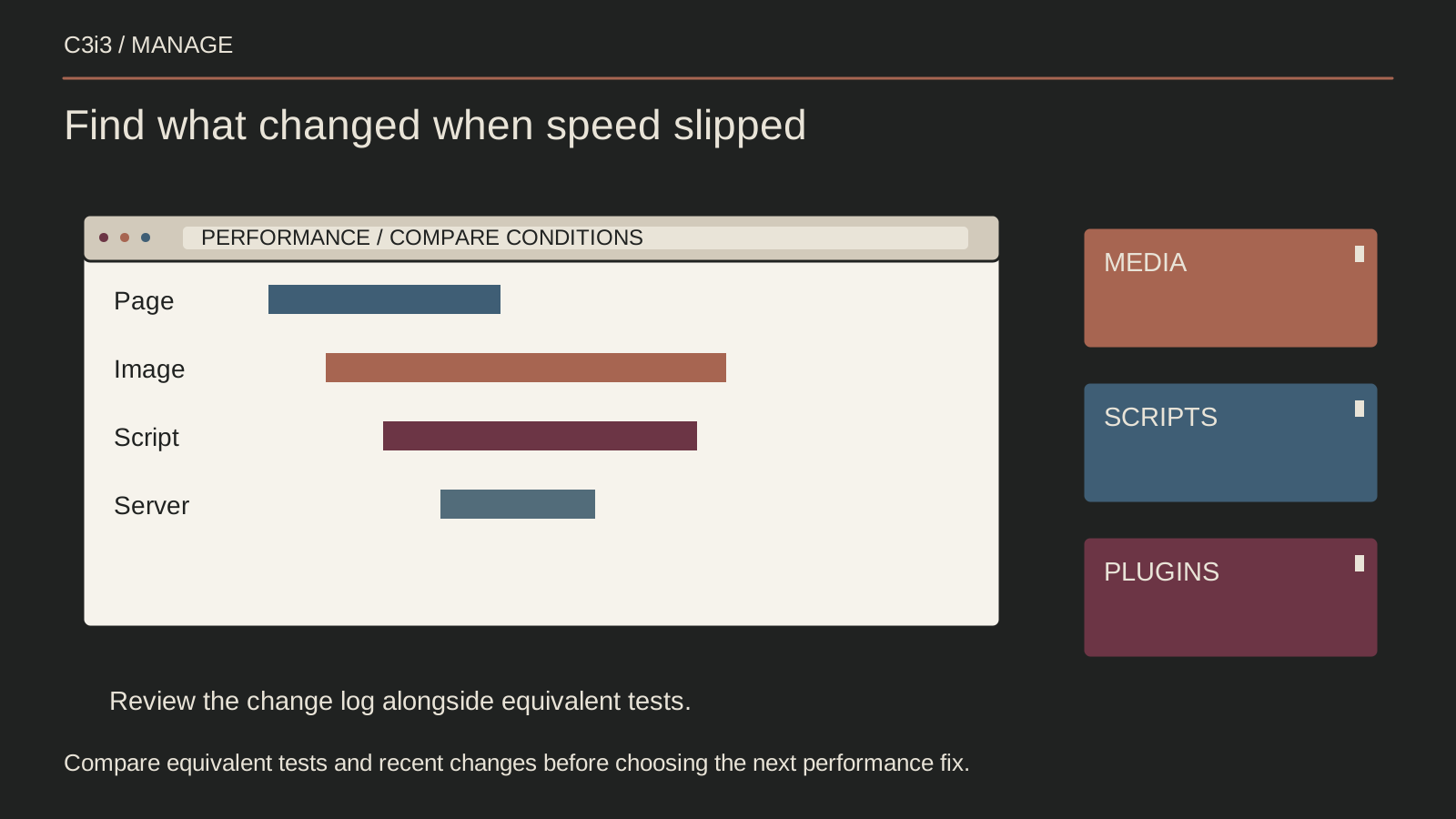
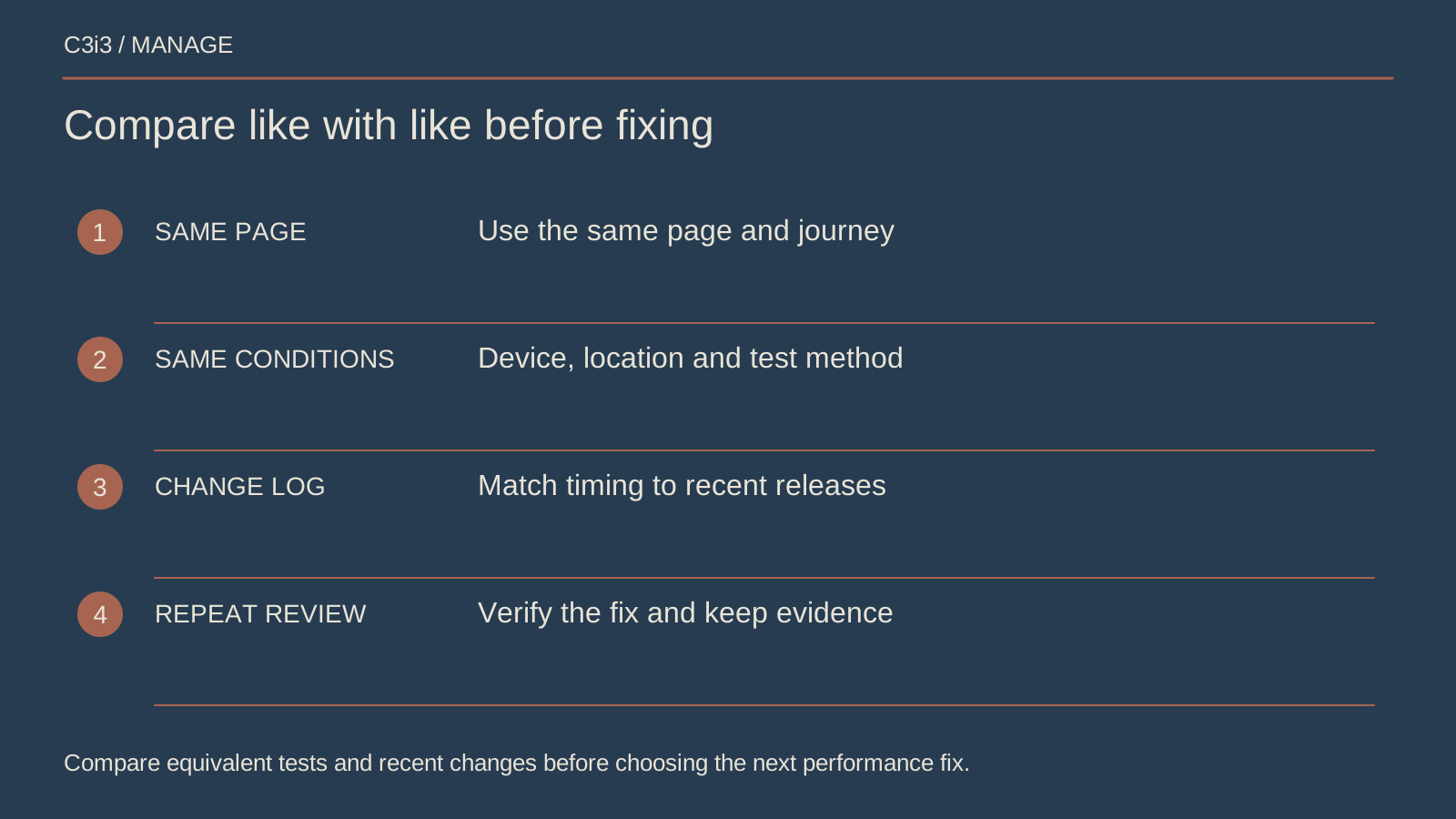
Ask for the report from the last improvement, including the tested page and date. A screenshot without that context makes a weak baseline. Compare similar pages and conditions, and separate a controlled test from information gathered from actual visitors. They answer related but different questions.
Google's guide to improving main content loading describes several parts of the loading process. Your provider should identify the relevant delay rather than promise that one setting fixes every cause. Request an explanation in terms of what the visitor experiences.
A helpful report might say the service photograph appears late, explain which request delays it, and show the result after a change. That is easier to evaluate than a collection of scores with no connection to the page or customer task being discussed.
Review everything added since the previous repair
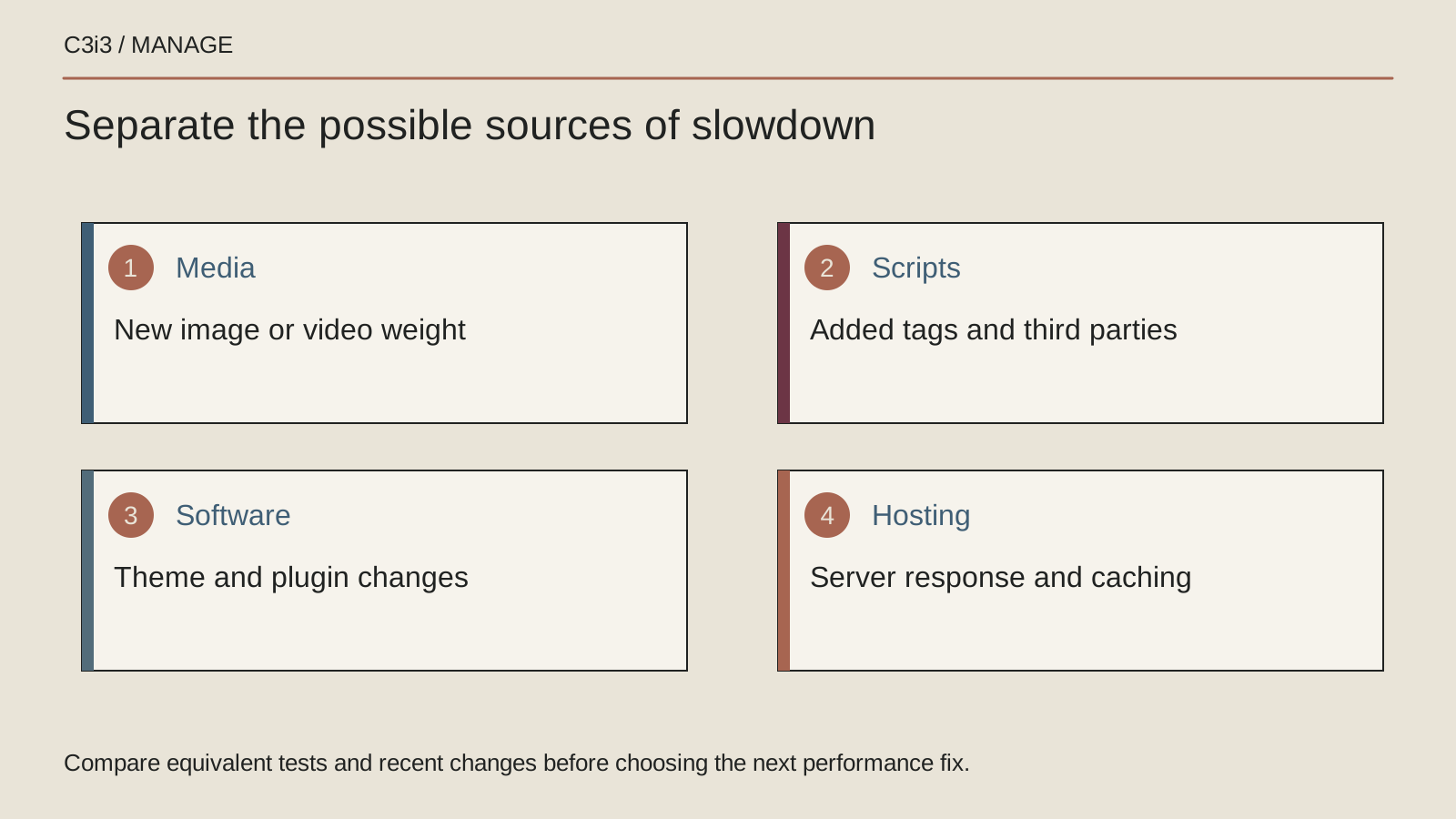
Build a short change history with dates and the people involved. Include new images, videos, fonts, plugins, analytics tools, chat windows, consent tools and booking integrations. Check hosting and theme changes too. Ask marketing suppliers about additions that may never have reached the website maintenance team.
For each addition, record its purpose and who still uses it. A campaign tag may remain active after the campaign ends. Two teams may have installed separate versions of the same tool. An attractive image may have been uploaded straight from a camera without preparing a suitable web version.
The web.dev guidance on third-party scripts discusses removing unnecessary additions or changing how they load. Have the technical team test an identified suspect safely. Removing everything at once can obscure the cause and interrupt useful business functions.
Choose a repair that fits the evidence
Ask the provider to separate confirmed causes from things still being investigated. If a new image is responsible, fix its delivery and the publishing process that allowed it. If the server responds slowly, investigate that service rather than repeatedly compressing photographs that were already suitable.
Agree on the order of work, a recovery option and the checks after each meaningful change. Avoid combining a hosting move, a new theme and several replacement plugins merely because the site feels slow. Too many simultaneous changes make it harder to establish which action helped or introduced a new problem.
Confirm that speed improvements preserve essential behavior. Test menus, forms, search and any customer tools after adjusting how page resources load. A page that appears sooner but loses submitted enquiries has not met the business need. Keep functional checks alongside the performance comparison.
Give future changes an owner and a short review
An owner does not need to approve every sentence. They do need visibility when someone adds a tool or changes a shared page feature. Create a simple request route that records the business purpose, affected pages, approval and follow-up check. Keep the history where the next support person can find it.
Set practical publishing rules for images and embedded media, and ask for a review before new sitewide tools are installed. Give staff a clear escalation route when a page begins to hesitate again. This is particularly useful when several outside suppliers work on the same website.
Review important pages after substantial changes and at an agreed interval. Discuss exceptions as well as averages. A monthly report that misses the contact form can look reassuring while customers struggle at the point where they want help.
Keep this checklist beside you
Questions before the next step
Does a slow website always need better hosting?
No. Hosting is one possible cause. Page content, outside tools and software behavior can also contribute. Ask for evidence showing where the delay occurs before committing to a move.
Can a maintenance company guarantee that speed never drops again?
A changing website needs continued observation. Ask for a documented baseline, change reviews and a response process. A blanket promise cannot account for every future addition, visitor condition or outside service.

How C3i3 Can Help
C3i3 can help review your important page journeys, recent changes and existing performance reports. We can turn the findings into a manageable repair plan and an ongoing review process.
Bring an example of the delay and any previous report. Our team can help coordinate the people involved, explain the next action plainly and keep responsibility visible after the immediate work is complete.