



































In this article
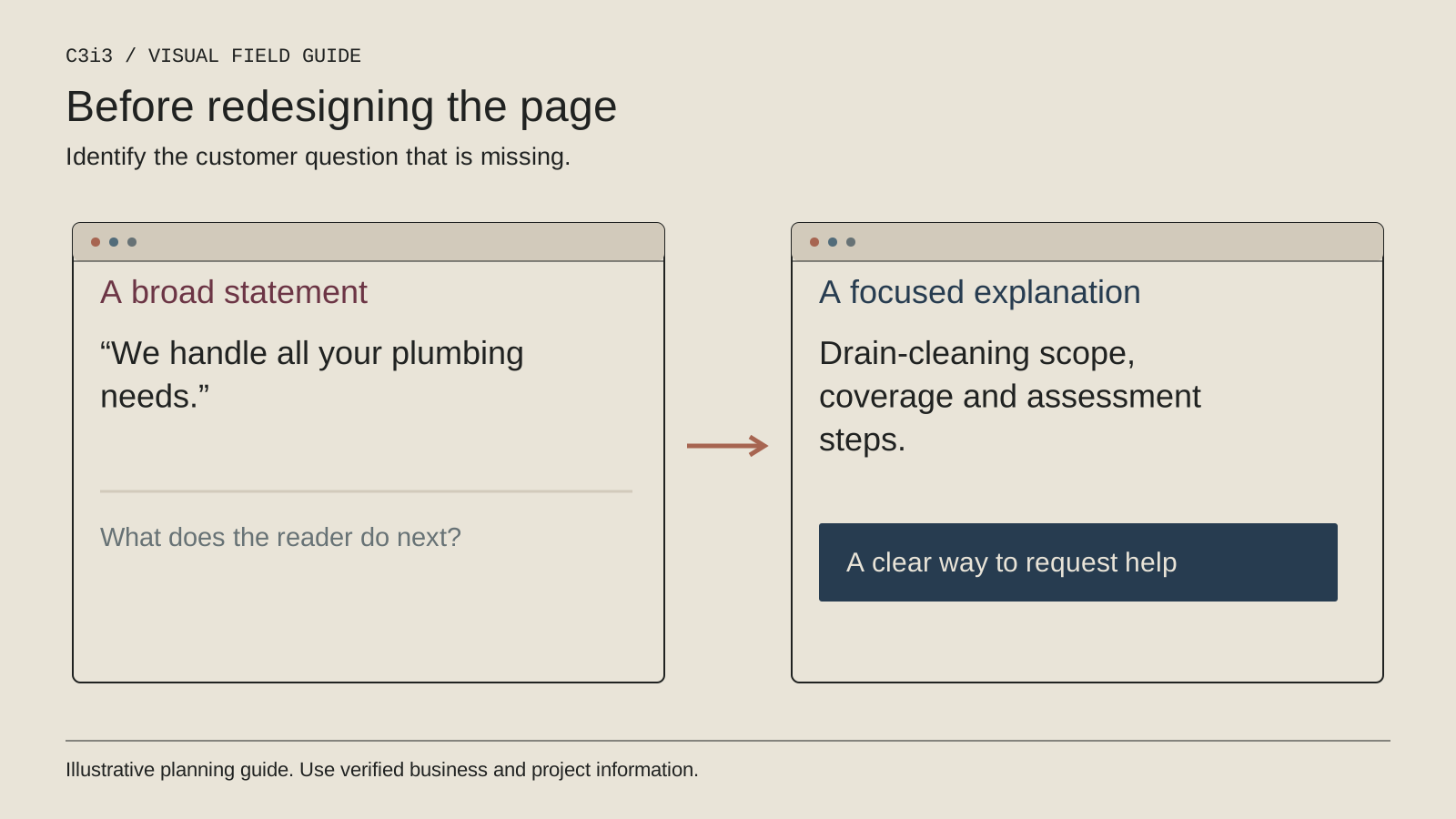
Your drain-cleaning page has a large wrench photograph, three promises about quality and a contact button. It looks complete until a customer asks whether you repair the sewer line, offer a particular inspection or serve their property.
A redesign should answer the questions that prevent an appropriate booking. Start with what the page needs to explain, then decide how to present it. Changing the colors and moving the same vague text into a new layout will not resolve the original confusion.
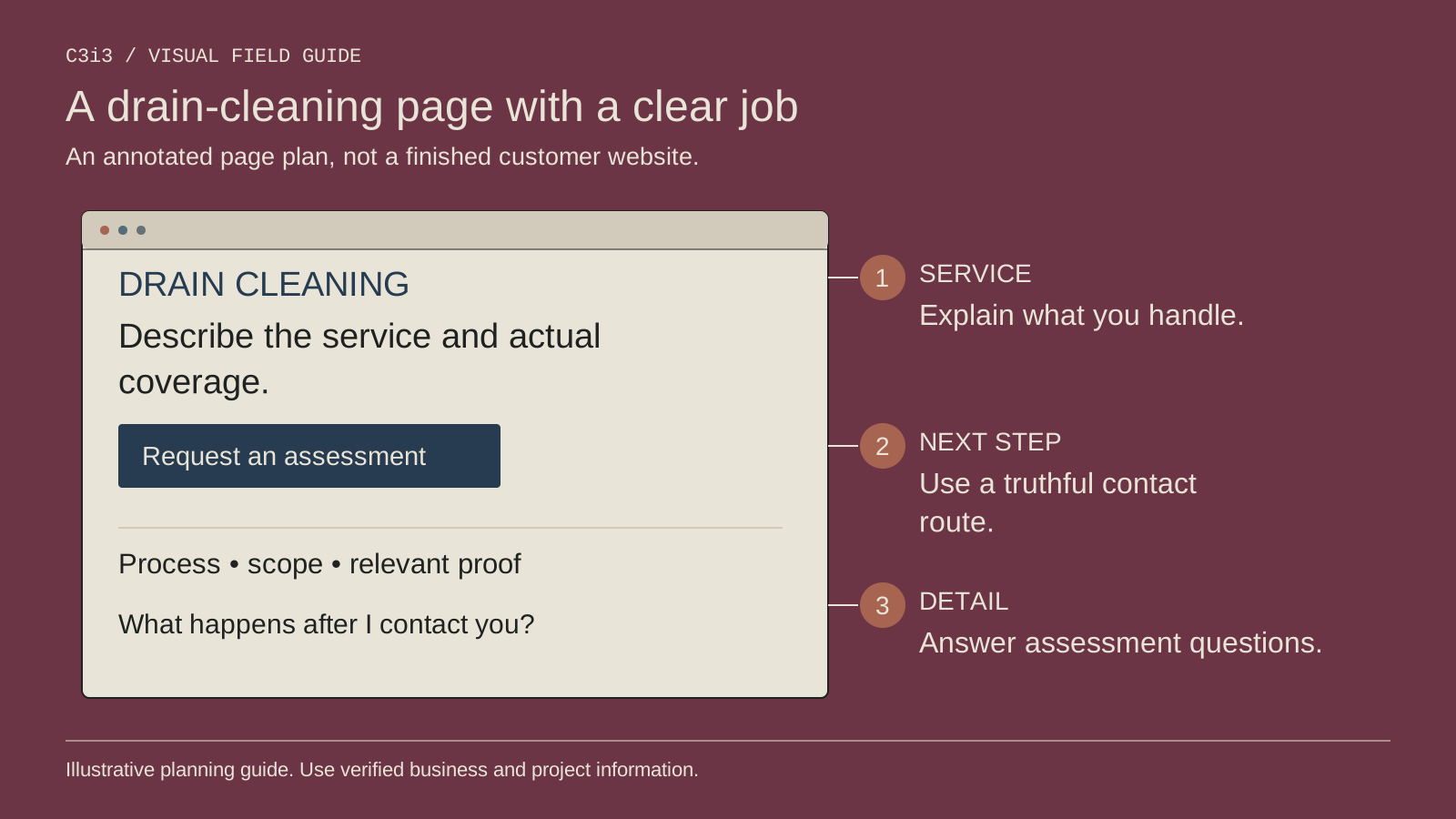
What should the top of a drain-cleaning page establish?
State the service and the business responsible for it. Explain the property types and areas you actually support, then offer an appropriate way to ask for an assessment. Avoid requiring the customer to diagnose the blockage before contacting you.
Use a concise opening that helps someone recognize the page's purpose. A headline such as “Drain Cleaning” can be followed by an explanation of what your team investigates and how appointments are arranged. Do not hide that information below a long company history.
Keep urgent-service claims aligned with the office's real availability. If timing must be confirmed, say so. A visible call button should lead to a process that can explain what happens next.
How do you distinguish cleaning from a repair recommendation?
Describe cleaning as the service being requested, then explain that assessment determines whether another investigation or scope is needed. Do not imply that every blockage means line replacement or that cleaning can resolve every underlying condition.
Use clear links to genuinely different service pages where they help the customer. The drain page should not become a collection of every plumbing keyword. Its job is to explain this service and the route to a suitable next step.
Our plumbing lead-generation guide explains why different customer decisions need clear paths. For this redesign, use actual office questions to define the boundaries rather than inventing technical conclusions for marketing effect.
Which evidence belongs on the page?
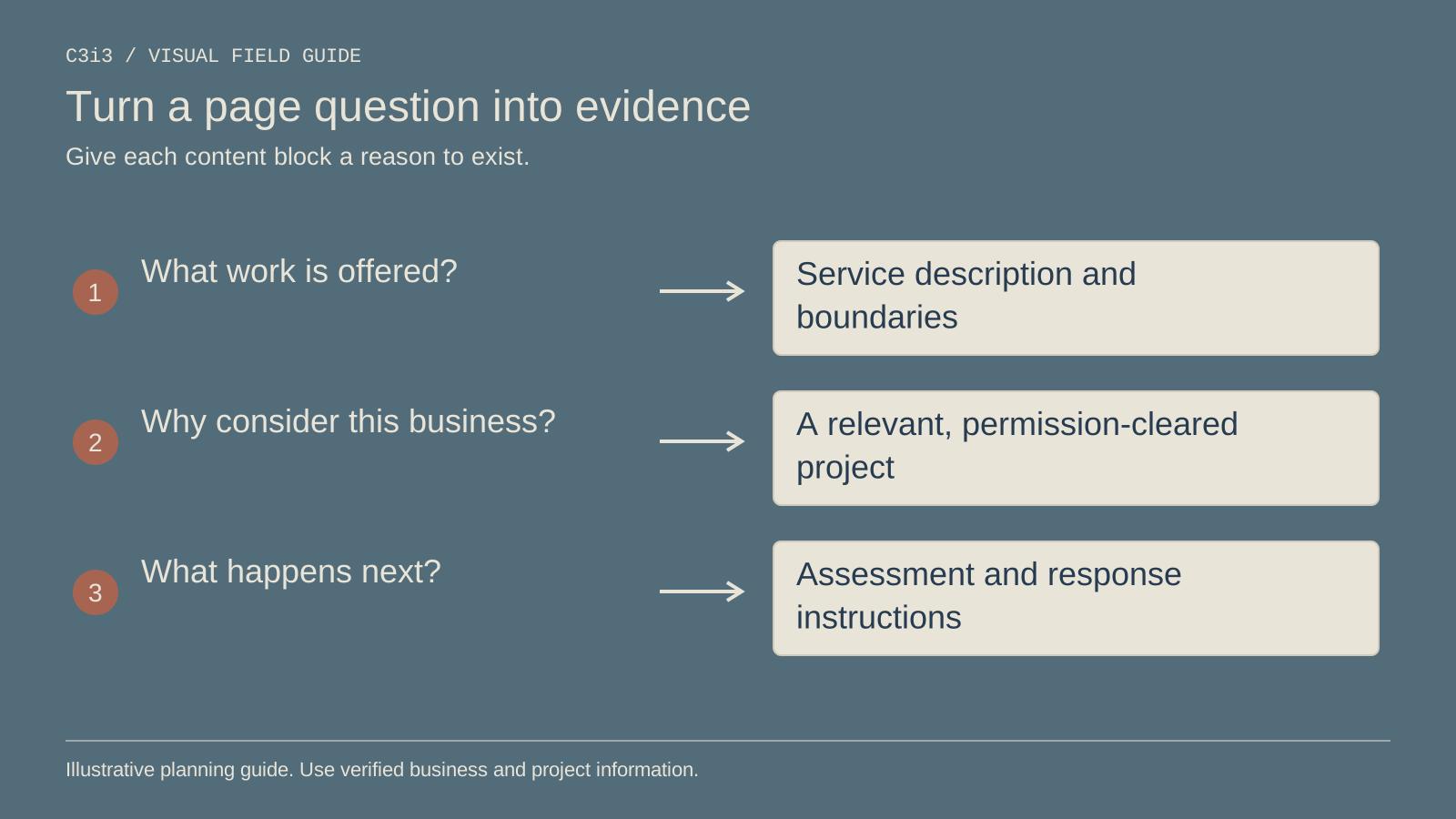
Use relevant work examples with permission. Explain the customer's reported problem, what your team assessed and the agreed scope. Do not publish private property details or imply that an image establishes conditions the business did not document.
Show who performs the work and make the actual business identity easy to verify. Credentials should be accurate and current; a decorative badge is not a substitute for the underlying information. Keep technical explanations approved by the people responsible for the service.
A short process diagram can make assessment, agreed work and follow-up easier to understand. Pair it with readable text so essential information remains available without interpreting an illustration.
What should the first contact step ask?
Use the information needed to establish fit: contact details, property location, the reported problem and an appropriate way to respond. Let someone say “not sure” when a service choice is unclear. Do not turn a first inquiry into a technical inspection form.
Make labels visible and required fields understandable. If a submission fails, explain what needs correction without erasing the customer's work. The W3C forms tutorial provides a useful starting point for accessible implementation.
Confirm the next step in plain language. A successful submission acknowledges a request; it does not mean a plumber is booked or dispatched unless the business has actually agreed that appointment.
Which existing search assets need protection?
Record the current page address, useful incoming links, important content and available search activity before replacing the page. If the address changes, map it to the relevant new destination and verify the redirect rather than sending everything to the homepage.
Keep service information that still helps the customer. A redesign is not a reason to remove useful answers merely because the new layout has less room. Our redesign visibility guide provides a focused review sequence.
Document the changes so later reporting has context. A new form, different page address and changed tracking setup can affect the comparison. Avoid calling a short before-and-after difference proof that the visual design caused the outcome.
How do you know the redesigned page works?
Ask someone unfamiliar with the business to find coverage, explain the service and start an inquiry on a phone. Observe where they hesitate. Then run a clearly labeled internal form test and confirm it reaches the responsible office contact.
Review keyboard use, error feedback and the page on representative devices. A complete review needs more than one screenshot. Check the actual customer task rather than only the appearance of the first screen.
After launch, review suitable inquiries and repeated questions. Use the contractor website planning framework to keep responsibilities clear. The next improvement should address evidence from the page and office, not a preference for another visual trend.
Keep this checklist beside you
Questions before the next step
Should the drain page include every plumbing service?
Use a clear overview and links where helpful. Keep this page focused on the drain-cleaning decision rather than repeating the whole service catalog.
Is a new layout enough to fix poor inquiries?
Only if the layout addresses the actual source of confusion. Content, coverage, scope and response handling may need work too.

How C3i3 Can Help
C3i3 can help redesign your drain-cleaning service page around a clearer customer task. We can organize content, develop explanatory diagrams and improve the mobile inquiry path while planning for existing search visibility.
Bring the current page and the questions your office repeatedly answers. We can distinguish a content problem from a form or routing problem, define the implementation scope and agree on acceptance checks. The aim is a page that helps the right customer start an understandable conversation with your plumbing business.