



































The new website looks better. The traffic chart looks worse. Now everyone has a different theory: the new platform, the missing blog posts, the designer’s headings or an unrelated Google change.
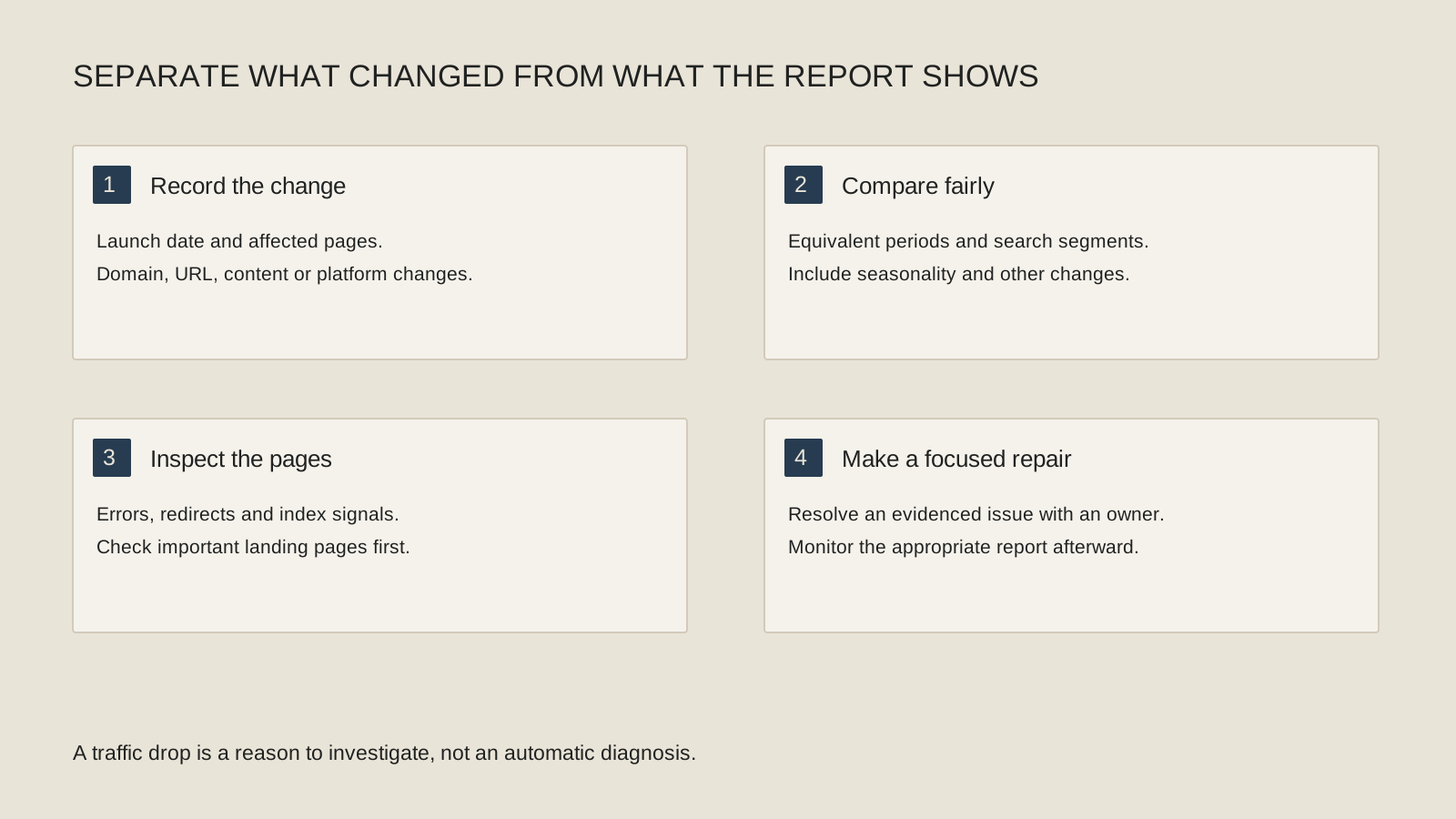
Do not begin with another redesign. Build a short before-and-after record so the team can identify what changed, which pages were affected and whether the measurement itself is comparable. A launch date is a useful clue, not a complete explanation of why a chart moved.
Did traffic change, or did the way you count it change?
Check the analytics property, implementation and consent setup before comparing the charts. A redesign can change measurement even when customers continue visiting. Ask the responsible person whether the same events and site versions are being measured before and after launch.
Compare website analytics with the relevant Search Console observations. They are not identical systems and will not necessarily produce matching totals, but the pattern can help identify which question to investigate. Keep the period and any partial launch days clear.
Google’s traffic-drop troubleshooting guide describes several potential causes. Use it to organize evidence rather than selecting the most alarming explanation. A report issue, a technical barrier and a change in search demand call for different responses.
Which old pages used to bring useful visitors?
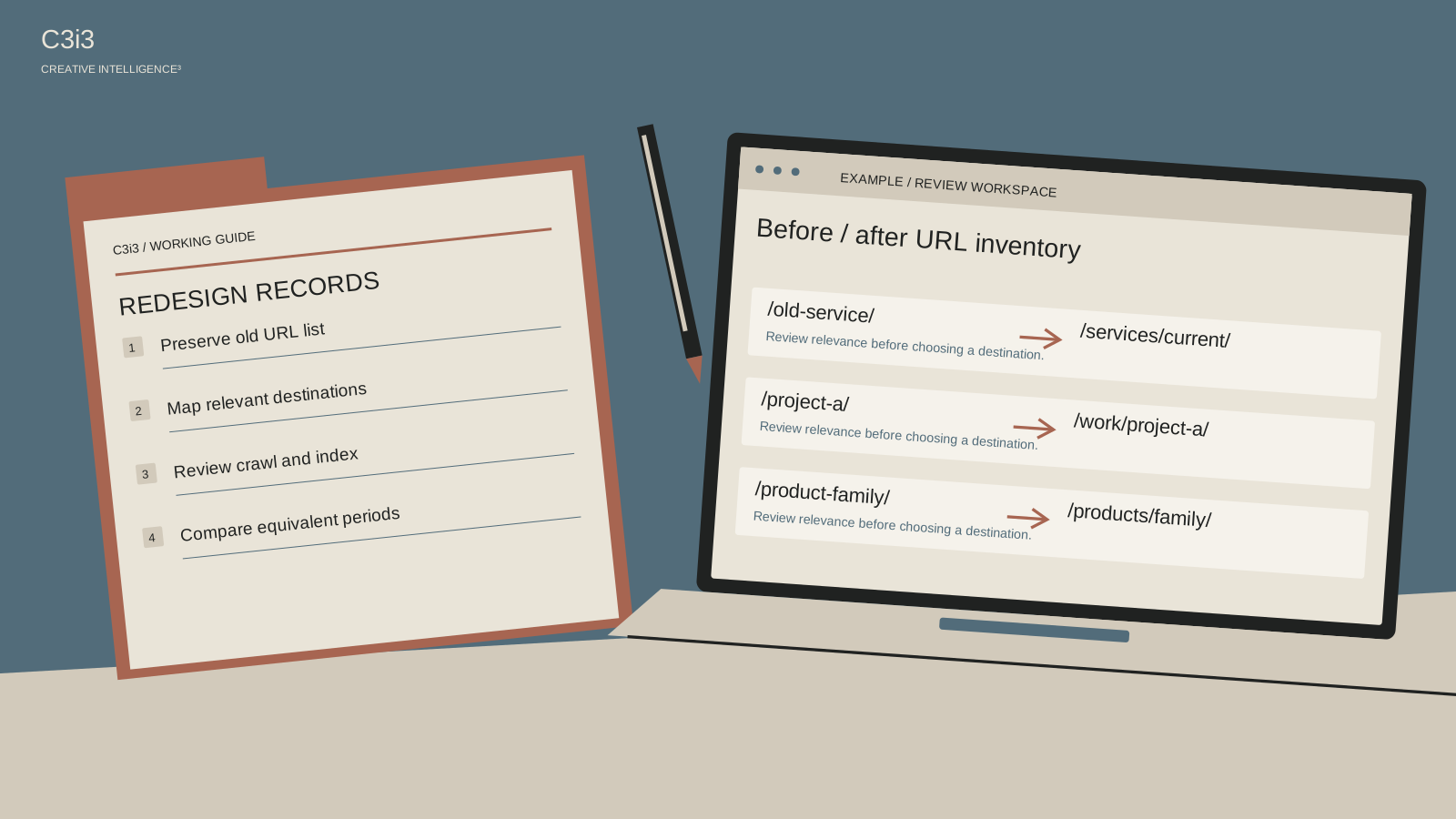
Find the old URLs associated with meaningful search visits or customer conversations. Compare those destinations with the new site. Are they still available, moved to a relevant replacement or missing entirely? Include important service pages, project stories and resources, not only the homepage.
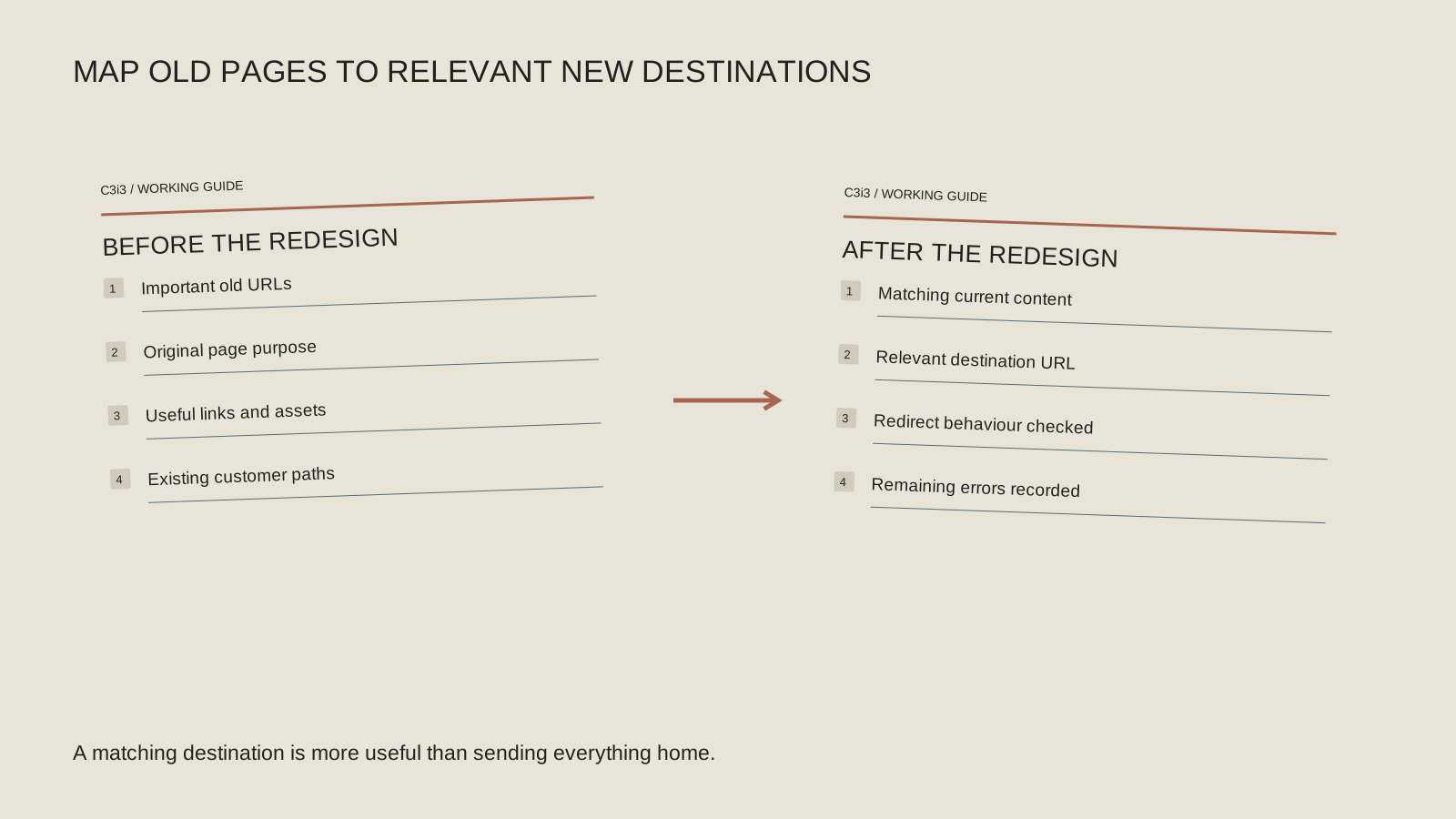
Create an old-to-new mapping sheet. Record the old page’s purpose and the appropriate new destination. If the new site removed the information a searcher needed, a technically valid redirect alone may not resolve the content gap.
For a hypothetical Bay Area contractor, an old project-sector page may have answered a buyer question that a general portfolio no longer addresses. For a manufacturer, a useful product-family resource may have been replaced with a broad catalog page. Those examples show why the page’s job belongs in the review.
Do changed URLs lead to the right replacement?
Have the developer test the mapping, including important incoming links. A moved service should lead to its relevant replacement where one exists. Sending many unrelated old URLs to the homepage can leave visitors without the information they expected.
Review redirect chains, missing destinations and unexpected loops with the technical owner. Google’s site-move guidance covers the planning and monitoring involved when URLs change. The appropriate implementation depends on the actual move; keep the URL inventory and intended destinations together.
After repairs, test the old address as a visitor and confirm the final destination. Do not create another set of URLs merely to hide the first migration problem. A clear mapping and a maintainable route are easier to review than layers of unexplained workarounds.
Build a before-and-after launch record
Use one row per affected page. Keep technical observations and content changes visible in the same review.
Before
Record the old URL, page purpose and the source of its useful visits or inquiries. Save relevant report periods.
After
Identify the current destination and the information it provides. Note what moved, disappeared or changed substantially.
Route
Test the old URL and its final destination. Give loops, chains and missing replacements to the technical owner.
Repair
Record the confirmed issue, owner and action. Recheck the original task and monitor comparable observations after the change.
Did the public site inherit a restriction or lose key content?
Inspect affected public pages in Search Console and review the relevant launch settings with the developer. Check that important content is available in the rendered page and that public URLs are not unexpectedly protected or instructed to stay out of search.
Also compare what the page says now with what it said before. A new layout may have removed useful service detail, project context or explanatory links. Keep the material that helps a buyer understand the offer, even if it needs a cleaner presentation.
Use the public-page indexing guide for a specific access or indexing concern. Use the redesign preparation checklist when planning the next phase. A visual improvement and an information loss can occur in the same project; review both honestly.
How should the recovery work be prioritized?
Start with confirmed barriers affecting important public pages. Assign an owner, retain the evidence and record the repair. Then monitor the affected pages using the same reports and comparable periods. Search changes take time to process, and no provider can promise that a repair will restore a particular traffic number by a fixed date.
Separate urgent functional repairs from longer-term content improvements. A broken product resource and a vague service introduction can both matter without needing the same person or deadline. Keep the scope understandable to the people who approve and maintain the site.
Return to the Bay Area discovery checklist for the wider sequence. If relevant visits recover but inquiries remain weak, follow the customer-path review. The objective is useful discovery and a working customer journey, not a chart repaired in isolation.
Keep this checklist beside you
Two questions owners ask next
Should every old URL redirect to the homepage?
That can leave visitors without a relevant answer. Map moved pages to appropriate replacements and investigate content that was removed without a useful destination.
Does a drop after launch prove the redesign caused it?
No. The timing is important evidence, but measurement, technical changes, content, demand and other search changes need to be considered before assigning a cause.

How C3i3 Can Help
C3i3 can help coordinate an SEO review with website management and performance analysis. The scope can include a URL and content inventory, review of identified technical issues and a prioritized implementation brief. Bring the launch date, old page list and available reports. We can help organize the evidence and responsibilities so the team repairs specific problems without committing immediately to another overhaul.