



































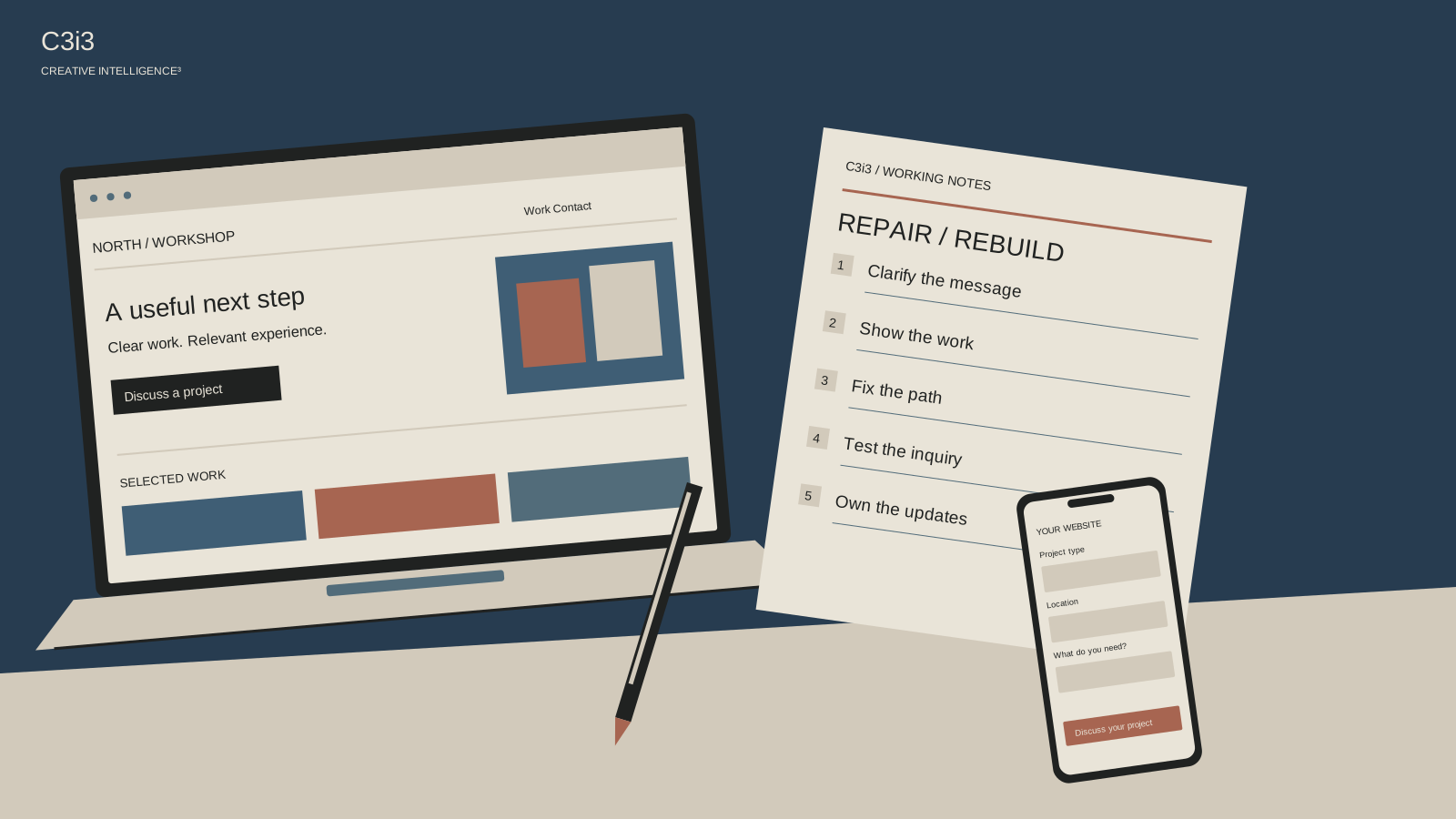
You are tired of looking at the website. The photographs feel old, the pages have multiplied and a competitor has launched something impressive. A redesign starts to feel inevitable.
It may be the right decision. But first, separate what looks dated from what gets in the way of a customer. Otherwise, you can spend months replacing the site and bring the same unclear message and missing content into a new layout.
These five checks give you something concrete to fix now and a better brief if you decide to rebuild.
1. Replace the sentence nobody understands
Read the first sentence on the homepage aloud. Could someone unfamiliar with the company name the service and recognize whether it is relevant? If the answer depends on a sales presentation, start with the words.
Write a straightforward version of the introduction using the actual work, customer and situation. Keep it accurate and short enough to understand. Then try the homepage clarity test with an unfamiliar reader. You may discover that the design gives an unclear sentence far too much prominence.
Fix the relevant service-page introduction too. A homepage rewrite will not help a visitor who arrives directly on a service page with the same vague explanation. This is a focused content improvement you can carry into a future redesign. Keep a copy of the original wording and the questions people asked so the design team understands the reason for the change.
2. Give one important project a proper explanation
Choose the project or deliverable most relevant to the work you want next. Can a visitor tell what the customer needed, what your company did and what can be supported about the result? A large image and a recognizable name may leave all three unanswered.
Gather approved facts and add a concise explanation. The project-story guide shows how to extract useful material from existing documents while checking final scope and permissions. You do not need to rebuild the entire portfolio to learn whether a more informative example helps sales conversations.
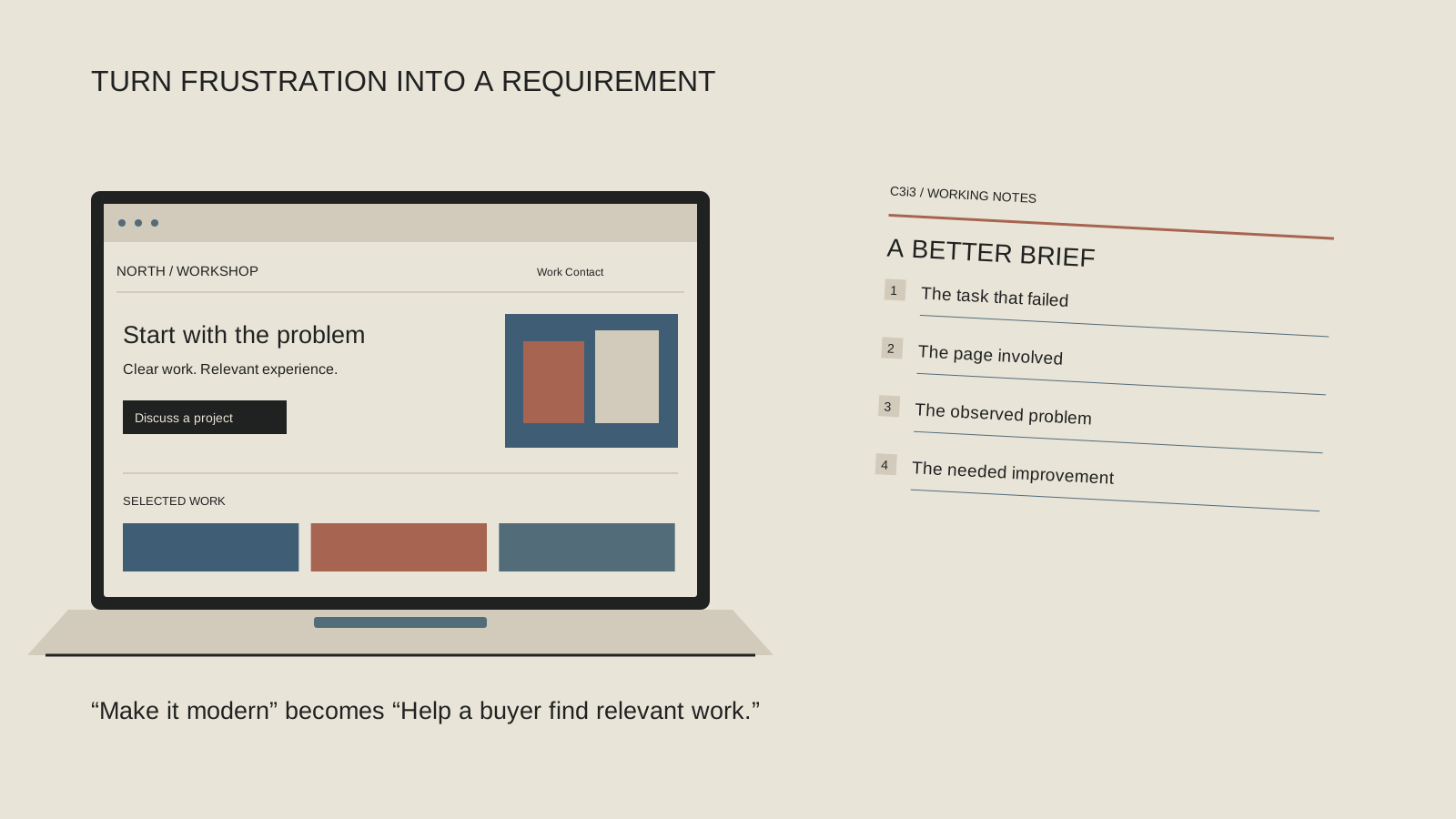
Check whether your current page format can present the story clearly. If it cannot support readable captions, relevant detail or a sensible connection to a service, record that limitation. Now you have a requirement for the redesign: support useful project explanations. That is a stronger instruction than “make the portfolio more exciting.”
3. Follow one customer task across the pages
Pick a realistic task, such as finding commercial project experience or learning which product family fits an application. Begin on the page that customer would use. Follow the links without relying on your knowledge of the company.
Notice vague labels, dead ends and repeated pages that seem to say the same thing. Ask an unfamiliar reader where they would click and what they expect to find. A page may be useful but effectively hidden behind your internal department names.
Make the smallest sensible improvement: clarify a label, add a relevant link or consolidate an obviously redundant path after checking its purpose. Keep a record of URLs that may need redirect planning if pages move. If the same navigation problem appears throughout the site, you may need a broader website design and structure review. A task-based brief helps everyone see what the new navigation must accomplish.
4. Try the mobile inquiry route from start to finish
A website can look polished on your office monitor and be awkward on a phone. Find the right service, open the contact route, complete the fields and check what happens after submission. Coordinate a clearly labeled test with the person receiving it.
Look for content that overlaps, text that becomes hard to read, buttons that are difficult to use and questions whose purpose is unclear. Confirm that errors explain what to fix and that a successful submission reaches the appropriate person. Fixing a broken handoff may matter before any visual overhaul.
The W3C’s Easy Checks can help your team begin reviewing accessibility. These are preliminary checks, not certification that the site is fully accessible. Record the problems you can observe and involve an appropriate specialist for deeper evaluation. A redesign should improve the actual experience, including people using different devices and assistive technology.
What keeps the customer from moving forward?
Choose the branch closest to what you observed. Use a focused repair to learn where possible, and bring repeated constraints into a broader review.
The work is hard to understand.
Try a focused rewrite or a stronger project explanation on the existing page. Repeat the clarity check after editing.
A link, label or inquiry route fails.
Repair that path and repeat the same customer task. Check the receiving workflow before deciding the entire site needs replacing.
Many tasks meet the same constraint.
Investigate the navigation, accessibility or publishing platform with an appropriate specialist. Ask which requirements need a broader rebuild.
Next: bring the observed problem, a desired improvement and a content owner into the repair or redesign brief.
5. Update one ordinary thing without a workaround
Try a routine content task: replace a project image, correct a service description or update a staff detail. Can the responsible person make the change through the intended system and review it safely? If every edit requires an improvised process, the site has an ownership problem as well as a presentation problem.
Write down who owns accuracy, who can edit and who approves publication. Identify which parts are difficult because of the software and which are difficult because nobody has the information or authority. A new platform will not automatically resolve missing responsibilities.
If the tools genuinely block ordinary maintenance, include those tasks in the redesign brief. Ask a proposed provider to show how they would be handled and what training or ongoing support is included. C3i3’s website management services address the continuing work around a site; consider that work alongside the launch rather than waiting for the pages to become outdated again.
Decide whether you need a repair or a rebuild
Review the five checks together. If the page structure and publishing tools work, a focused content and usability pass may be a sensible next step. If the same constraints repeatedly prevent clear navigation, accessible interaction or manageable updates, investigate a redesign.
Bring examples, not just opinions: the misunderstood headline, the project with no useful explanation, the failed mobile task and the update your team could not complete. Ask the provider to distinguish what can be repaired from what requires rebuilding and to explain the tradeoffs.
For a larger construction or manufacturing business, identify the affected product lines, business units and reviewers. For a smaller company, name the owner of each essential decision. Both need a scope they can maintain. A redesign becomes easier to judge when its purpose is a set of specific improvements rather than the hope that a new look will fix everything.
A short checklist to keep beside you
Make one useful change first
You can still decide to redesign. These checks give that decision a foundation and let you preserve useful content improvements along the way. If the site feels ineffective but you cannot yet identify the reason, begin with the website customer-path review. Bring C3i3 the tasks that fail and the questions that remain unanswered. We can help define the work around those findings.