



































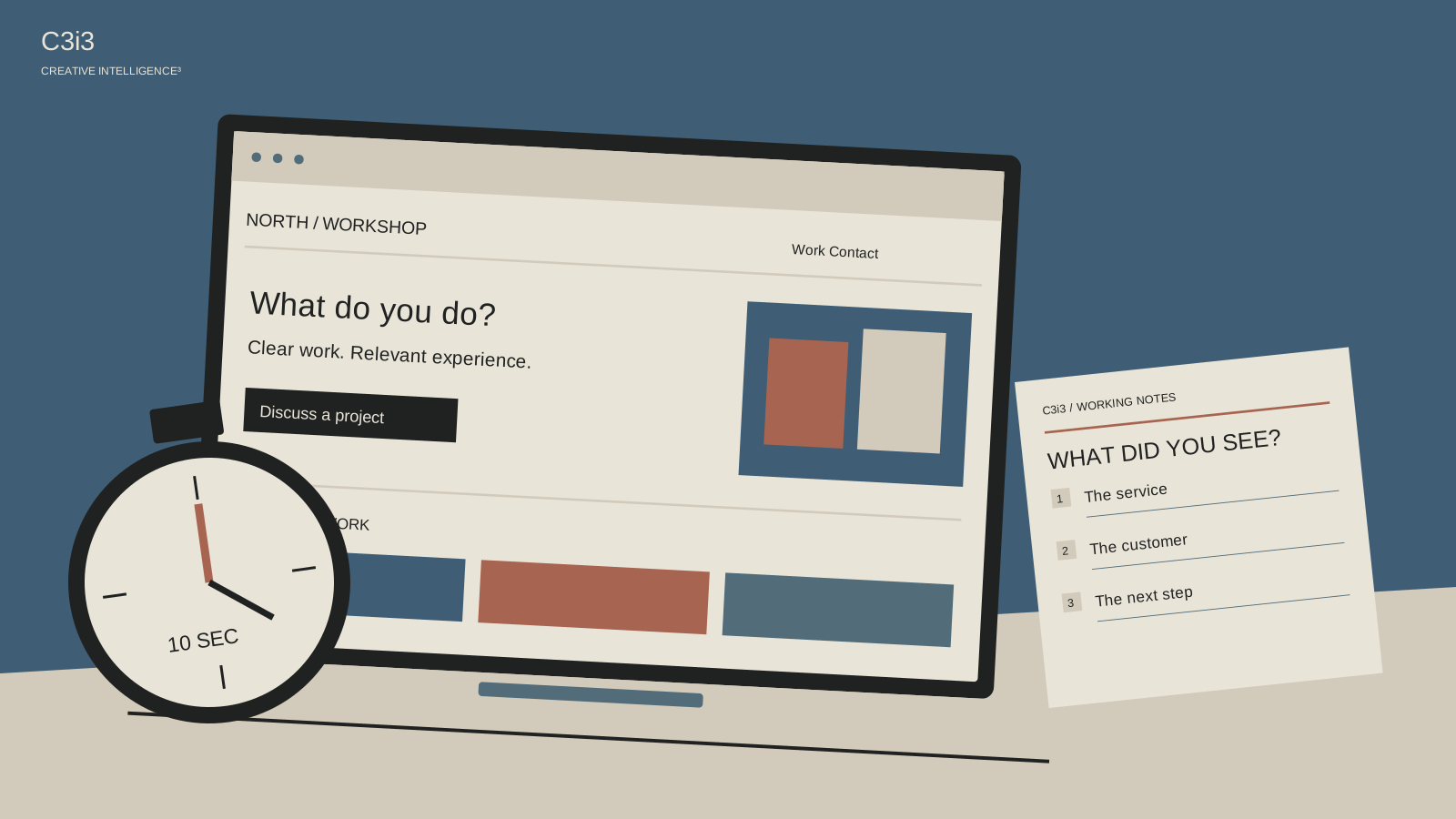
You know exactly what your company does. Your homepage says you “deliver forward-thinking solutions.” Those two statements may not be helping each other.
When someone asks what you do at a dinner table, you probably give a more useful answer than that. You name the work, the people you help or the problem you solve. A homepage should make that same introduction possible.
Here is a small test you can run without buying software. It will not give you a conversion forecast or a scientific verdict on the whole website. It will show you where an unfamiliar reader starts guessing.
Find a reader who does not know the answer already
Ask a few people who resemble the customers you want to reach and are unfamiliar with the business. A friend can help you rehearse, but someone who knows your company may fill in missing information without noticing.
Tell the participant you are checking the page, not their ability. Show the homepage’s first screen on the kind of device a customer would use. After roughly ten seconds, hide it. The time is simply a consistent limit for this exercise; it is not a claim that every customer makes a buying decision in ten seconds.
Ask three questions: What does this company do? Who would use it? What would you do next if you wanted help? Write their answers down as spoken. Avoid nodding toward the response you hoped to hear. A puzzled answer is useful evidence about the page, not a reason to explain your business more enthusiastically.
Listen for the missing noun
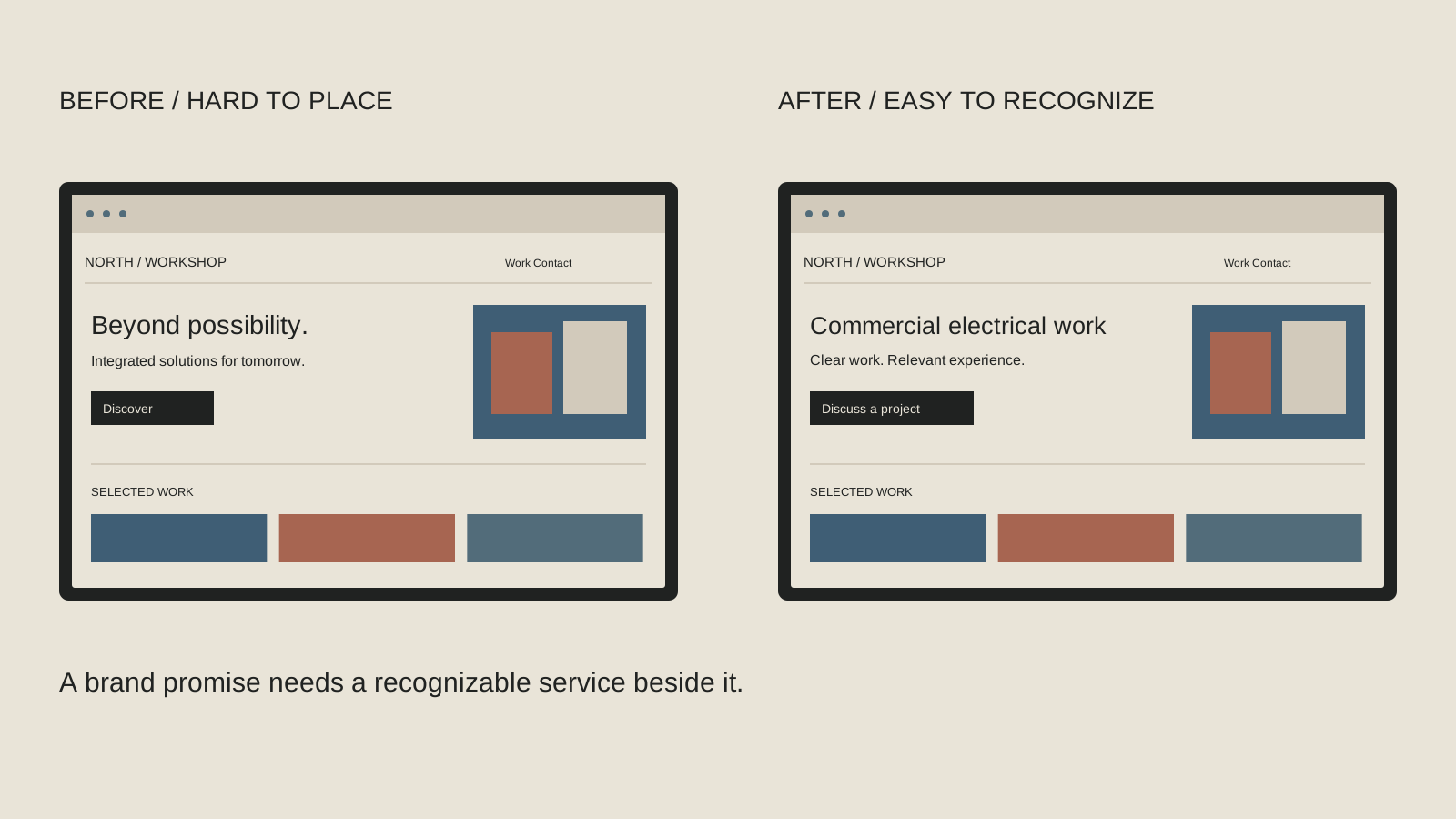
If someone remembers “innovative,” “trusted” and “full service” but cannot name the work, the page may be missing a concrete noun. Electrical contracting, industrial distribution and website management give a reader something to recognize. A useful category can still leave room for your personality and positioning.
Try this sentence privately: “We provide [work] for [customer] who needs [situation or outcome].” It is a writing prompt, not a mandatory headline formula. Keep the parts that help your audience understand and remove the ones that make the sentence awkward.
For an illustrative commercial contractor, “Electrical contracting for occupied commercial spaces” says more than “Powering possibilities.” The second phrase could remain a supporting brand line if you like it. The first does the introductory work. Only use the qualifier if the firm actually performs that service; clearer copy should also be accurate copy.
Give the picture a job
Cover the words and look at the main image. Does it help someone recognize the work, or could it belong to almost any business? A city skyline can establish a place without showing what the company does. An unexplained factory image can suggest a capability the company does not own.
Choose a real, approved example or an illustration that clarifies the service. A product-family view, a recognizable deliverable or a relevant project image may provide useful context. Add a short caption when the role or subject would otherwise be unclear.
Keep essential service information in readable page text. An image containing tiny labels should not carry the entire explanation. Check the combination on a phone: headline, supporting sentence and picture should tell a coherent story. For a Bay Area business with national buyers, explain the actual service scope rather than assuming a local landmark answers every visitor’s question.
Now ask where they would click
A first impression and a next step are different tests. Show the page again and give the participant a realistic task: “You are planning this kind of project. Where would you go to learn whether this company can help?” Watch the first choice without directing it.
If they click a label you did not expect, ask what they thought it meant. “Solutions,” “Expertise” and “Discover” can be interpreted in several ways. A familiar service name or a clearly described project collection may make the choice easier.
Check the destination as well. A button labeled “See our commercial projects” should lead to relevant projects. A button labeled “Discuss your project” should lead to a clear contact route. You can preserve a distinctive visual design while making the action understandable. The goal is to reduce guessing, not to make every business use the same button.
Run the test without leading the reader
Use a real first screen and keep the task consistent. These are prompts for an informal review, not a numerical grade.
Show the page
Give an unfamiliar reader roughly ten seconds. Keep your explanation of the company to yourself while they look.
Hide and ask
What does this business do? Who is it for? What would you do next if you needed help?
Record the answer
Write what they actually said. Note the missing service name, the mistaken assumption or the detail they remembered.
Try one revision
Change the unclear wording or image. Use another unfamiliar reader where possible, then compare what became easier to understand.
Change the unclear part, then test it again
Choose the most consistent misunderstanding. Rewrite that part and show the revised first screen to a different unfamiliar reader where possible. Reusing the same participant immediately can produce a better answer simply because they learned the business during the first conversation.
Keep the original wording, revised wording and responses together. Notice whether people understand the service more accurately and whether they can find a sensible next step. A small informal test gives you direction; it does not establish that a headline will increase sales by a particular amount.
For a fuller discussion of brief visual testing, Nielsen Norman Group explains several visual-design evaluation methods, including short-exposure tests. Our ten-second exercise is an owner-friendly adaptation for clarity. Use a broader usability review when customers struggle with tasks beyond the introduction, such as selecting a product or completing a complex inquiry.
A short checklist to keep beside you
Make one useful change first
Keep the page you tested and a short list of unanswered questions. They can guide a homepage copy revision or a conversation with your designer. If the headline makes sense but customers still disappear, return to the website customer-path review and examine proof, relevance and contact friction. Clarity is the beginning of the conversation; the rest of the site still needs to support it.