



































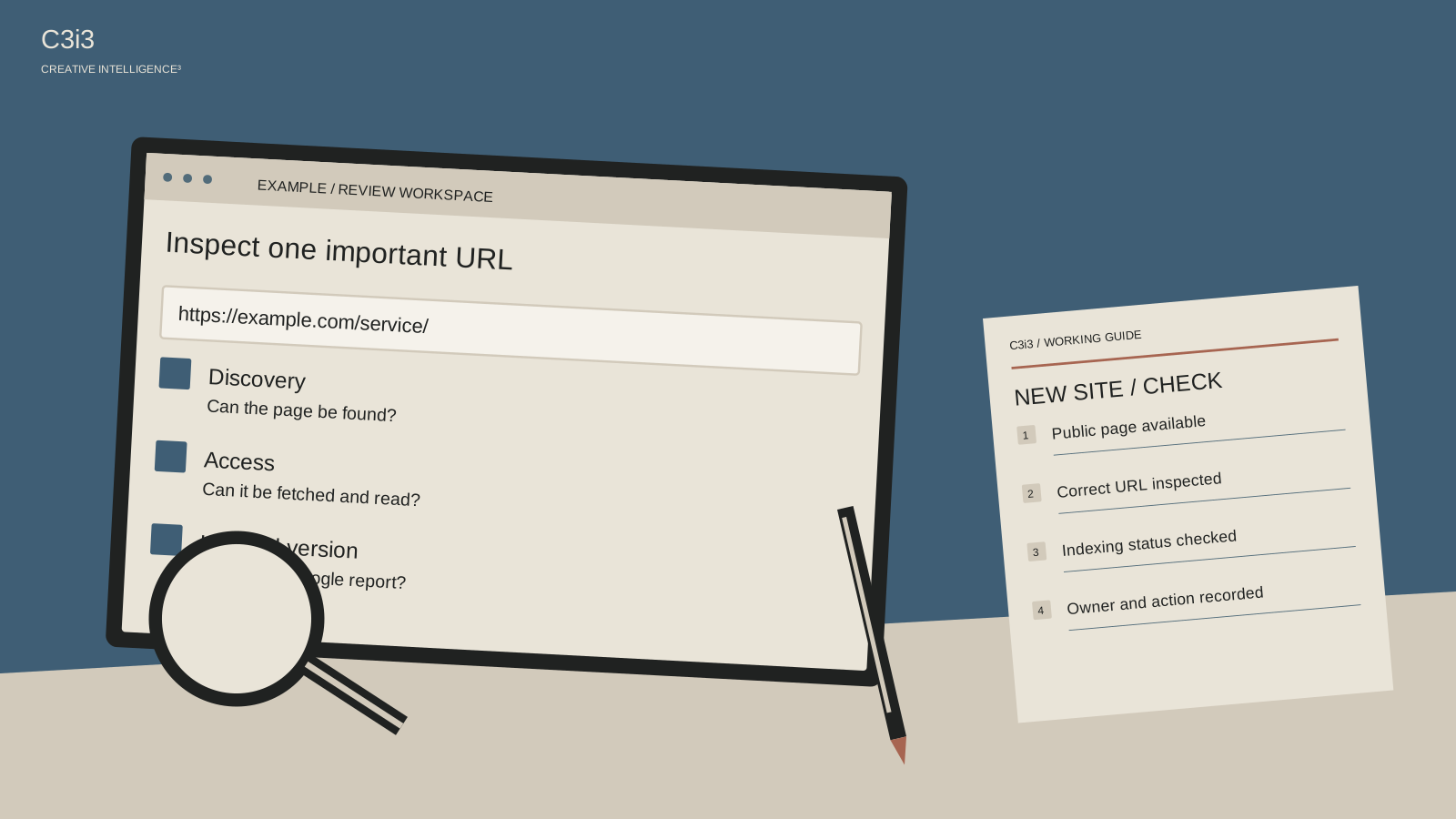
You type your new website’s address into the browser and it works. You search Google and cannot find it. Both observations can be true, and repeatedly searching your company name will not explain the gap.
For a new San Francisco business website, start with the homepage and the service page a prospective customer would need most. The practical question is not “Did the designer finish?” It is “What can Google currently access and what has it indexed?” Here is how to make that conversation specific.
Are you checking the right version of the website?
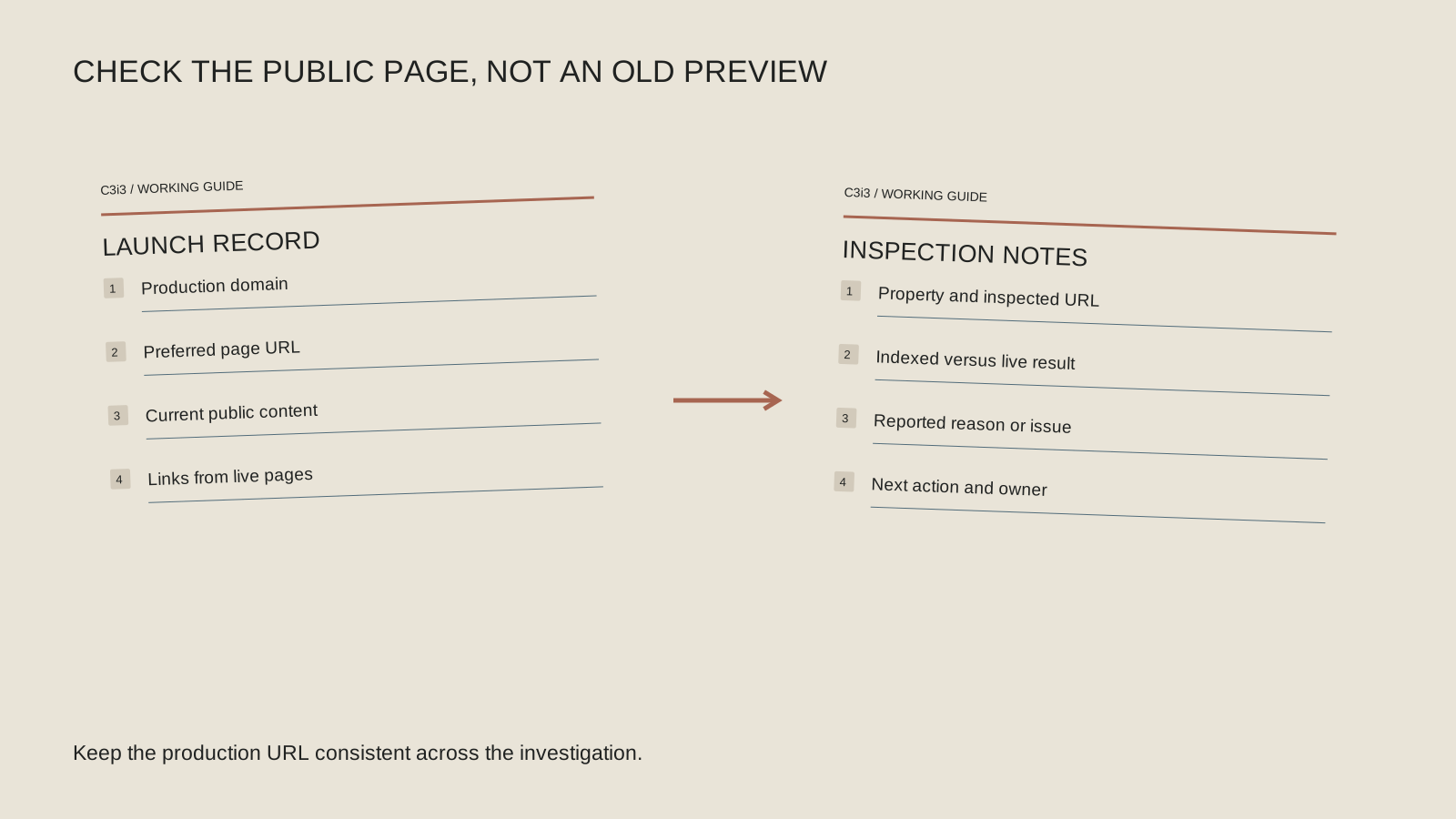
Copy the final public address from the browser after it finishes loading. Note whether the site uses www, HTTPS and a trailing slash. Your developer should have a consistent preferred version, with appropriate handling of alternatives, rather than several unrelated copies competing for attention.
Make sure Search Console is showing a property that covers the URL you are inspecting. A report for an old domain or a different URL prefix can send the conversation in the wrong direction. Keep the actual address with your notes so everyone investigates the same page.
Also distinguish the production website from a design-review or staging address. The staging version may correctly remain private or excluded from search. Your goal is to make the approved public page discoverable without exposing unfinished or private material.
What does URL Inspection actually tell you?
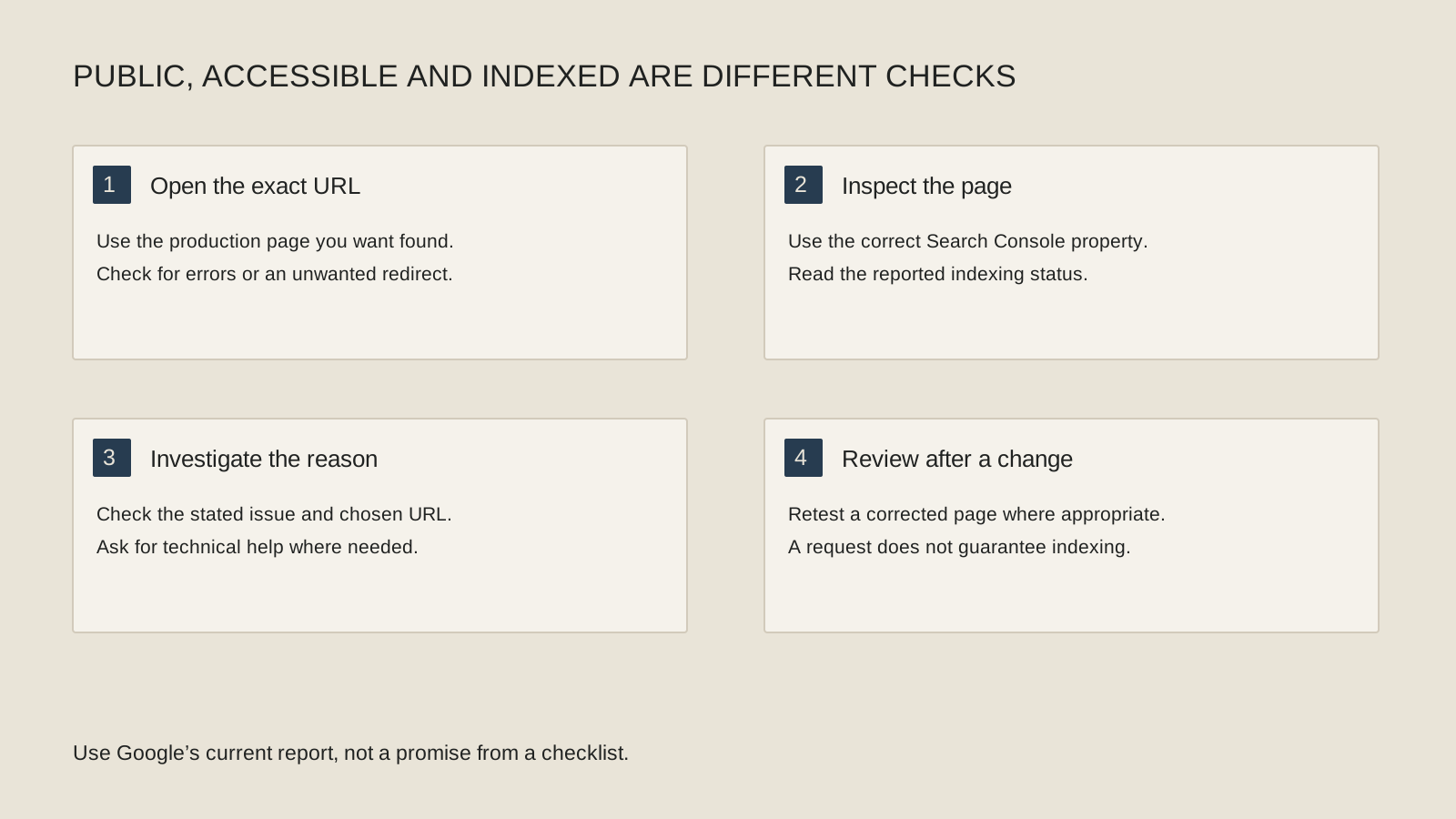
Use Google’s URL Inspection tool to review the indexed version and, where useful, run a live test. The indexed information describes what Google has recorded; the live test checks the page now. A successful live test does not establish that the page is already indexed or that Google will choose it as the canonical version.
Save the reported status and any stated reason. If the indexed information is older than your launch change, note the dates rather than assuming the current version has already been evaluated. The report gives you an investigation starting point, not a complete ranking diagnosis.
Ask your developer to explain unfamiliar findings in terms of the actual page. “Google can access this URL, but selected another canonical” calls for a different review from “the public page is unavailable.”
Could a launch setting still be blocking the public page?
Have the responsible developer review any login wall, server error, crawl restriction or indexing instruction affecting the public URL. Show the exact report rather than asking them to “turn SEO on.” Some restrictions belong on private areas and should remain there.
Google’s noindex documentation explains that a noindex instruction is used to keep a page out of search. A robots.txt crawl block and a noindex instruction are not interchangeable tools. Removing or changing them without understanding the intended access policy can create a different problem.
After an identified repair, repeat the relevant check. Keep the change narrow enough to know what was fixed. If the problem was a server or rendering issue, ask for evidence that the intended public content can now be retrieved and read.
A public-page launch check
Complete this with the person managing the website. Keep public discovery and private-site protection as separate decisions.
Exact URL
Record the final public address and the Search Console property used to inspect it. Avoid mixing production and staging.
Indexed record
Save the indexed status, chosen canonical information and relevant dates before interpreting the live test.
Current access
Confirm the intended public page is available and review any reported crawl, rendering or indexing restriction.
Discovery path
Follow navigation and contextual links. Check the sitemap contains the intended canonical public URLs.
Can people and crawlers discover the page naturally?
Follow the site’s navigation from the homepage to the priority service. Is there a working link to the actual page, or only a button that never reaches it? Add relevant contextual links where they help a reader move from an overview to a specific answer.
Review the sitemap with your developer. It should describe the intended public URLs, not an abandoned staging site or a collection of redirects. Google’s sitemap guidance explains its discovery role and limits; submitting one does not guarantee that every listed page will be crawled or indexed.
For an illustrative San Francisco consultancy, link the service explanation from the main navigation and a relevant project story. That creates a useful customer path as well as a clearer discovery path. A lonely URL in a spreadsheet does neither job well.
What if the page is indexed but still hard to find?
Then you have moved to a different question. An indexed page may still have limited visibility for the searches you care about. Examine its topic, the customer question it answers and the available query data before treating indexing as the unresolved issue.
Use the company-name-only visibility guide when people can find you by name but not by the work they need. Use the Bay Area no-traffic checklist to review the wider discovery sequence.
Keep a small launch log with the URL, finding, repair and follow-up check. You do not need to request indexing repeatedly or buy a fixed “instant indexing” promise. You need to know whether an actual barrier remains, whether Google has processed the new page and what the next evidence-based question is.
Keep this checklist beside you
Two questions owners ask next
Does a successful live test mean I rank on Google?
No. It is a current technical check with documented limits. It does not confirm that Google has indexed the page or will display it for a particular search.
Should I remove noindex from every page?
No. Review the intended purpose of each area. Staging, private records and other restricted pages may need to remain excluded or protected.
How C3i3 Can Help
C3i3’s SEO services can help investigate launch visibility and turn technical findings into an implementation plan. We can also coordinate website management when repairs and maintenance need an owner. Share the public URLs, launch date and reports available to you. We can help distinguish an access or indexing issue from a content-visibility problem, then scope the work around the finding rather than an assumed cure.