



































In this article
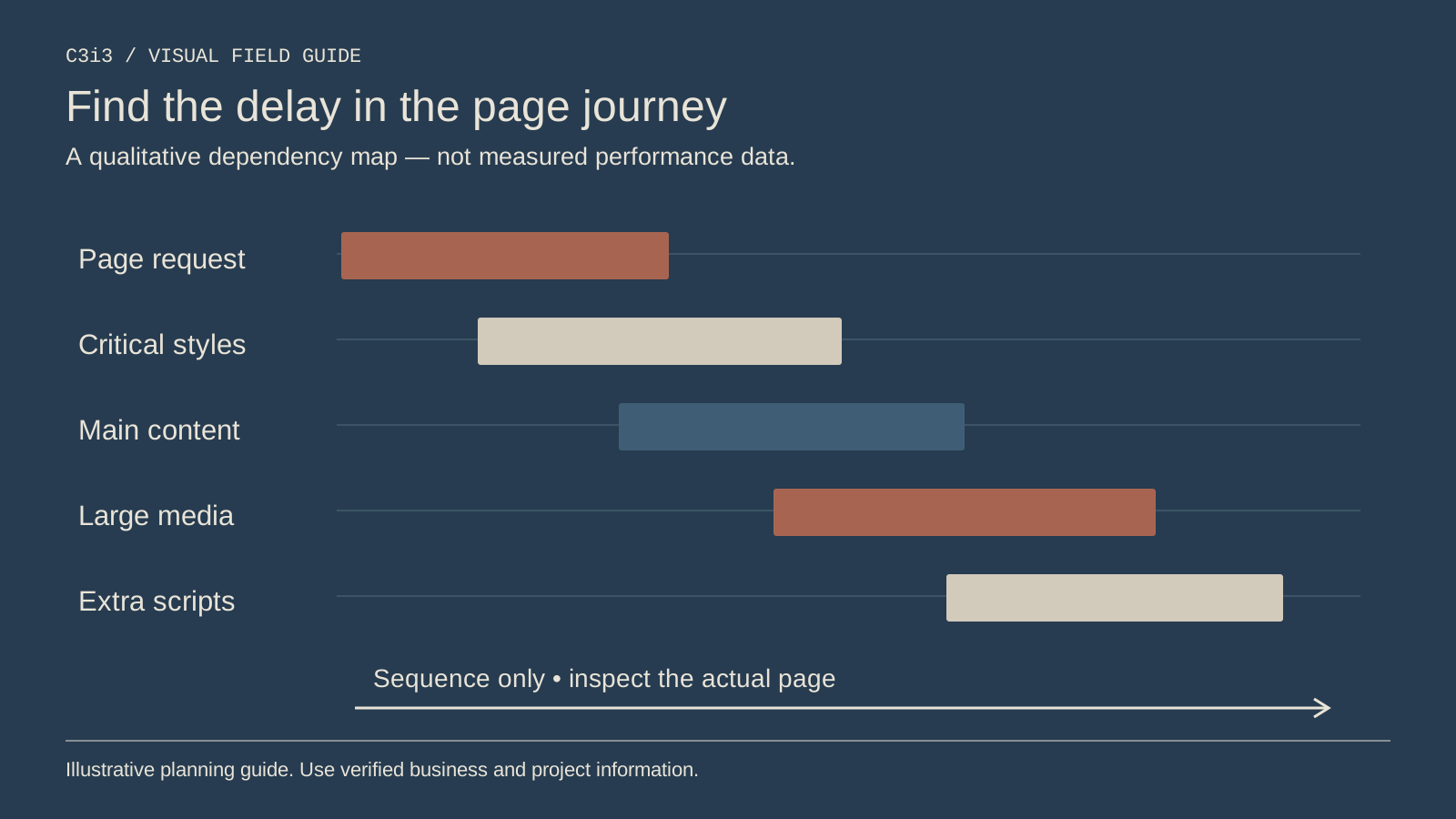
Your AC repair page seems fast on the office computer. On a customer's phone, the large photo arrives late, a widget moves the call button and the form pauses after a tap. The performance score does not tell the whole story.
Start with the task the customer is trying to complete. A useful speed review connects measurements to the service explanation and contact path, then repairs the bottlenecks the evidence actually shows.
Which page and customer task should you test?
Choose the actual AC repair page customers reach from search or advertising. Do not assume a homepage test describes every service page. Record the URL, device or test environment and the action you are evaluating.
Follow the visible journey: can the customer understand the service, confirm coverage and use the contact route? Note delays and unexpected movement. A page can finish downloading while a difficult widget still prevents a useful interaction.
Keep the business question visible. If the office wants more suitable repair requests, the performance work should preserve the information customers need to establish fit. Removing everything except a phone number may improve one measurement while making the page less useful.
How do lab tests and field data differ?
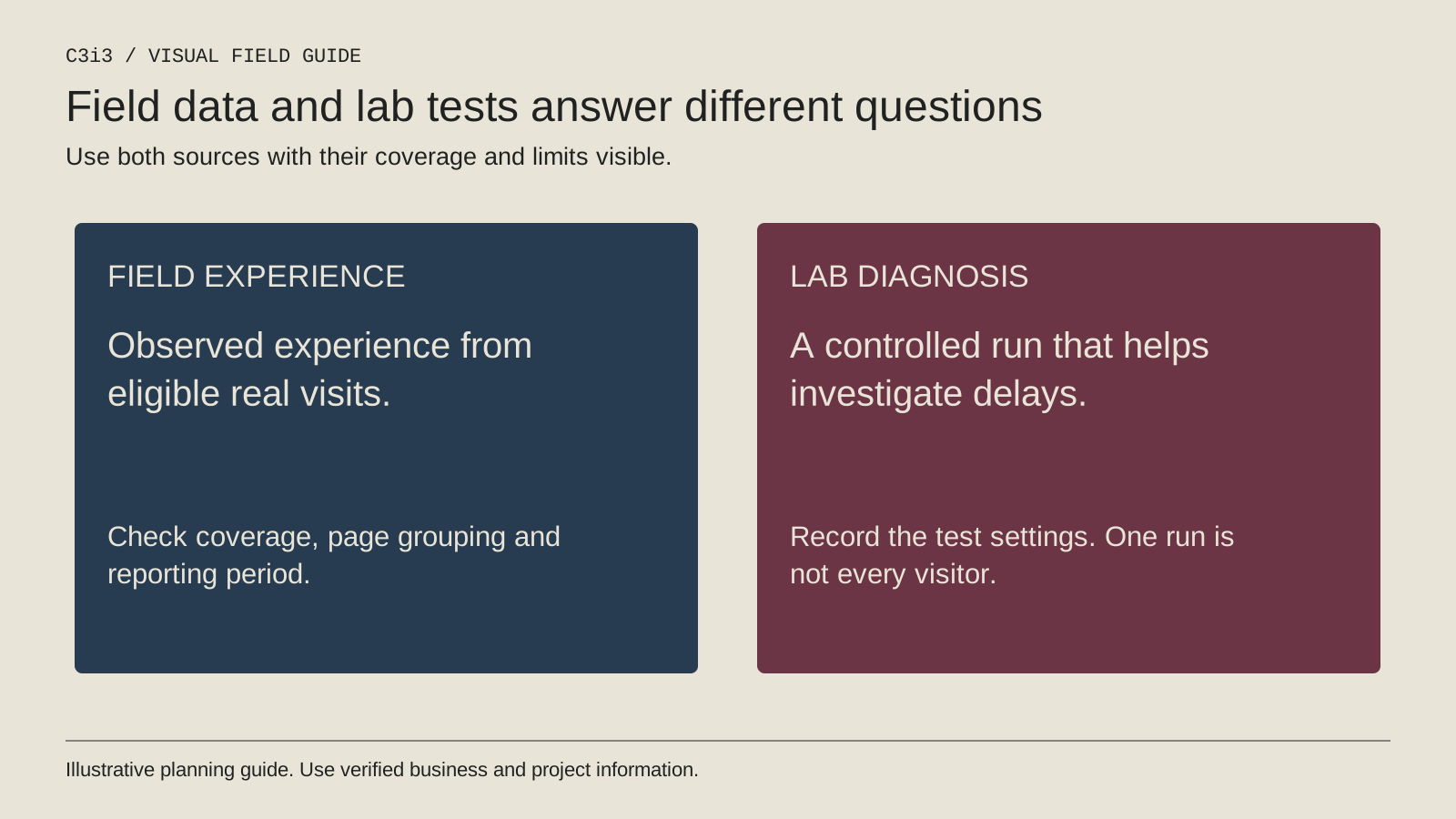
A lab test measures a page under defined simulated conditions. Field data describes experiences from real users under varied devices, connections and circumstances. The two can differ without either being meaningless.
The web.dev explanation of lab and field data is a useful reference. Check the coverage and time window behind a field report. A page with limited traffic may not have enough page-level data for every view you want.
Use lab findings to investigate specific causes and field information to understand broader experience where available. Do not compare one favorable test run with a rolling field distribution and call the difference a confirmed improvement.
What do Core Web Vitals describe?
The current metrics cover loading, interaction responsiveness and visual stability through LCP, INP and CLS. The official Web Vitals guide gives good thresholds of LCP at 2.5 seconds or less, INP at 200 milliseconds or less and CLS at 0.1 or less, evaluated at the 75th percentile.
Those are measurement definitions, not your business's results. Do not place them in a report as if your page achieved them. Keep the observed values, data source and tested conditions separate from the target.
Use the metrics to guide investigation rather than treating them as a complete customer-experience score. A fast page can still have unclear service coverage, misleading availability or a form that does not reach the office.
Which changes are worth investigating first?
Inspect the resources associated with the observed delay. Oversized imagery, unnecessary third-party scripts, fonts and complex interface components may deserve review, but do not assume they are the cause without looking at the actual page.
Preserve the dimensions of images and interface elements so content does not unexpectedly shift into the customer's path. Prioritize the first useful screen and the contact interaction. Avoid loading a large gallery before essential service information when the design does not require it.
Coordinate repairs with the developer responsible for the site. Removing a script without understanding its role can break forms, consent behavior or measurement. The objective is a leaner, dependable experience, not a smaller resource list at any cost.
How should you verify the repair?
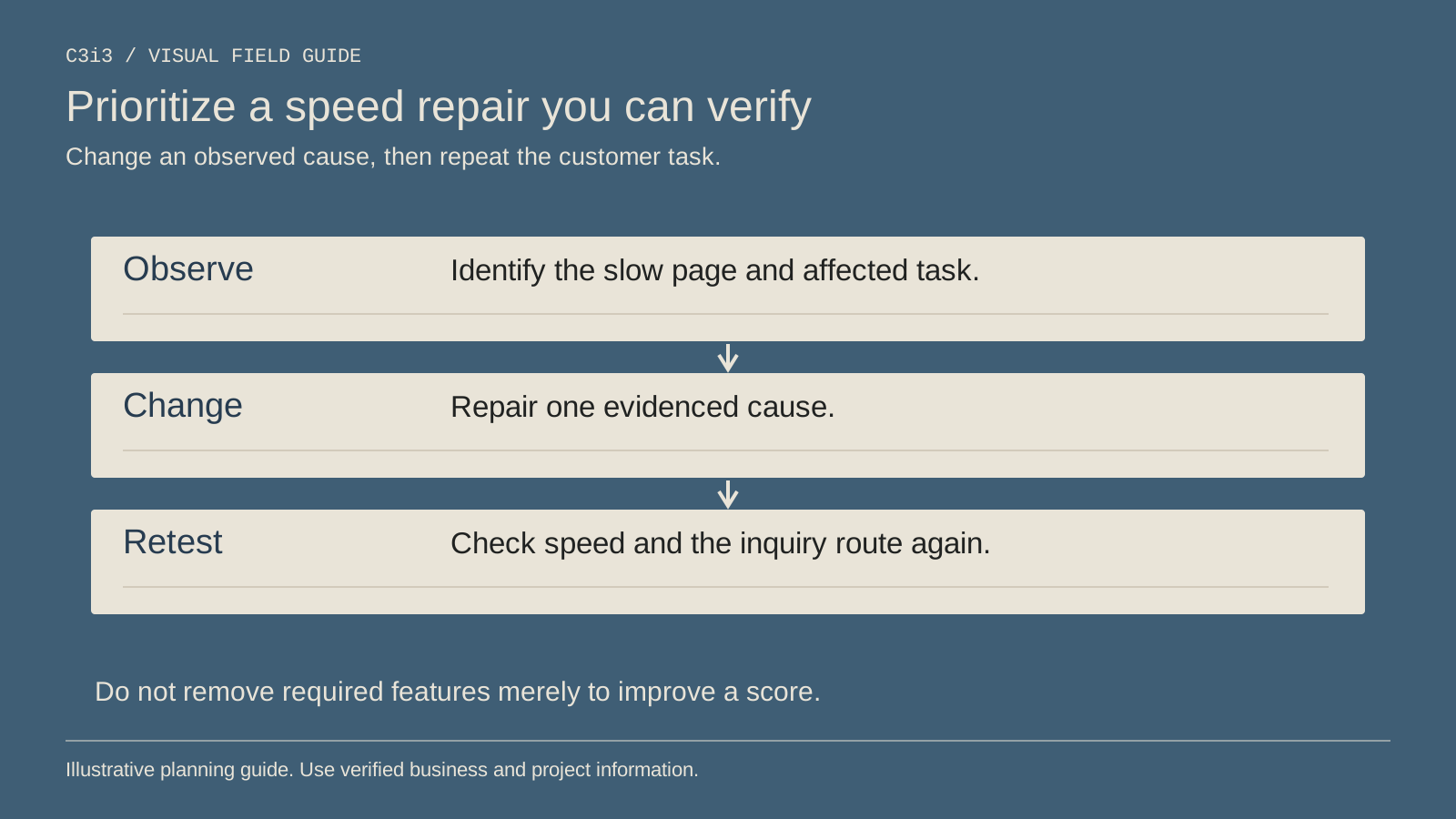
Repeat the relevant tests under comparable conditions and review the real customer task again. Confirm the service text, contact buttons, form validation and message delivery still work. A speed improvement that breaks the inquiry path is not a successful release.
Record the changed resources and the measurement source. Field data may need time and sufficient usage to reflect a new release. Do not claim an immediate broad user improvement from one local screenshot.
Keep useful visual guides and project evidence where they support the decision, but deliver them appropriately. Performance work should make good content easier to reach rather than turn the service page into a bare advertising slogan.
How do you connect faster pages with business outcomes?
Monitor suitable inquiries and bookings alongside the page measurements. Other factors can change during the same period, including demand, advertising, office availability and the service offer. A before-and-after rise does not by itself prove the speed repair caused it.
Use a clear observation record and avoid invented conversion gains. Our conversion review guide explains how to separate an observed barrier from a hypothesis about its effect.
Connect performance requirements to the website project scope. Name who measures, repairs and accepts the customer task. That makes speed work easier to maintain when the next image, widget or campaign is added.
Keep this checklist beside you
Questions before the next step
Does a high performance score guarantee more AC repair leads?
No. It describes aspects of the tested experience. Service relevance, coverage, trust and response handling still affect inquiries and bookings.
Should I remove every image to make the page faster?
No. Keep useful evidence and explanations, then deliver them efficiently. Investigate the resources causing the actual problem.

How C3i3 Can Help
C3i3 can help review mobile service-page performance in the context of your AC repair customer's task. We can connect technical findings with page design, content and the inquiry route rather than focusing on an isolated score.
Bring the page and the reports that concern you. We can help identify what they actually measure, prioritize repairs and define acceptance checks. The practical aim is a faster, more dependable route to a suitable conversation with your business, with reporting that states its limits.