



































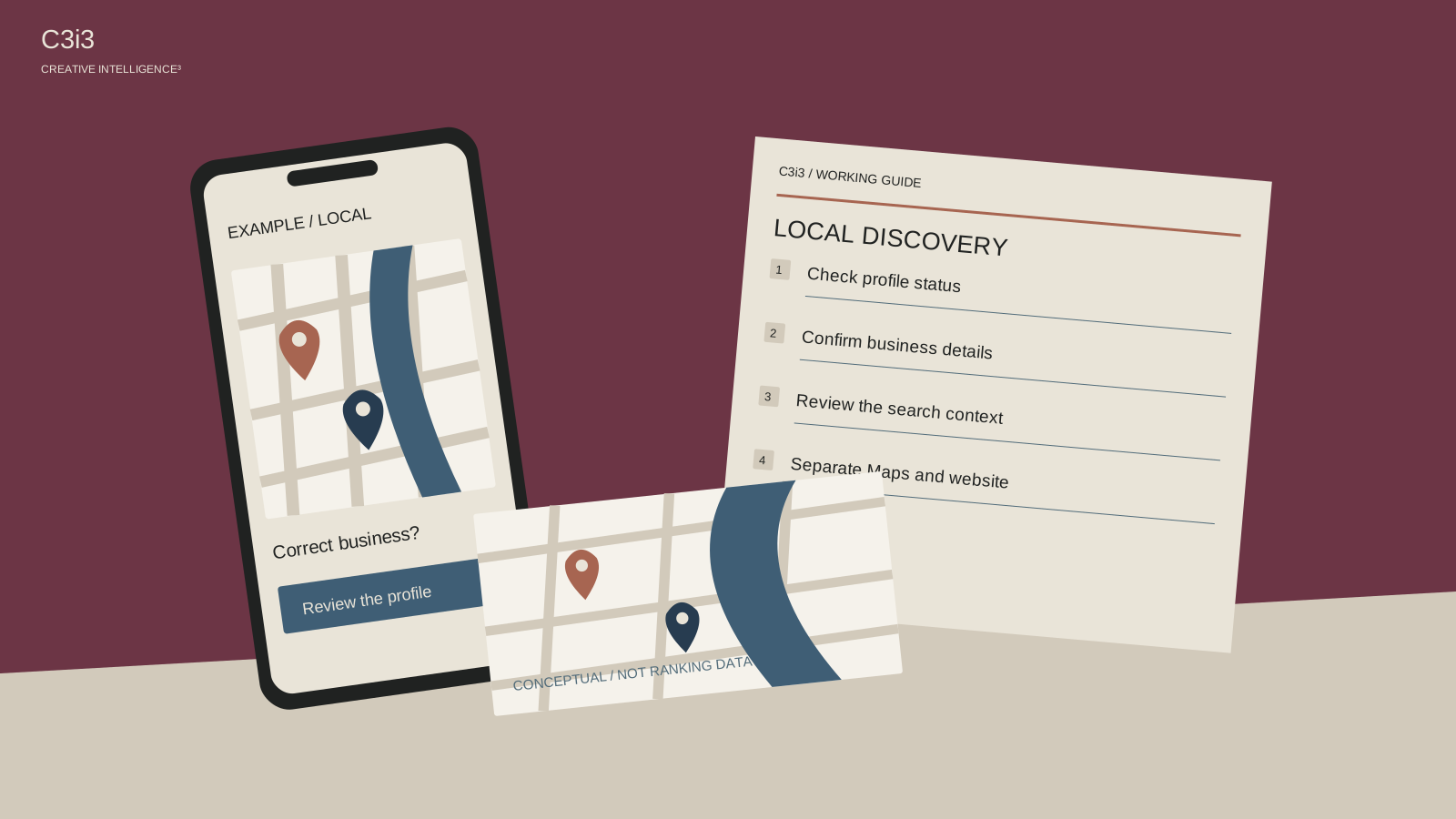
You know the business is real. Customers visit, projects get completed and the phone has been ringing for years. Then you search Google Maps for your service and see competitors instead.
Before changing the business name or creating another listing, identify the kind of absence you are seeing. A profile that cannot be found by its exact identity is a different problem from a live profile that appears near the office but not across the Bay Area. A clear diagnosis saves a lot of unhelpful editing.
Is the profile missing, or missing for this search?
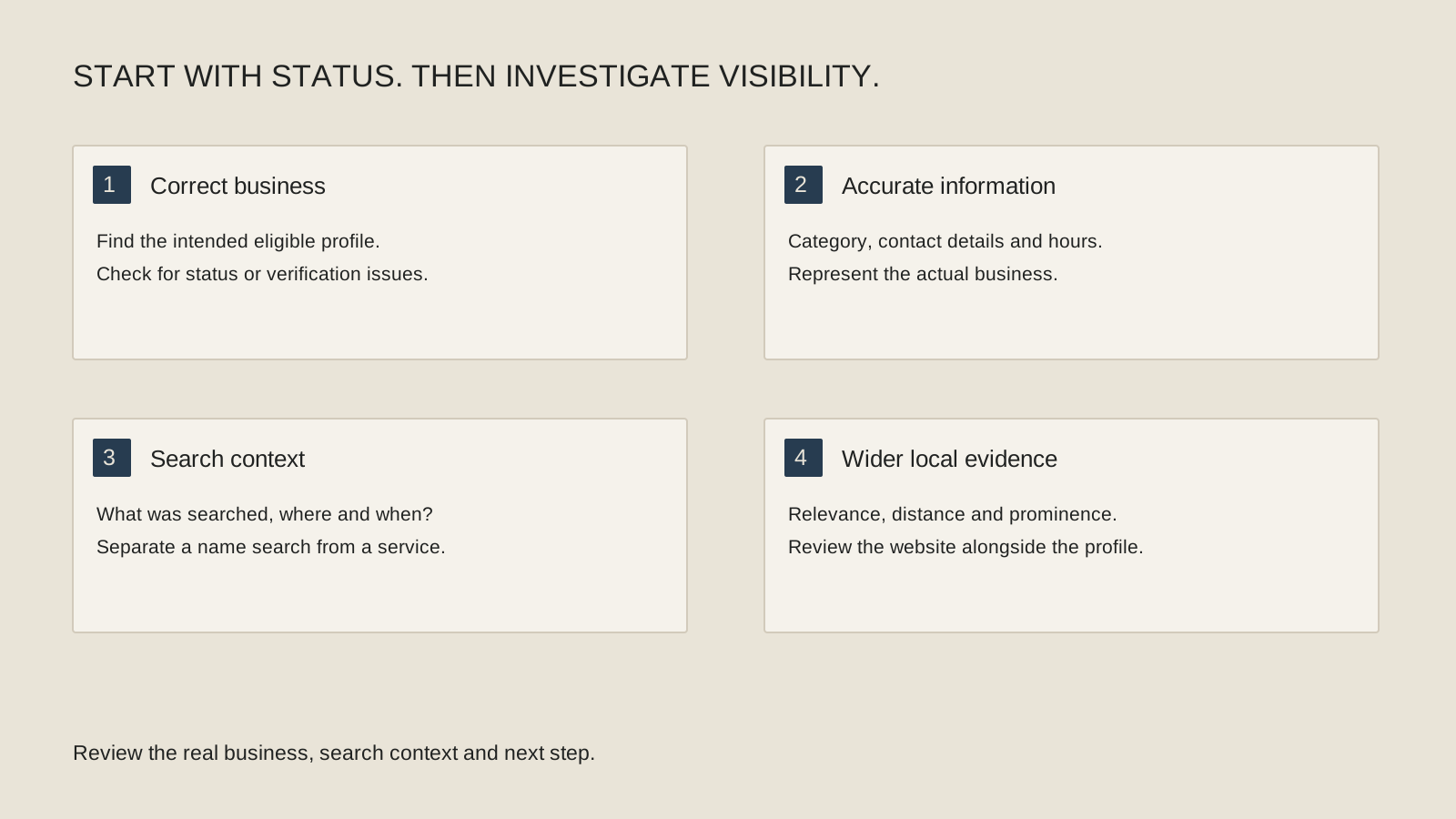
Search for the business’s actual name and location, then compare that with a service-based search from a relevant customer location. Record the exact query, where the check took place and what appeared. A single search from your office is not a regional visibility report.
If you can access the owner account, review any status, verification request or restriction shown there. Follow the relevant official support process when a profile has a stated problem. Do not create a replacement profile simply because the first one is difficult to find.
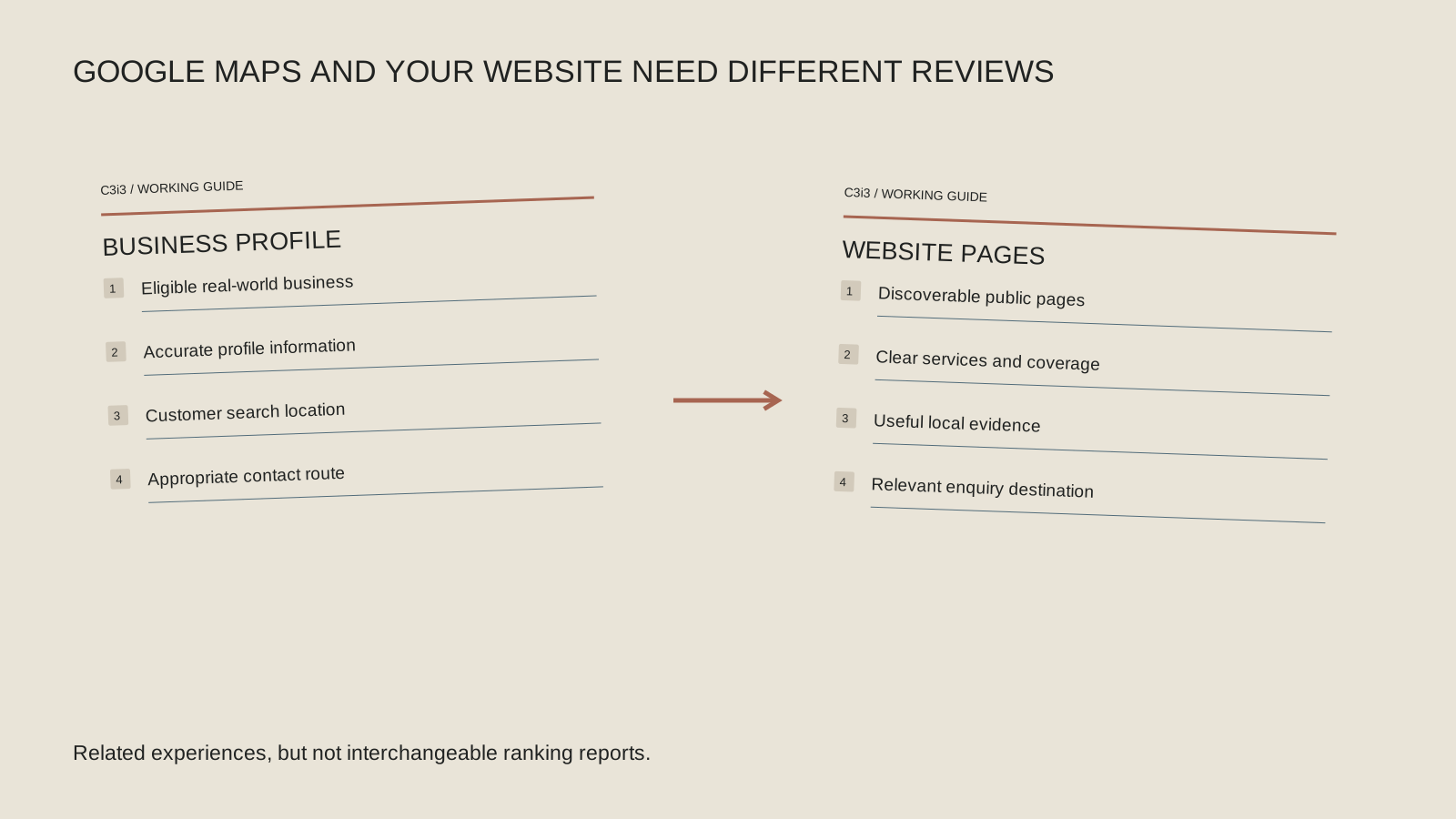
Keep website visibility separate in your notes. Finding a website result does not prove the Business Profile is live, and seeing a profile does not prove the website’s priority service pages are indexed. The website discovery pillar covers the other side of the investigation.
Does the public profile describe the real business?
Check the business name, category, contact information, hours, website destination and location or service-area setup. Correct inaccurate information using the owner account rather than treating every field as an opportunity to add search phrases.
Google’s Business Profile representation guidelines define the expectations for representing a real business. An online-only organization and a business with eligible in-person customer contact can have different eligibility considerations. Review the actual operating model before assuming every website should have a profile.
For a larger Bay Area company, confirm which team owns public information and any legitimate locations. For a small business, make sure that responsibility does not disappear between the owner, web provider and a former employee. Accurate information needs an owner after the initial setup is complete.
Why can a competitor appear above you?
Google describes local results in terms of relevance, distance and prominence in its local-ranking guidance. Review those factors as distinct questions. Does the profile match the service searched? Where is the searcher? What reliable information supports the business’s public reputation?
Avoid interpreting the result through a single visible number. A competitor with fewer reviews can still be a different match for a particular query and location. Our Walnut Creek competitor-review guide shows how to organize that comparison without turning it into a review-count contest.
Use representative searches tied to real customer needs. Changing the query, device and location at the same time makes it harder to interpret what changed. Write down the conditions so a later comparison has a clear starting point.
Choose the right Maps investigation
Match the symptom to the next review. Each branch asks for evidence before it suggests a repair.
Cannot find the profile by identity
Review the owner-facing status and exact business information. Follow the relevant verification or support process if a problem is stated.
Found by name, not service
Review the searched service, category, public description and supporting website destination. Check whether the business is a relevant match.
Found here, not nearby
Record the query and search location. Distinguish actual service coverage from physical locations and website-result opportunities.
Views without conversations
Read the available metric definitions, then test the phone or website handoff. Compare activity with the inquiries your team actually handles.
Why do nearby cities behave differently?
A business can serve a city without having an office there. That distinction matters when you interpret Maps visibility. Accurate service-area information helps communicate coverage; it should not be treated as a switch that creates a new physical location in every listed city.
The Dublin and Pleasanton visibility guide explains how to review a nearby-city gap. Consider the website’s useful service information alongside the profile, while keeping the two result types distinct.
If you serve Oakland and Berkeley, you may also need to decide whether one regional page or separate substantive pages best helps customers. The city-page decision guide makes that a content and service-coverage decision. Adding locations to a profile or a website should reflect actual work and useful information, not an invented footprint.
Are people seeing the profile but taking another route?
Review the performance information available in your owner account and read the definitions. Profile views, website clicks, direction requests and call-button clicks are different observations. They do not establish that the same number of people visited the website, reached a staff member or became customers.
If views are present but conversations are quiet, follow the San Francisco profile-to-inquiry guide. The next issue may be the public phone number, website destination, unclear service information or the way requests are handled.
Keep the time period and relevant business changes with the review. An increase in visibility for the wrong service can create activity without suitable opportunities. Ask the person receiving inquiries what people expected and whether those expectations match the public information.
What is a useful first repair?
Choose the finding with the clearest evidence: a stated profile issue, an inaccurate category or contact detail, a poor website destination or an unexplained location gap. Assign it to the person authorized to make the relevant change.
Keep a record of what was corrected and why. Recheck the public information and compare relevant observations over time. Avoid repeatedly renaming the business, changing the address or adding duplicate profiles in response to individual search results.
For AI-assisted local discovery, the same factual discipline remains useful: clear services, real locations and consistent public information. It does not guarantee a recommendation in an AI answer. Use the troubleshooting work to improve what customers can verify about your business, and keep claims about rankings or AI visibility tied to observations you can actually support.
Keep this checklist beside you
Two questions owners ask next
Should I open another profile for a city I serve?
A service area is not an additional office. Review Google’s representation rules for your actual business model and legitimate locations before creating or changing profiles.
Can someone guarantee a top Maps position?
Google says there is no way to request or pay for a better local ranking. Evaluate a provider’s scope, evidence and reporting rather than a promised placement.

How C3i3 Can Help
C3i3’s local SEO services can help review the connection between your profile, website and intended customer searches. We can scope website SEO and relevant content work alongside that review when the issue extends beyond the listing. Bring the profile, service areas and examples of searches that concern you. We can help organize the evidence, identify appropriate corrections and define how the resulting work should be reviewed.