



































Your Business Profile report shows activity. The person answering the phone says the week has been quiet. It is tempting to assume that one of them must be wrong.
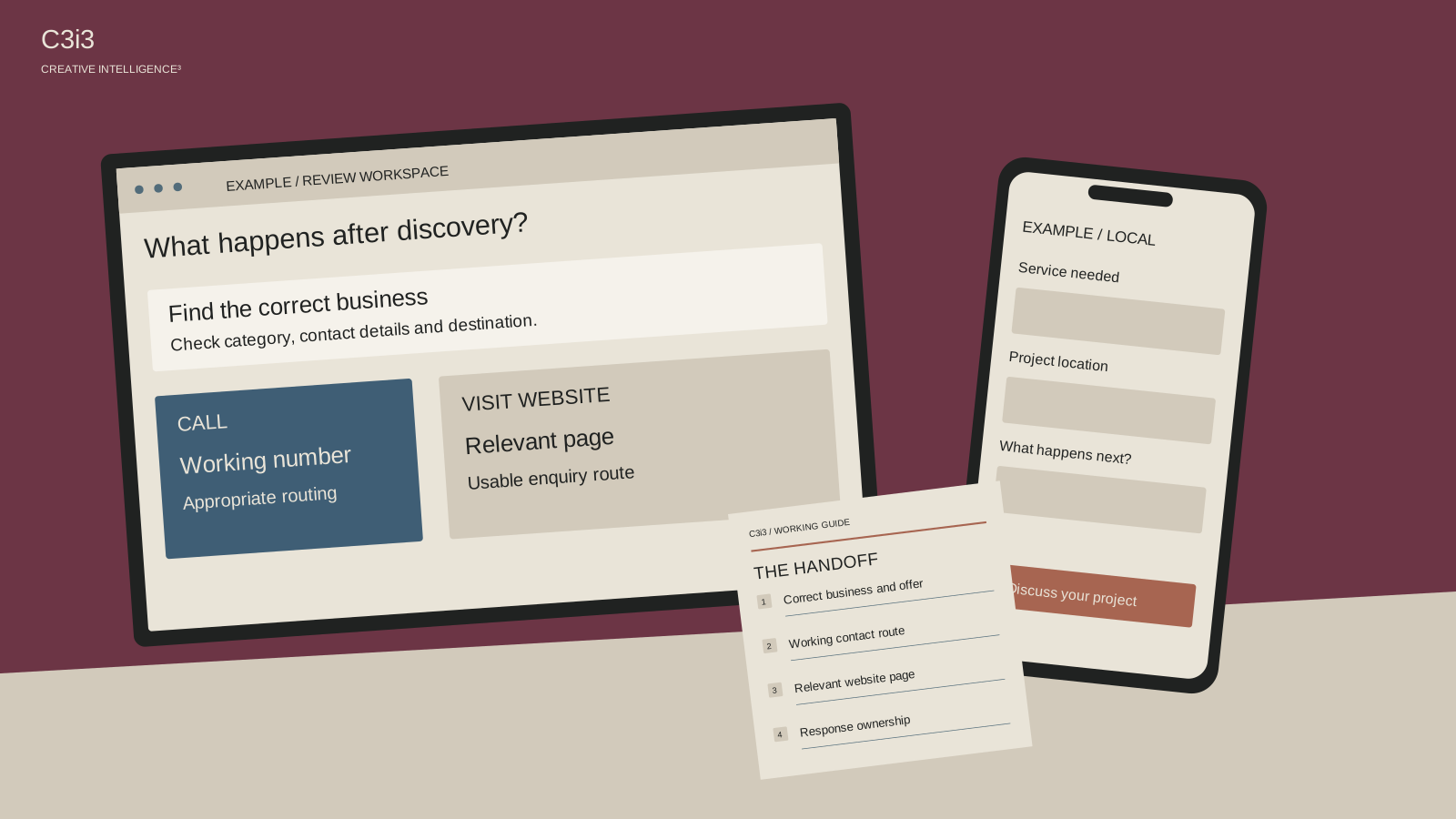
They may be describing different things. A profile view, a tap on the call button, a connected conversation and a suitable inquiry are separate steps. For a San Francisco service business, reviewing that handoff can be more useful than simply asking how to generate a larger view total.
What does the report count?
Use Google’s Business Profile performance documentation while reviewing the report. Calls counts clicks on the profile’s call button. Website clicks counts clicks on the website link. Neither metric confirms that a staff member spoke with the person or that a sale occurred.
The report describes profile views rather than all views of the business across Google, and available metrics vary. Its performance data can include organic activity and Google Ads. Keep the relevant setup and period with your interpretation instead of treating the chart as a complete, purely organic sales report.
Write the business question beside the metric: are we trying to understand discovery, an attempted contact or an actual conversation? A label that sounds like an outcome can otherwise make an ordinary reporting difference look like a failed campaign.
Does the call button reach the right place?
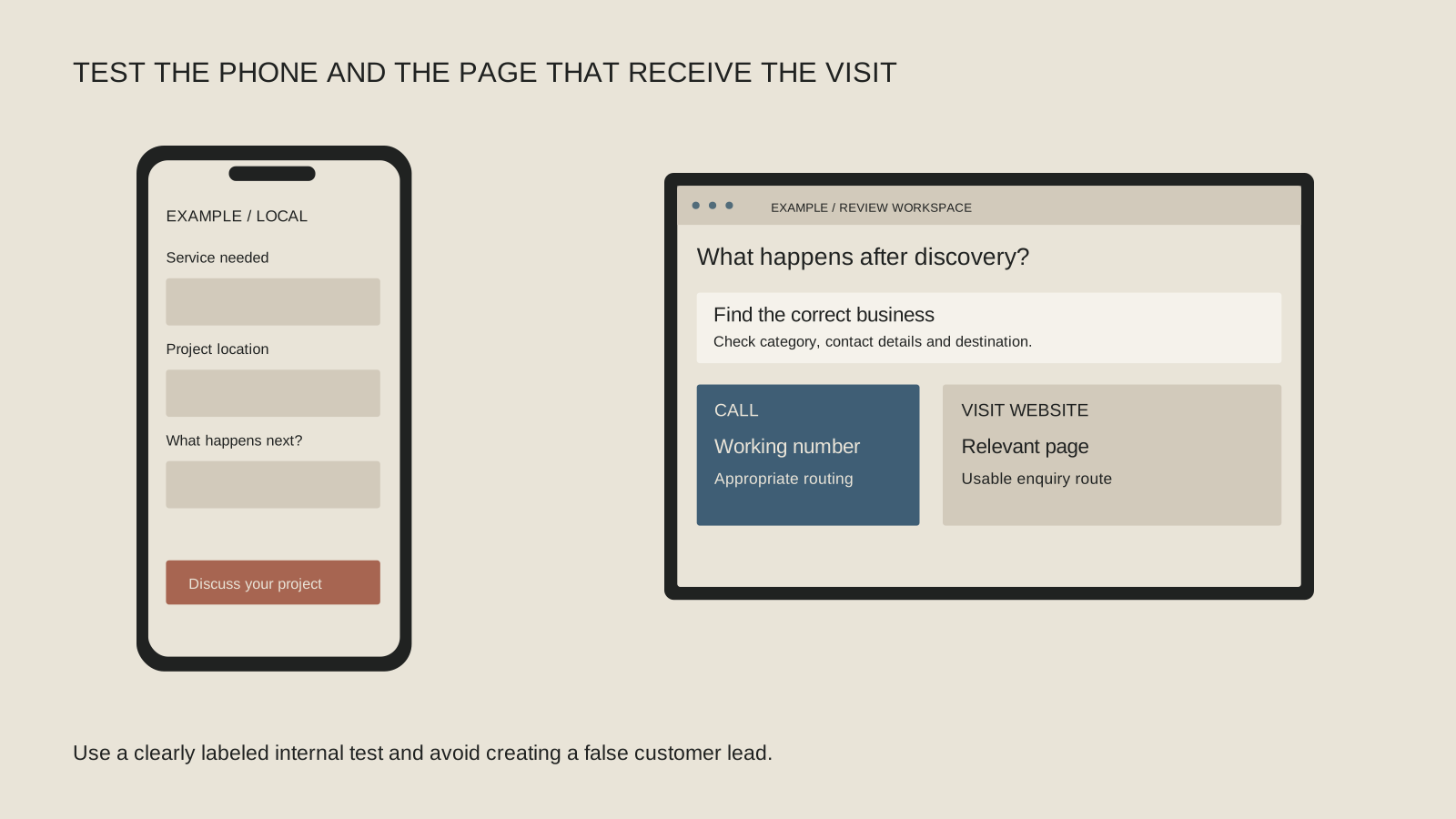
Check the public number, how it appears on the website and where it routes. Coordinate a clearly identified test with the team so nobody mistakes it for a customer request. Confirm what happens during ordinary working hours and when the business is closed.
If a number routes through a tracking or phone system, involve the person who manages it. A functioning button and an unanswered or misrouted call are different issues. Keep any test and troubleshooting record appropriate to the business’s privacy and operating arrangements.
Look at the human handoff too. Does the recipient know which services the profile introduces? Can a caller who does not know your internal terminology reach the right person? The profile can open a conversation, but the team still needs a workable way to receive it.
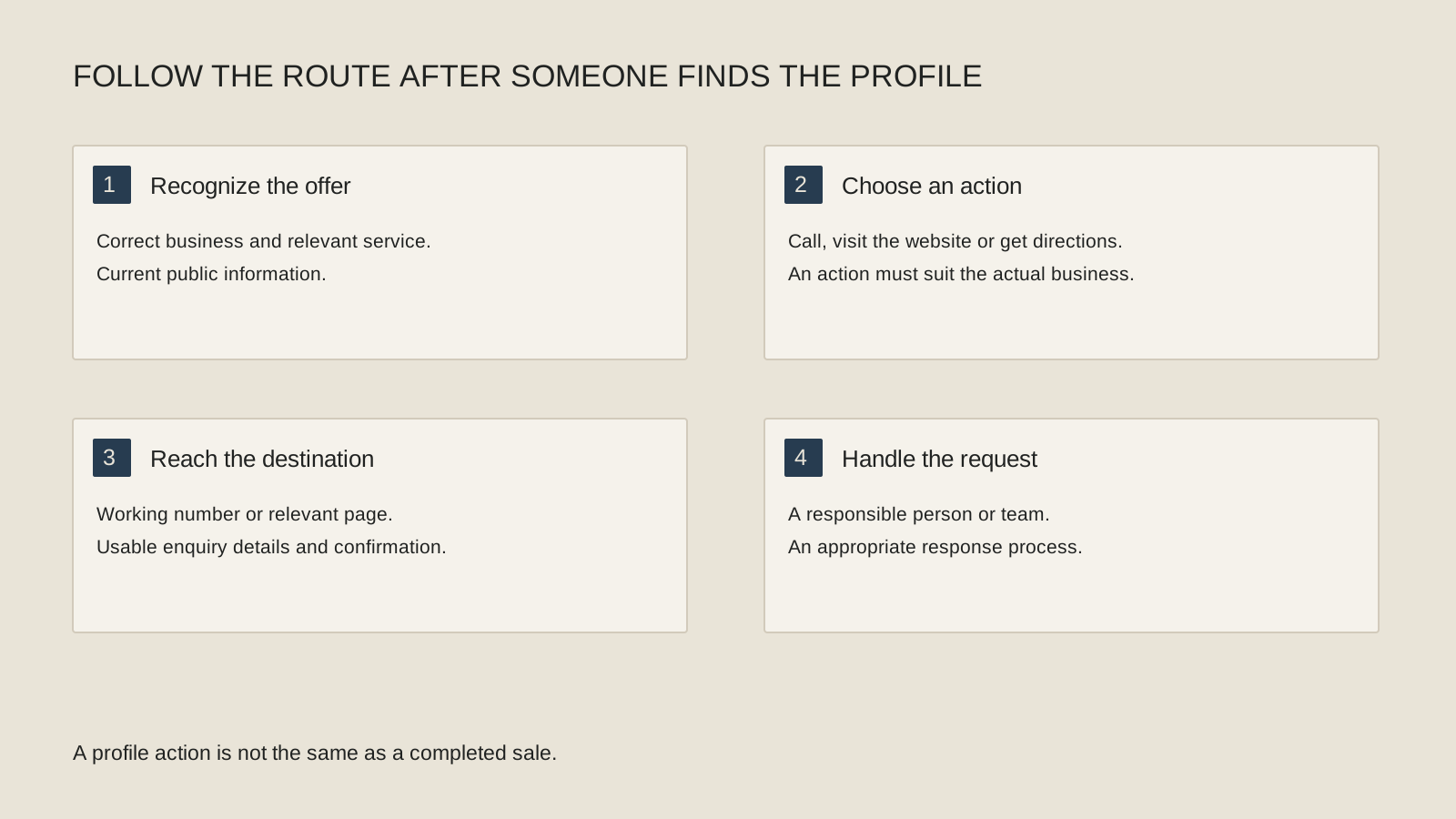
Where does the website link send an interested customer?
Open the destination on a phone and follow the route for the service that prompted the search. Can a visitor understand the offer, find relevant evidence and contact the business? A general homepage is only useful if it gives them a clear next step.
Avoid asking the visitor to repeat the discovery work. If the profile emphasizes a service but the destination barely explains it, the handoff may feel uncertain. Check that the public description and website make a consistent, accurate promise.
Use the website customer-path guide to examine clarity, proof and contact friction. Use the homepage clarity test when unfamiliar readers cannot explain what the company does. These are page-experience questions that a larger profile-view total will not answer for you.
Follow the profile-to-conversation handoff
Treat each step as a different observation. Connect them only where your information supports the connection.
Profile view
Someone encountered the profile as counted by the platform. This does not establish a website visit or an inquiry.
Button click
Review the available call or website interaction. A tap is an action, not proof that a conversation or transaction followed.
Working route
Test the real phone or website destination. Confirm the correct team receives the request and can understand its context.
Useful conversation
Record the actual assignment and fit when known. Keep uncertain source attribution separate from confirmed customer information.
Are the searches aligned with the work you want?
Review the available search terms and the requests your staff actually receives. Do people expect a service you do not offer, a different location arrangement or availability you cannot support? Correct the public information where it creates a misleading invitation.
Check the category and service details against the actual business, using the representation guidelines where needed. Do not rename the company or add unsupported services merely to chase a broader set of searches.
For an illustrative San Francisco specialty contractor, a profile suggesting general household repairs may produce activity that does not match its commercial work. For a professional-services firm, the inquiry may reveal confusion about the assignment itself. The message-fit worksheet helps turn those conversations into useful editing evidence.
What should you track after making a correction?
Keep a simple record of the issue, the action and the date. Review the available profile interactions alongside the number and suitability of actual conversations your team can confirm. Leave unknown attribution marked as unknown rather than assigning every call to a visible chart.
If you change several things at once, record them. A new number, revised service explanation and paid campaign can each affect what you observe. A fair review acknowledges that context instead of crediting one small edit for the entire change.
Return to the local discovery pillar if the underlying issue is lack of relevant visibility. If appropriate people are reaching the business, focus the next improvement on the experience they encounter. The useful outcome is a clearer, better-handled customer conversation, not an unexplained increase in a report.
Keep this checklist beside you
Two questions owners ask next
Does the Calls metric tell me how many calls were answered?
No. Google defines it as clicks on the profile’s call button. Compare it with appropriate phone-system or staff observations without assuming the numbers describe the same event.
Should my profile link always go to a new landing page?
Choose an appropriate, useful destination for the actual business. Review the existing page first; a new URL is only helpful when it improves the customer’s task.

How C3i3 Can Help
C3i3 can help connect local SEO with website messaging and a scoped performance review. We can review the public information, destination pages and available observations to identify where an inquiry becomes harder than it needs to be. Bring the profile, the services you want customers to find and the reporting you can access. We can help define the next correction and who should own its implementation.