



































In this article
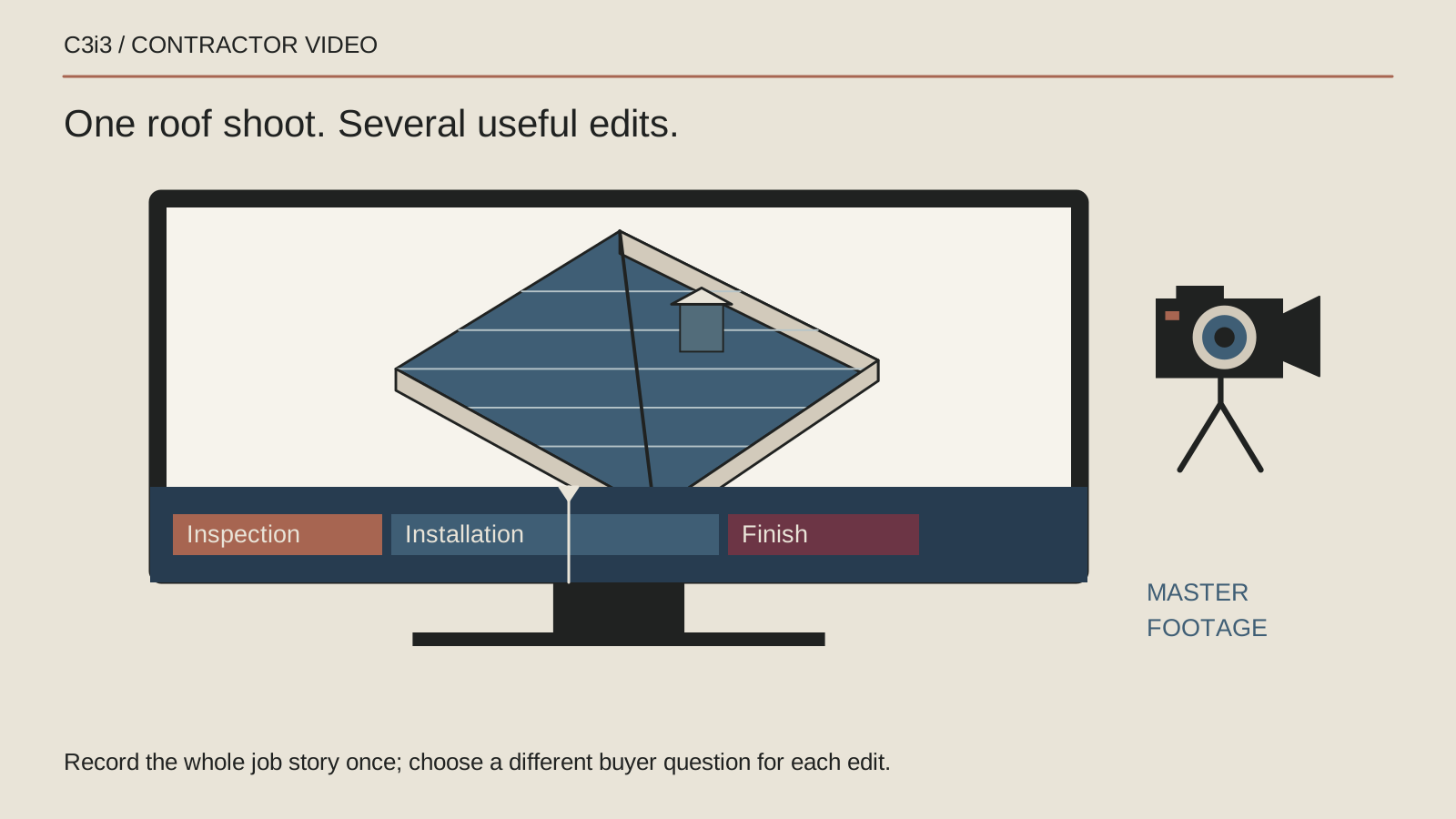
The roof replacement shoot is finished, but the footage is sitting in a folder with names like final-new-2. You have one long video and a feeling that there should be more you can do with it. Simply cutting the same montage into different lengths will produce more files, but it may not produce more useful content.
Video editing services should help you turn the source material into distinct explanations. A project overview, a workmanship detail and a quotation preparation clip serve different customer questions. Plan those purposes before making a dozen exports nobody knows how to use.
Start with an inventory of what the footage proves
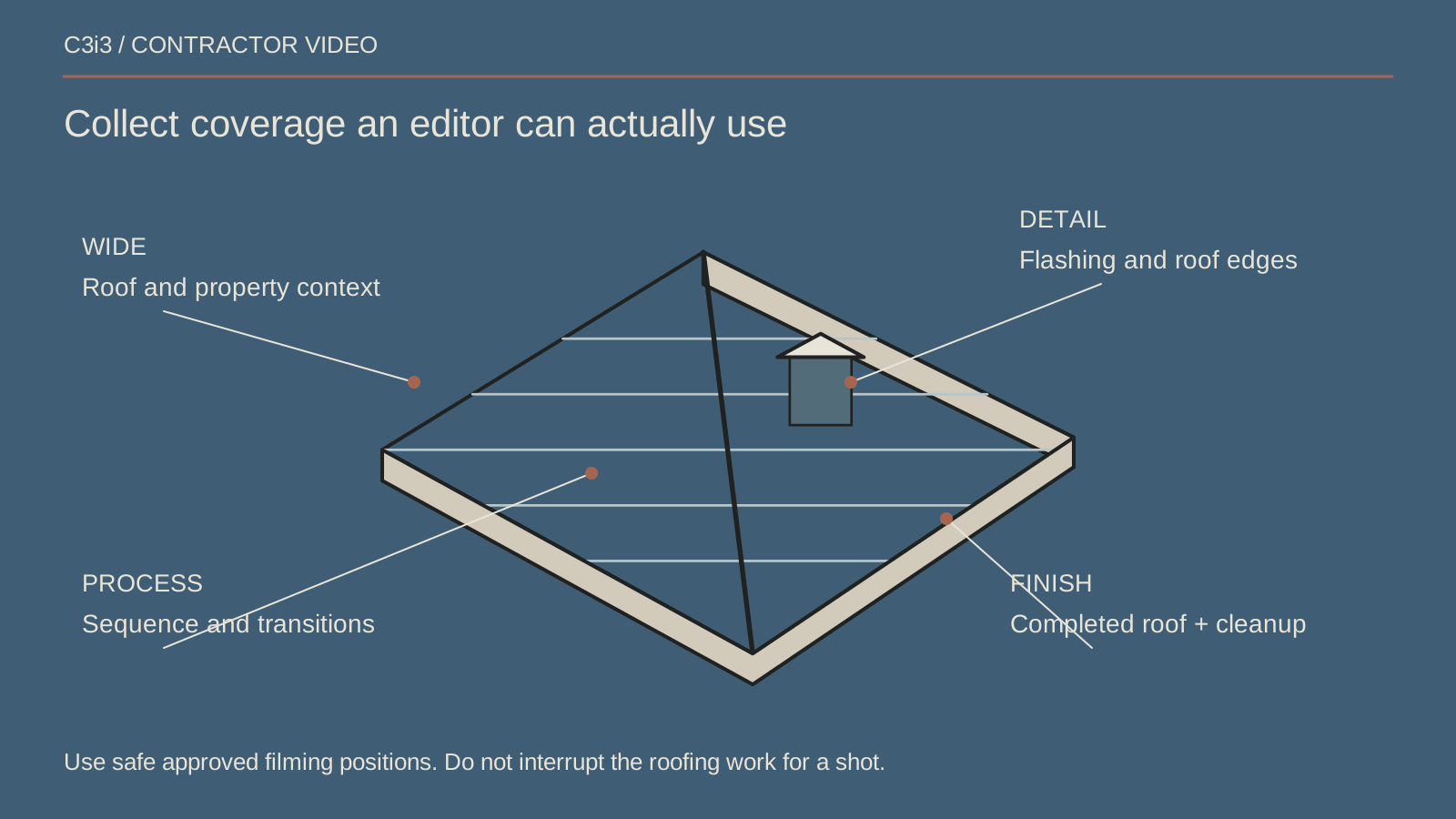
Sort the source material by project stage, view and usable detail. Record what was actually captured, the project it belongs to and any restrictions on publication. Keep a separate list of missing footage rather than allowing the edit to conceal the gap.
Check image quality, audio, orientation and whether captions or graphics can fit. A beautiful wide roof view may have little value in a narrow vertical crop. A detailed clip may need an explanation before an ordinary homeowner understands what they are seeing.
Identify who can approve technical descriptions. The editor should not infer a construction method, material specification or inspection result solely from an attractive shot. Build the story from verified project information.
Give each version a different customer task
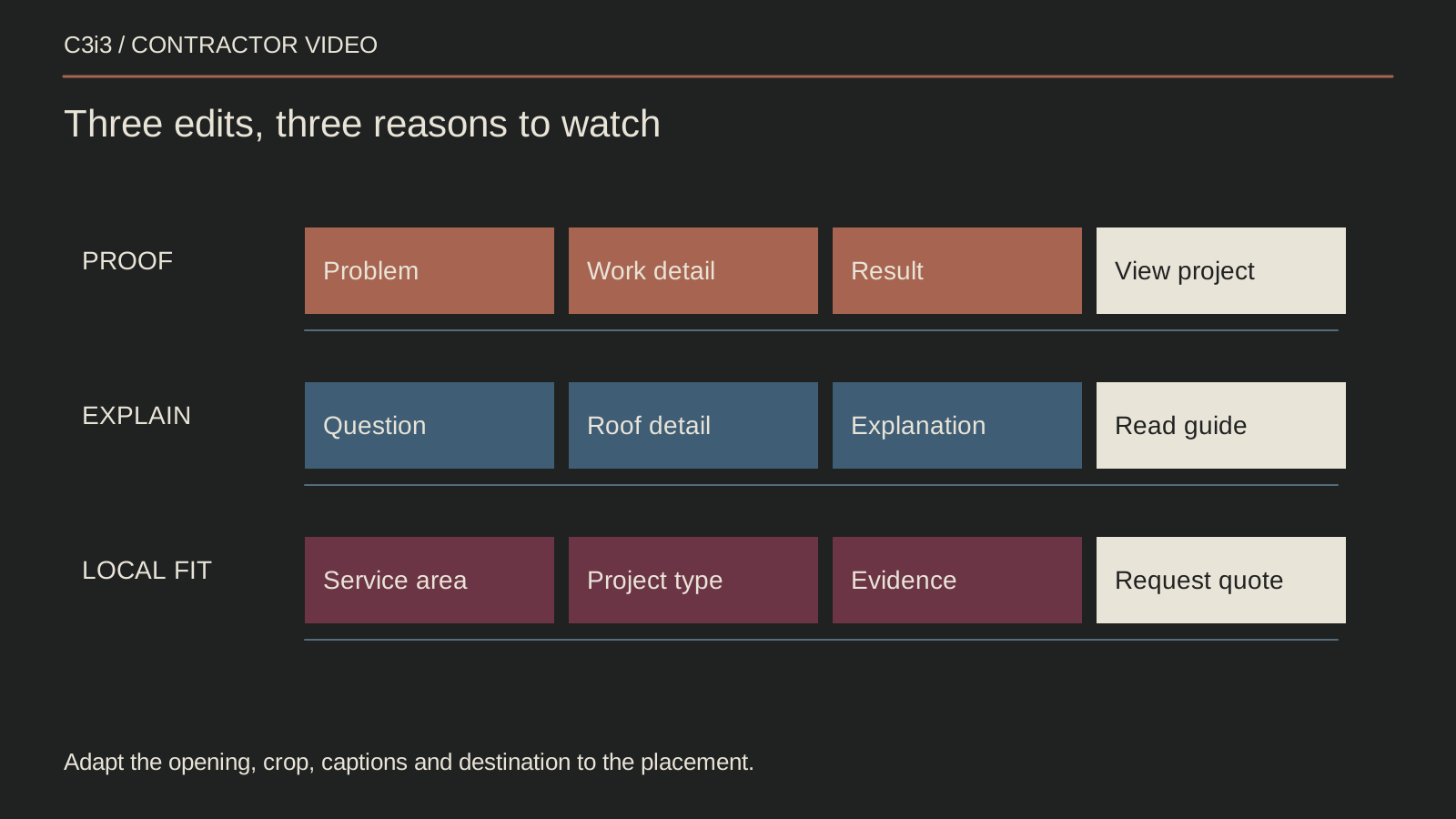
Create a small edit matrix. One version can explain the project's scope, another can answer what happens during a replacement, and a third can prepare a homeowner for a quotation conversation. Only choose subjects the available material supports.
Write a one-sentence message and destination for each. If two edits deliver the same message to the same viewer, decide whether both are necessary. A different aspect ratio does not automatically create a different editorial purpose.
Avoid turning every piece into an advertisement. A clear process explanation can help prospects understand the service before they are ready to enquire. Link the versions to the contractor video planning framework so the library has a deliberate structure.
Preserve the chronology and context of the work
Keep the viewer's understanding accurate when rearranging footage. Do not imply that a later stage happened before an earlier one or that a detail from another project documents this roof. Label illustrative inserts when they are needed.
Use graphics to explain what is missing rather than manufacturing evidence. A simple annotated roof diagram can clarify a location or sequence, provided its limits are clear and the technical reviewer approves it.
Retain project and permission records with the source clips. Remove identifying details that should not be public. Drone or elevated footage should only be used when it was obtained appropriately; the edit does not remove the responsibilities associated with the original capture.
Adapt the composition rather than blindly cropping
Review each planned destination and place important content where it remains visible. A vertical version may need a different shot order, tighter detail views and shorter on-screen labels. Avoid letting platform interface areas cover the essential explanation.
Use captions that remain readable at phone size and accurately reflect the speech. Keep technical labels concise and explain unfamiliar terms. Check whether the story still makes sense without the music or voice-over.
Review the actual exported file, not just the editing timeline. Look for cut-off titles, unreadable details, abrupt endings and incorrect contact information. A technically valid export can still be an ineffective customer experience.
Package the files so the team can use them
Deliver an approved version list with purpose, destination, orientation, caption file and thumbnail where needed. Use clear filenames and distinguish master exports from platform versions. Record which files the business can revise and which depend on licensed material.
Agree on source-file ownership, music rights, revision boundaries and storage before the project closes. The office should not have to contact a former supplier to locate the only usable copy of an important campaign asset.
Maintain a simple publication log. Record the destination page or channel and who approved the version. When a service detail changes, this makes it possible to find the affected videos instead of guessing which old exports are still public.
Review each edit against its own purpose
A project overview and a short advertisement should not be judged by the same single number. Review whether the version reaches the intended audience, holds attention long enough to explain the point and sends people to an appropriate next step.
YouTube's performance guidance describes useful ways to consider viewer response. Review the response in the context of the specific video and customer task. Use the available reports in context.
If an edit gets views but no relevant action, examine the message, explanation and destination before adding more visual effects. The companion roofing video advertising guide focuses on that gap.
Give every edit its own job
| Version | Customer question | Destination |
|---|---|---|
| Project overview | What scope did this project involve? | A relevant project story |
| Process explanation | What happens at this stage? | The service process page |
| Enquiry preparation | What should I tell the office? | An accessible contact route |
Keep this checklist beside you
Questions before the next step
How many videos should one roof shoot produce?
The footage and intended uses determine the useful number. Agree on the versions before production when possible. Agree on versions that the source material can support with distinct, accurate stories.
Can an editor add missing construction stages with AI?
Illustrative material must be clearly distinguished from documentary evidence. It should not imply that a stage was filmed, that your team completed work it did not perform or that an invented result belongs to a real project.

How C3i3 Can Help
C3i3 can help assess your source material and plan purposeful video edits for your website and campaigns. We can develop an edit matrix, organize the messaging and identify where new footage or a clear illustration would help.
Bring the footage inventory, permissions and intended destinations. We can agree on a manageable set of versions with clear jobs and practical handover requirements. Define what each file is for and what evidence supports the story it tells.