



































The chart looks encouraging until you switch from impressions to clicks. Google seems to be showing your pages, but very few people arrive. It can feel like opening a shop on a busy street while nobody comes through the door.
Before rewriting every headline, look at the searches behind the number. Your homepage appearing for a broad, loosely related query is different from a specific service page appearing for a qualified customer’s need. The useful question is where the mismatch begins.
Break the total into something you can interpret
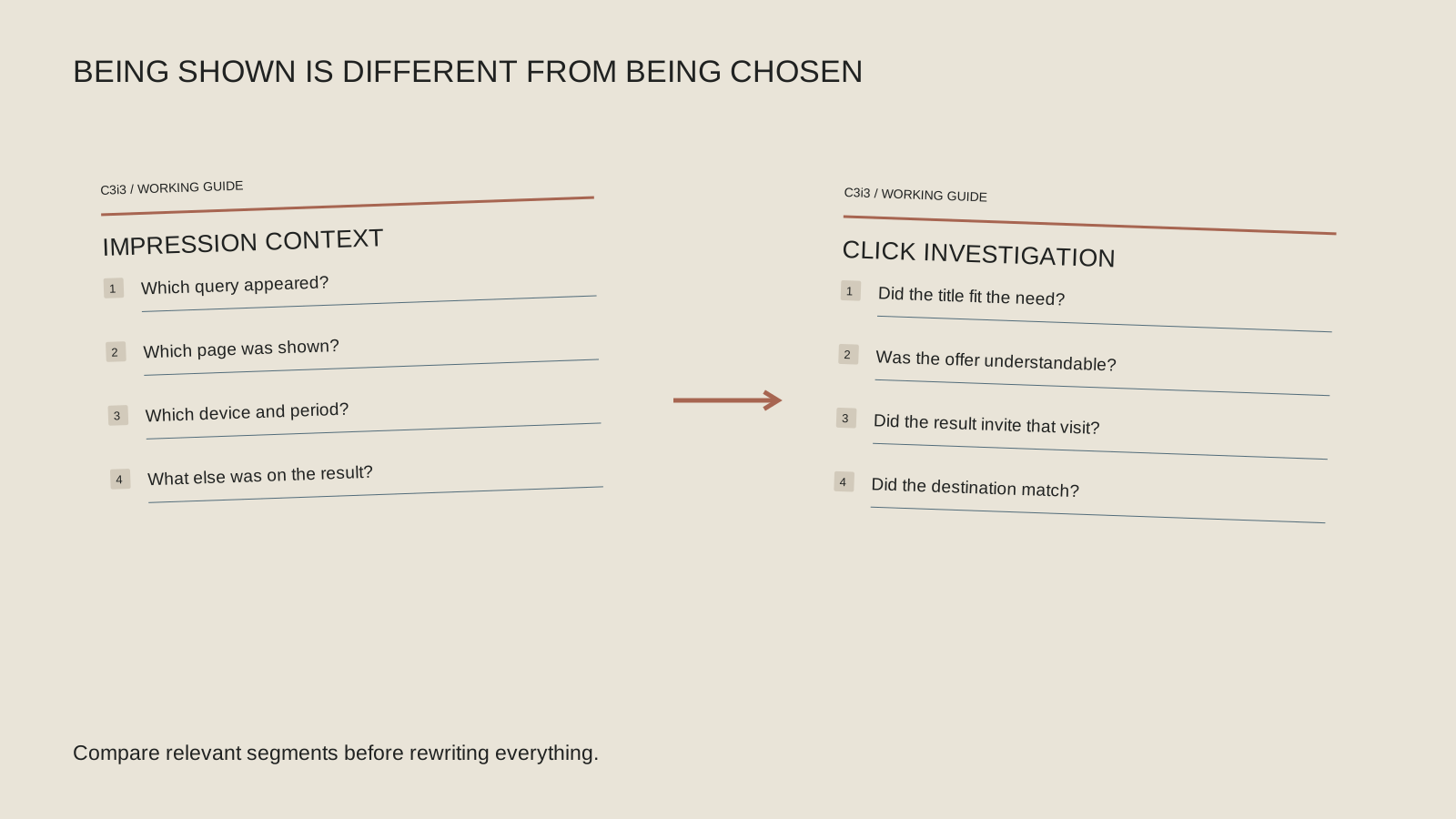
Choose a page with a meaningful amount of visible data and compare like periods. Then look at the available queries and device breakdowns. A site-wide average can hide a strong service page behind many broad or irrelevant appearances.
Google’s Search performance report documentation explains impressions, clicks, click-through rate and average position. The relationship between those metrics depends on what was shown and how it was counted. Avoid treating average position as a fixed slot that every searcher sees.
For an illustrative Bay Area professional-services firm, start with the service page tied to a valuable engagement. Save the query group, period and page URL. That gives the team a specific observation to discuss instead of a general instruction to make the whole website more clickable.
Does the page match what the person wanted?
Read the query and imagine the task behind it. Someone seeking a definition may get enough information from a search result. Someone comparing a service may want scope, fit and evidence. If your page answers a different question, a more dramatic headline could attract an unhelpful visit.
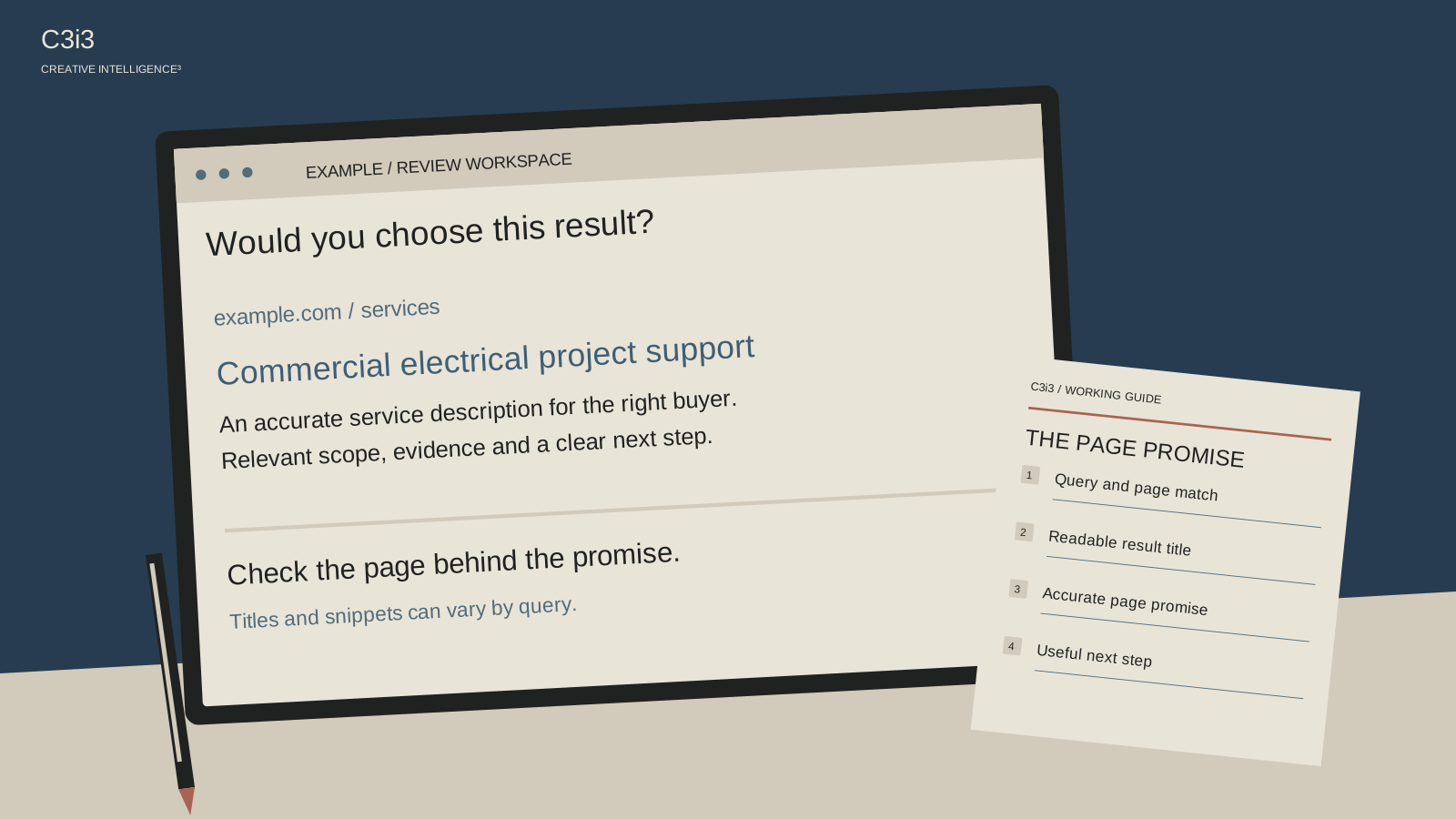
Inspect representative search results to understand the context without assuming that your own search reproduces every customer’s experience. Notice the types of pages and features shown. Keep the review grounded in the offer you can actually deliver.
If the mismatch is substantial, improve the page’s purpose or reconsider which page should answer the query. The service-discovery guide can help you map buyer questions to the right destination. A sensible content structure is easier to maintain than a collection of pages trying to be relevant to everything.
What does the search result promise?
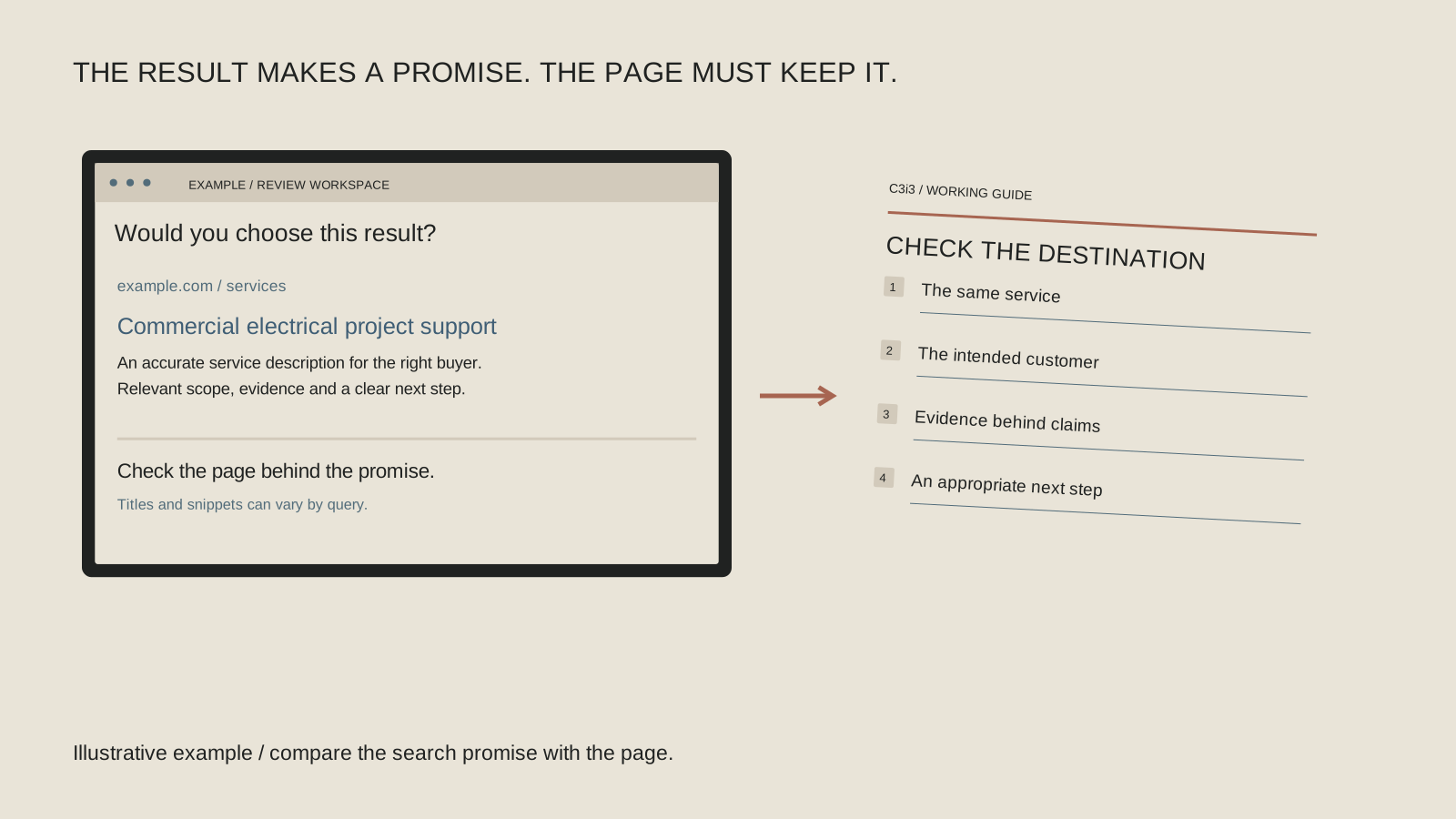
Review your page’s title, introduction and description together. Does the result communicate a specific subject and an honest reason to visit? “Home” or a list of repeated keywords may provide little help to someone choosing between results.
Write an accurate introduction to the page rather than a promise the page cannot fulfill. If the article offers a diagnostic checklist, make that clear. If the page describes a technical service, use language that identifies the assignment without inventing credentials or outcomes.
Google’s title-link guidance and snippet guidance explain how displayed wording can be generated from several sources. Your supplied text can influence the presentation, but it is not a command to display an exact result. Keep the underlying page consistent with the message.
Read the result before rewriting the page
Use the same page and period throughout this review. Separate a reporting observation from your explanation for it.
Observation
Which query group and page have impressions without useful clicks? Keep the device and date range with the note.
Intent
What task might the searcher be completing? Is the page the right destination for that task and audience?
Presentation
What promise does the visible result make? Compare it with the page title, introduction and actual content.
Next test
Choose one accurate change or one deeper investigation. Record what you can measure and which causes remain uncertain.
Could a search feature be changing the click opportunity?
A result page can provide information through maps, AI answers and other features before a person opens an ordinary website result. That context matters when interpreting changes, but it is not evidence that every missing click was taken by AI.
Google now documents a generative AI performance report for impressions in AI Overviews and AI Mode. Check the report’s availability and metric definitions before drawing conclusions. An AI impression is not proof of a website visit or a qualified inquiry, and the report may not appear when there are insufficient impressions.
Keep separate notes for what you observed and what remains a hypothesis. If a particular query’s result format changed, record it. If you cannot determine why clicks changed, say that rather than filling the gap with a confident story about a platform you have not measured.
Test one change without losing the useful context
Choose a page with a clear purpose and an identified issue. Save the original title, introduction, description and report view. Make the smallest accurate improvement that addresses the mismatch, then check whether the public page and result presentation reflect the change over time.
Review the quality of incoming visits and inquiries as well as the click total. A sensational title that earns more visits from the wrong audience can create extra work without helping the business. Use the wrong-customer message review when that happens.
If clicks become visits but visitors struggle to understand or contact you, move to the website customer-path guide. Search presentation and page experience need to make the same promise. Keep both sides of that handoff understandable.
Keep this checklist beside you
Two questions owners ask next
Is a low click-through rate always a title problem?
No. Query relevance, result position and format, device mix and the user’s task can affect the interpretation. Start with the specific page and searches.
Will a stronger headline guarantee more leads?
No. The headline must accurately describe useful content, and a qualified customer still needs a clear page experience and inquiry route.
How C3i3 Can Help
C3i3 can help review the relationship between search queries, result messaging and the destination page. Our SEO services and website copywriting can support the resulting improvements, with performance review scoped around the available data. Share the page, report view and business goal. We can help distinguish a content mismatch from a measurement question and decide what to change first.