








































In this article
You have emailed the new opening hours, sent a replacement photograph and mentioned that one service is no longer available. The website still shows the old information. Each change is small, but finding out whether anyone has picked it up consumes another part of your week.
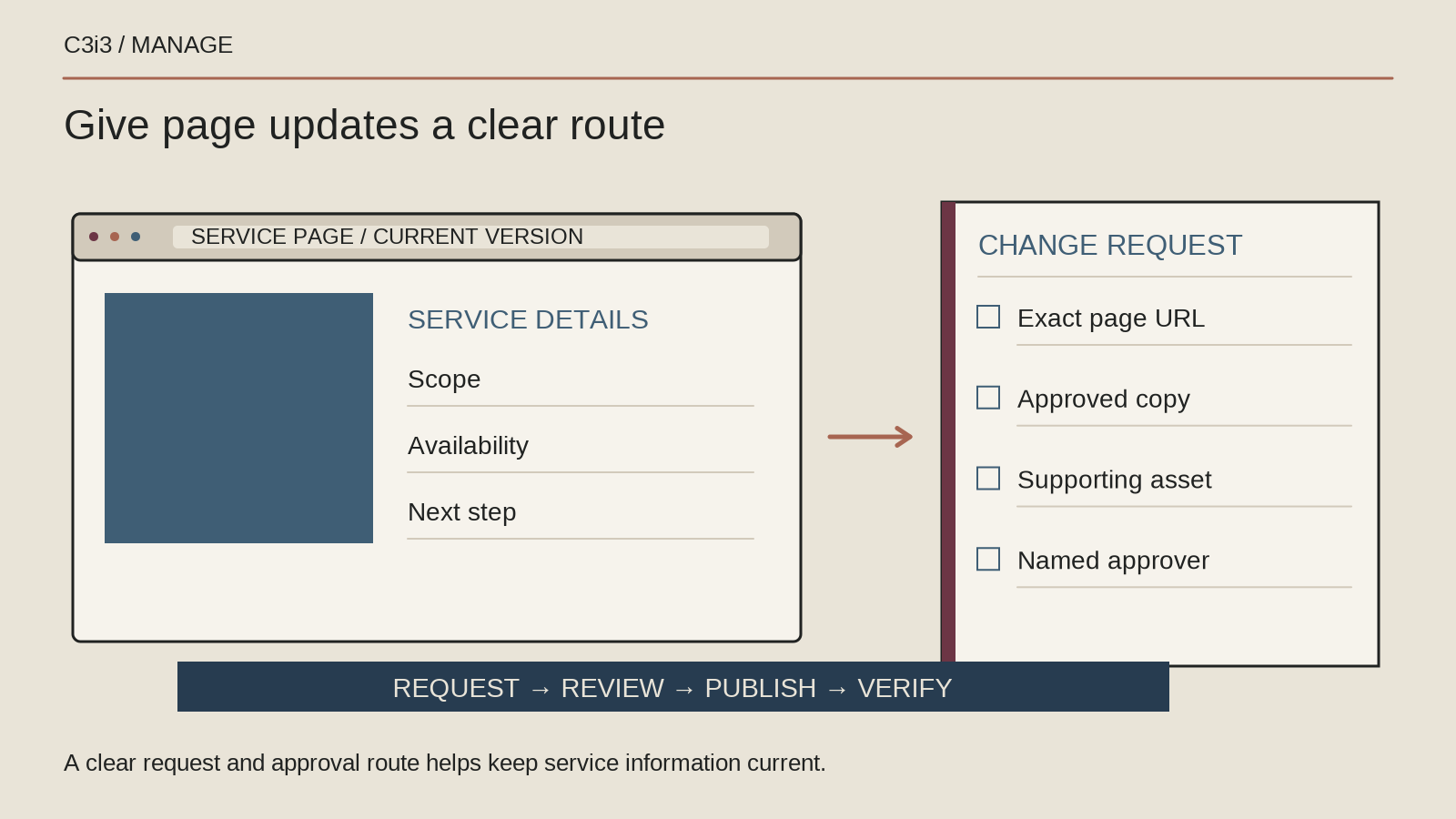
The problem may be less about development skill than the way updates enter the business. When requests live in separate inboxes and nobody owns the next action, even a capable supplier can become a bottleneck. A dependable update process makes the request, decision and published result visible to everyone who needs them.
Give every update a destination and a decision maker
Choose a shared request form, support address or work list that the team actually checks. Avoid asking staff to learn a complicated system for a simple correction. The essential information is the page address, what should change, why it matters and when the information needs to be accurate.
Assign someone inside the business to confirm facts. The website team can improve a sentence, but it should not guess whether a service is available or which office handles inquiries. Decide who can approve routine wording and who must review sensitive claims or significant service changes.
Name a person who coordinates the queue and another who covers absences. The owner should be able to see the status without sending separate messages to the designer, writer and developer. A shared record turns the question from whether anyone saw the email into what happens next.
Separate a factual correction from a larger page change
An incorrect telephone number needs a different response from a request to rethink an entire service offer. Define a few plain categories such as urgent factual correction, routine content edit and larger page work. Explain who can assign priority and how the requester will receive an acknowledgement.
Agree what the support arrangement includes. A revised paragraph, a new gallery and a new booking connection require different effort and checks. Ask the supplier to flag additional scope before starting it, with a clear description of the proposed result. This prevents a simple request from disappearing into an undefined project.
Use real examples when agreeing priorities. Ask how the team would handle an unavailable service appearing on the homepage tomorrow. Then ask how it would handle new copy for next month's campaign. Concrete situations reveal gaps that general promises about responsiveness leave hidden.
Write an update brief that reduces follow-up messages
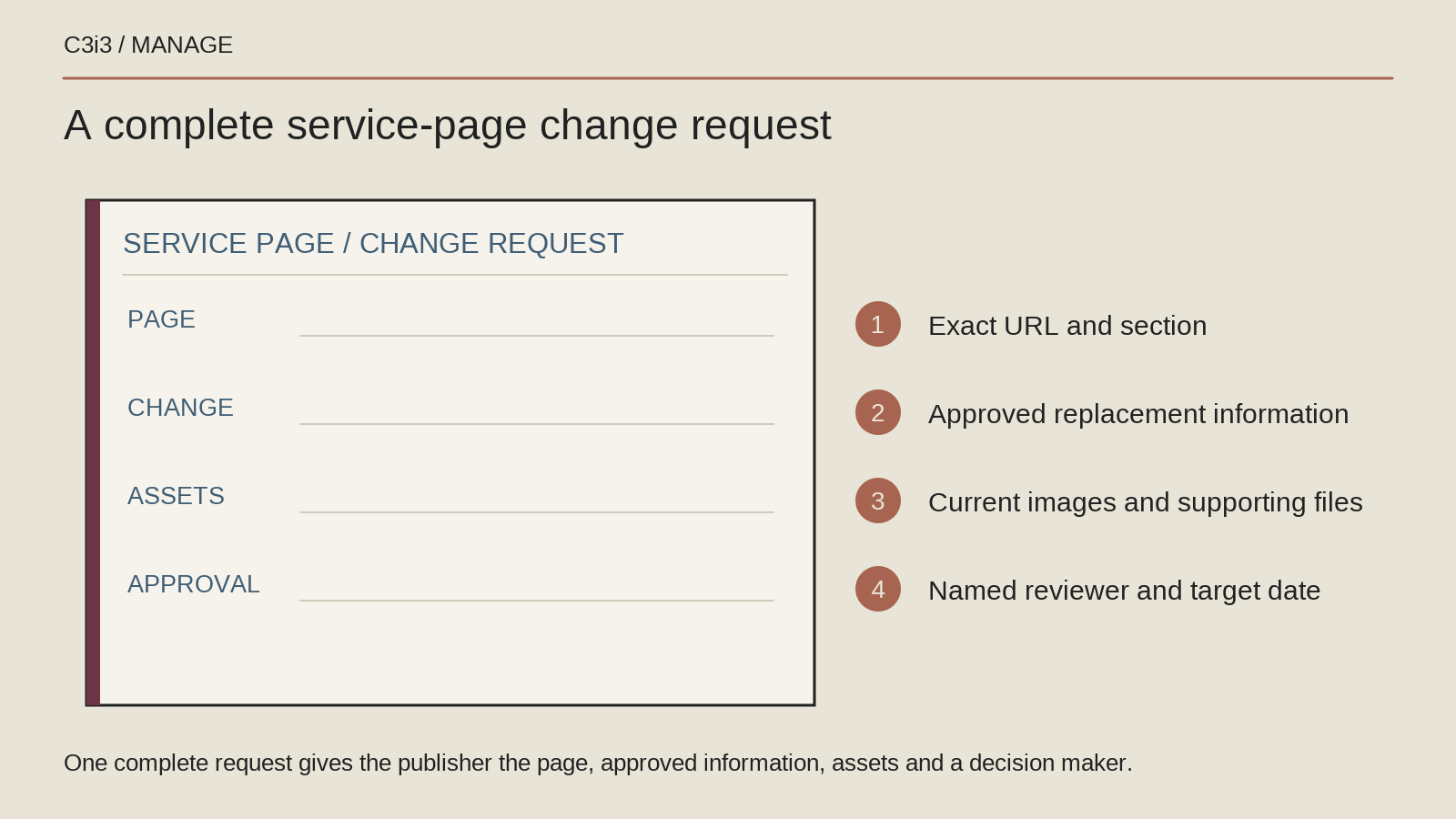
Provide the current wording and the intended replacement when the change is straightforward. For a broader revision, explain the customer question, confirmed facts and desired next step. Include the source of any new claim, the person who approved it and related pages that may need attention.
Supply usable assets with clear instructions. Identify which photograph should be replaced, confirm permission to publish it and explain its purpose on the page. Ask the publishing team to handle image preparation and text alternatives as part of the update rather than leaving those decisions to chance.
Keep one current version of the request. If a manager changes the service description after submission, update the shared brief and flag the revision. A developer should not have to compare several email chains to decide which words the business now considers correct.
Match editing access to the work staff need to do
Some recurring updates are suitable for trained staff using established page layouts. Others affect shared design or functionality and benefit from specialist handling. Decide this by task and confidence, then provide brief instructions using your own pages. Access alone does not teach someone how the site is assembled.
WordPress explains how user roles control available actions. Ask your provider to select appropriate access for each editor and check the actual setup. Do not circulate one shared administrator login simply because several people need to change a paragraph.
For routine publishing, demonstrate the approved blocks, link style and preview process. Explain who helps when an editor reaches the edge of the template. Keeping a route for questions makes staff more likely to request help before improvising a fragile workaround.
Close the request only after checking the live page
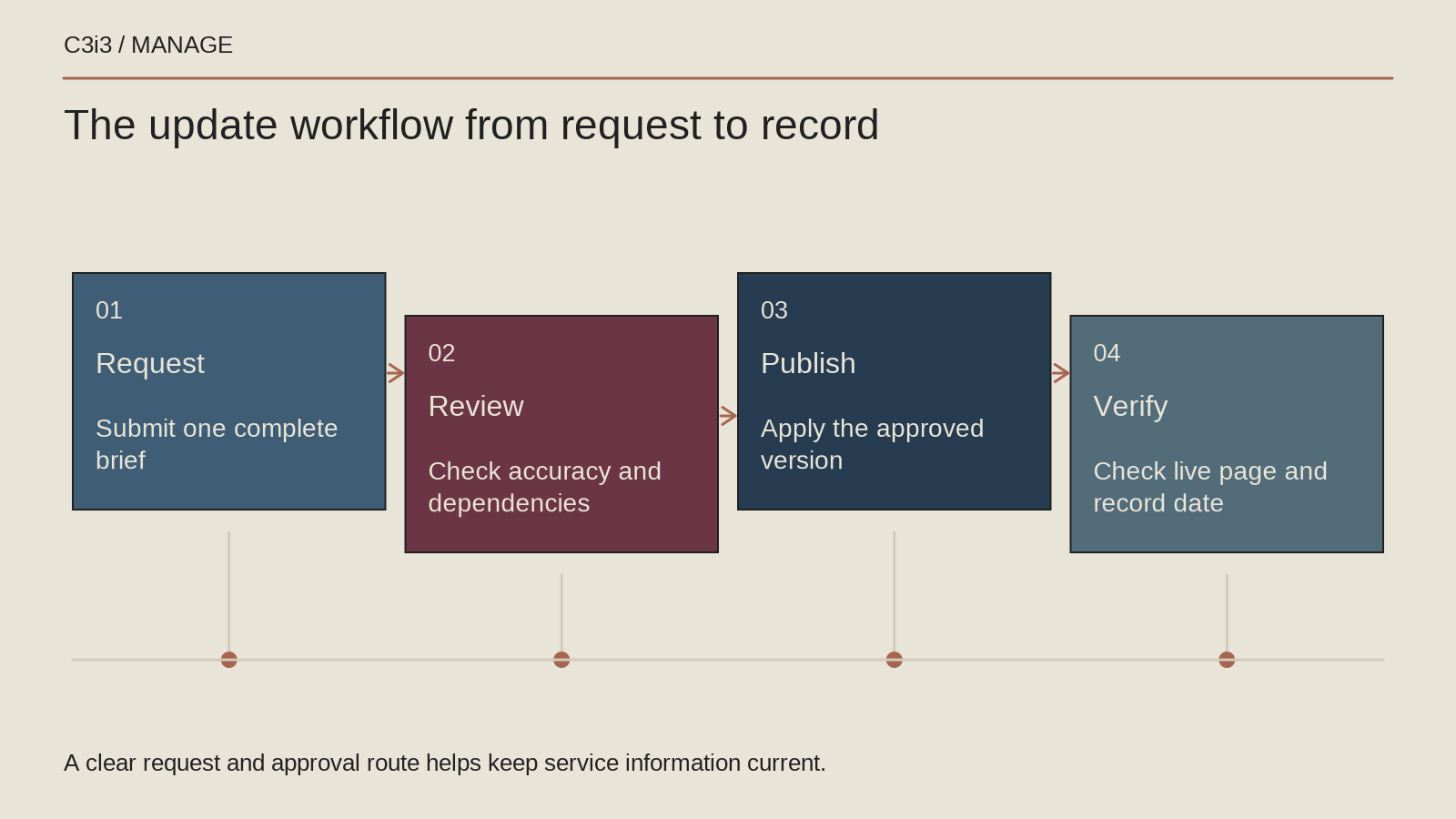
A completed update should include the live address, a short description of the change and anything the business still needs to confirm. Review it on a phone as well as a larger screen. Check relevant buttons, downloads, navigation and forms if the update affected them.
WordPress's revision history can help compare saved content changes, although available history depends on the site's configuration. Ask how the team records changes and recovers from an incorrect edit. A content revision is useful, but it is not a complete backup of every website setting.
Schedule a periodic review of service pages even when nobody submits a request. Ask whether the offer, coverage, people and next steps remain accurate. Routine ownership catches stale information before a customer has to point it out and gives the team a manageable list of improvements.
Keep this checklist beside you
Questions before the next step
Should I learn to update the whole website myself?
Learn the recurring tasks that suit your role and available time. Keep specialist support for changes that affect shared layouts, security or functionality. A good arrangement makes the boundary clear and provides help when you reach it.
What if my supplier only accepts requests by email?
Email can work when it reaches a monitored address and produces an acknowledgement, visible status and completion note. The important issue is dependable ownership, including what happens when the usual contact is away.

How C3i3 Can Help
C3i3 can help establish a practical update process around your service pages and the people responsible for their accuracy. Our team can coordinate content, publishing and checks so you have a clear contact and a visible next action.
Bring a few unfinished requests and examples of information that changes regularly. We can use them to define useful support coverage and an ongoing review routine that fits how your business works.