








































In this article
Two maintenance proposals can use almost the same words while describing very different support. One may also coordinate content changes and verify inquiries. The other may leave those tasks with your staff, without making that boundary obvious.
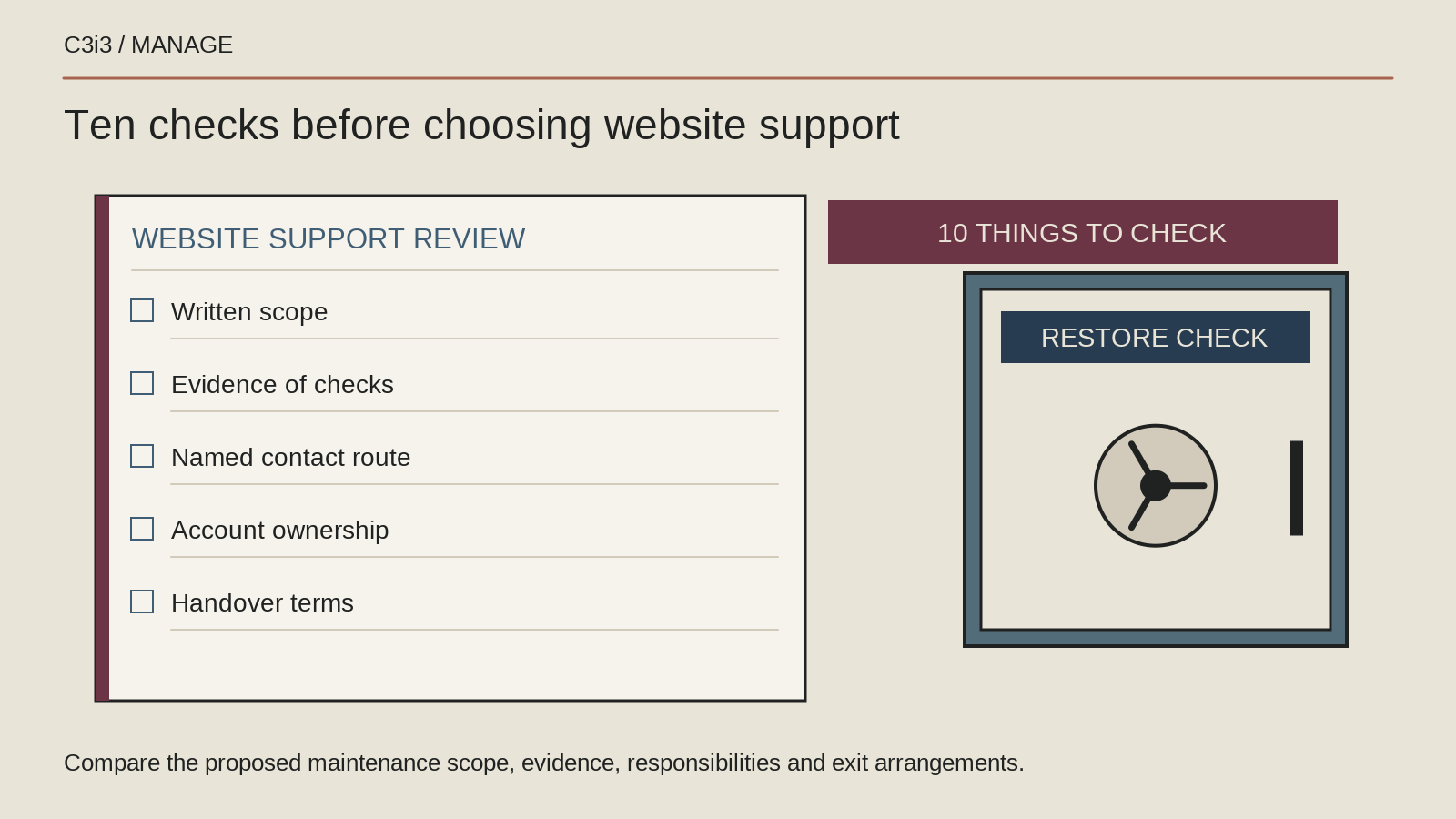
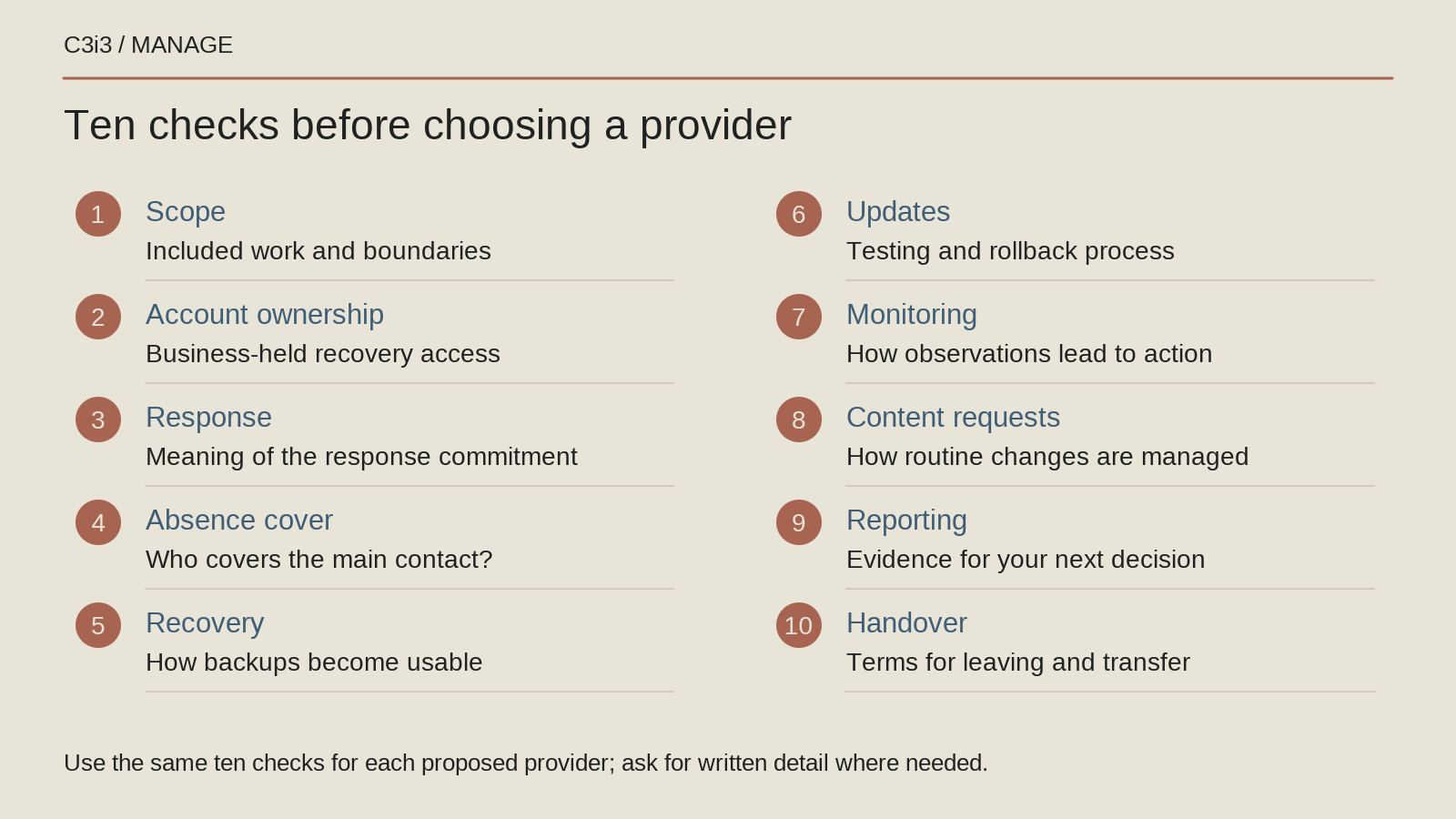
Use these ten checks to compare how the work would happen on your website. This is a buying framework, not a ranking of providers. Bring a recurring request and a recent problem, then ask each company to explain its approach.
1. Check which website tasks are included
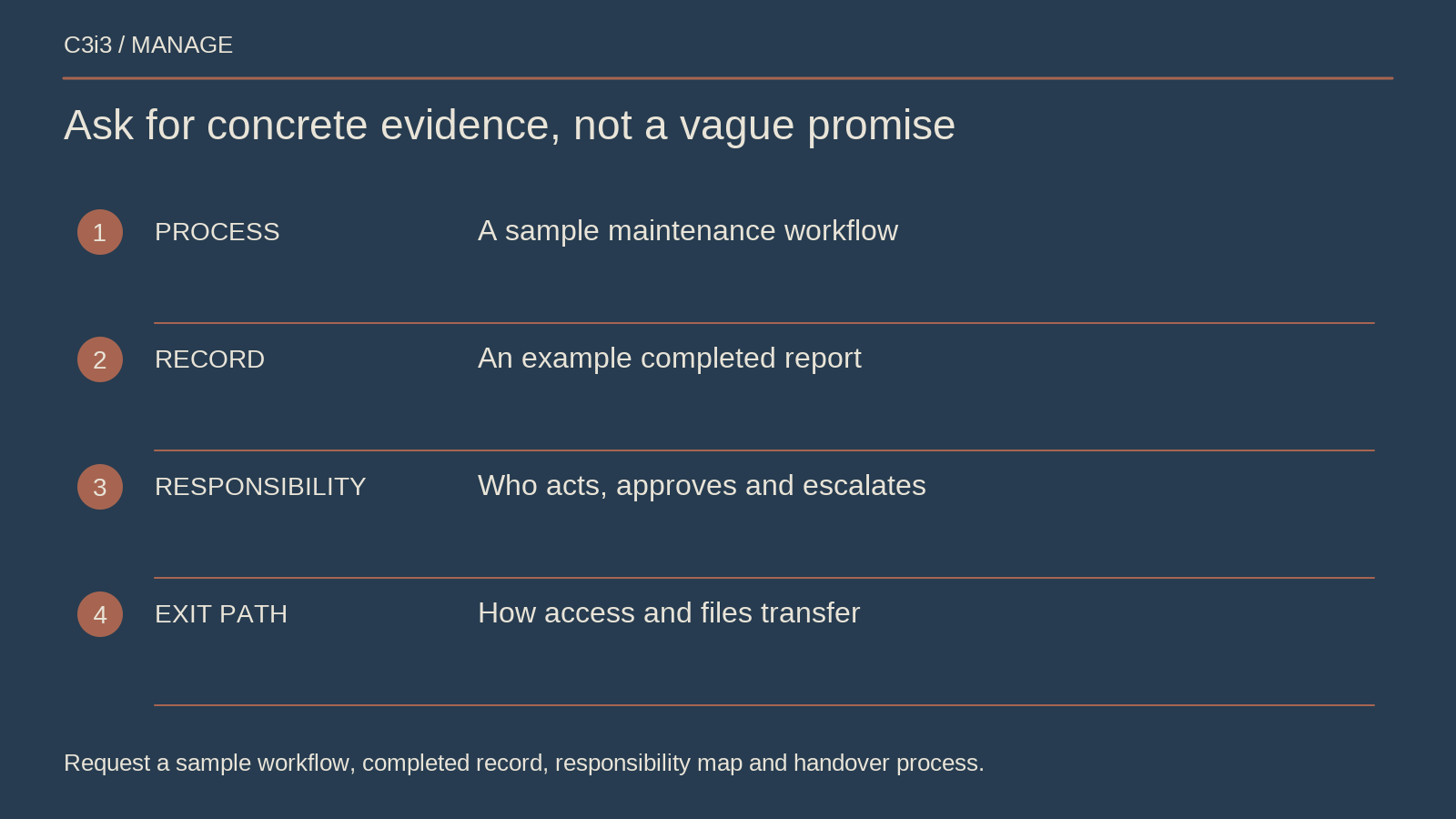
Ask the company to describe what happens in a normal month. Separate software maintenance, content updates, hosting, technical investigation and new development. Ask about limits and how additional work is approved. Use a real request, such as changing a service page and checking its inquiry form, to test the scope. A proposal should let both parties recognize when work is included, when it needs an estimate and who makes that decision before extra work starts.
2. Check who owns the accounts and recovery access
Confirm that the business controls its domain, hosting and relevant accounts. The provider can receive appropriate working access without becoming the only person able to recover the site. Ask how access is granted, reviewed and removed. WordPress's role guidance explains that different users can have different capabilities. Request an access inventory and a secure handover method rather than relying on one shared login passed between suppliers.
3. Check what the response commitment means
Distinguish an acknowledgement from investigation and resolution. Ask which hours are covered, how urgent requests are raised and what happens outside those hours. Explain a realistic example, such as a contact form failing before an advertised campaign, and ask what the provider would do next. Nobody can responsibly promise a fixed repair time for every unknown fault. They can explain ownership, communication, escalation and how the business will receive an update during the problem.
4. Check who covers the main contact's absence
Find out whether another person can take over when the usual contact is unavailable. Ask where website notes, access instructions and unfinished requests are recorded. A team should be able to explain how it shares relevant knowledge without making you repeat the whole history. If the arrangement depends on one independent specialist, understand the cover they actually provide. Compare that arrangement with your business's need for continuity and internal coordination.
5. Check how backups become a usable recovery plan
Ask what is backed up, where copies are stored, how long they remain available and who can restore them. Request an explanation of restoration checks and any exclusions. The official WordPress backup lesson explains why backups matter around updates and moves. Your discussion should connect that principle to this website, including recent inquiries or transactions that could be lost if an older copy replaces current data.
6. Check the process around software updates
Ask how the provider decides which updates need advance testing, when changes are applied and what is checked afterward. Confirm how problems are reported and reversed where appropriate. WordPress's update instructions recommend a backup before updating. A suitable provider should describe more than pressing the update button. Ask how it verifies your important forms, menus and connections after work that could affect them.
7. Check whether monitoring leads to action
A monitoring tool is useful only when someone receives and handles its findings. Ask what is monitored, who sees an alert and how false alarms are assessed. Separate an unavailable website from a page that loads while an inquiry fails. Ask whether the arrangement includes functional checks and how often they happen. Request an example of the communication you would receive when a real problem is confirmed and when the immediate issue has been addressed.
8. Check how routine content requests are managed
Ask where staff submit edits, what information the provider needs and how approval works. Confirm who checks factual claims and who checks the live result. Request an example of a completion note. If copywriting, image preparation or accessibility review requires separate work, establish that boundary now. The support process should reduce chasing across several people by giving your staff a clear destination, visible status and a contact who coordinates the next action.
9. Check whether reports help you make a decision
Request a sample report with confidential details removed. Look for completed actions, unresolved issues, upcoming decisions and relevant evidence. A list of automated scans does not tell you whether the business needs to act. Ask the provider to explain one finding in ordinary language and describe its practical effect. Agree who reviews the report with you and how recommendations become approved work, rather than accumulating in documents that neither side discusses.
10. Check the terms for leaving and handing over
Read the notice requirements and confirm what you receive when the arrangement ends. Discuss website files, current backups, account access, licenses, work records and any provider-owned tools. Ask which services stop and what a successor needs to arrange. Compare documented responsibilities across proposals, then choose the support arrangement your business can understand, oversee and sustain.
Keep this checklist beside you
Questions before the next step
Should I choose the company with the most included features?
Compare features with responsibilities and your actual needs. A smaller, clearly explained scope may be easier to manage than a long list that leaves essential work unassigned. Ask how each feature produces an action or useful information.
Do I need an employee as well as outside website support?
Someone inside the business should own priorities and confirm facts. That does not always require a dedicated hire. Compare the coordination work your staff can handle with the technical and publishing coverage the outside team provides.

How C3i3 Can Help
C3i3 can help review your website's ongoing needs and explain how our team would handle routine updates, maintenance and coordination. Bring a current proposal or an example of work that keeps getting delayed.
We can discuss scope, communication and coverage in practical terms, so you can decide whether the arrangement fits your business before handing over day-to-day responsibility.