








































In this article
The migration proposal makes moving your website sound like copying files and changing a setting. The business depends on more than the visible pages. Email, inquiries, downloads, account access and search traffic may connect to the same addresses or services.
A migration can be manageable when the team defines what is moving and checks the consequences before the switch. Use these five questions to compare plans and assign responsibility. Use them when changing hosting, platform or management team.
1. Do we control every account needed for the move?
Create an inventory of the domain registrar, hosting, website administration, backups, email service and connected business tools. Record the account owner and recovery route without placing passwords in an ordinary shared document. Confirm that the business can authorize changes and recover access if a supplier becomes unavailable.
Ask who controls the domain settings and which other services depend on them. A website move should include a deliberate check of email and verification records rather than an assumption that every setting can be replaced. Assign someone with suitable expertise to handle these changes.
Confirm how the current and incoming providers will cooperate. Name a coordinator, agree a contact route and arrange access before the planned move. A migration date is premature if nobody has confirmed who can make the required changes. Assign someone to obtain any missing access.
2. Have we listed everything that must move or remain available?
Write a scope inventory that covers pages, images, downloads, forms, submitted data, redirects and necessary integrations. Include licenses and services that may belong to the current provider. Ask which items transfer, which need replacement and which are intentionally being retired. Keep retirement decisions explicit so missing material is not discovered by customers afterward.
Identify information that can change while the new copy is being prepared. New inquiries, purchases or published articles may need a final transfer or a controlled pause. The plan should explain who reconciles those changes and confirms that important information is present.
The official WordPress backup guidance recommends taking a backup before migration. Ask for a recovery copy appropriate to the entire website, with a verified restoration method. A folder of visible images alone does not preserve every setting, content record or business connection your website uses.
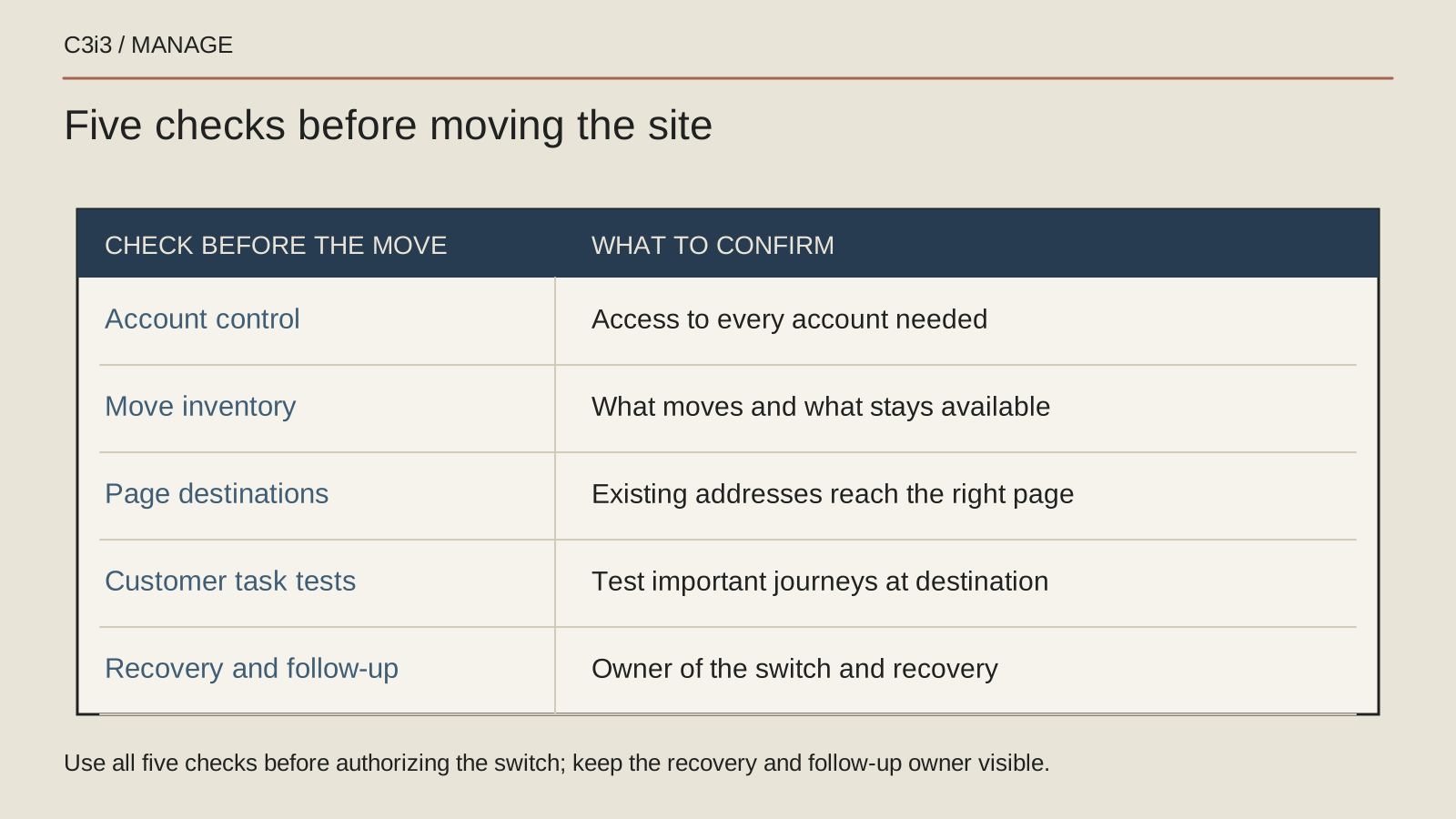
3. Will existing page addresses still reach the right content?
Establish whether URLs will remain the same. A hosting change and a move that changes page addresses need different search planning. Google's site migration guidance distinguishes these situations and recommends planning where old addresses should lead when they change. Ask the team to explain which situation applies to your move.
Build a page map that includes useful service pages, articles, images and downloads. Assign an appropriate destination to each changed address. Avoid sending every old link to the homepage merely because that is easy to configure. Visitors should reach relevant information or learn that material was removed.
Agree who tests the redirects and updates internal links. Confirm that development restrictions which should not remain on the public site are reviewed at launch. Keep a record of deliberate removals and unresolved destinations so the team can investigate post-launch reports efficiently.
4. Can we complete the important customer tasks on the new site?
Create a short acceptance list based on how customers use the website. Open key pages on a phone, navigate to a service, use the contact options and submit a test inquiry. Check that the message reaches the intended recipient and that the customer sees the expected confirmation. A successful page load cannot establish that the full journey works.
Test downloads, booking connections and other functions within the agreed scope. Compare important content with the approved source. Review page titles, links and tracking arrangements where relevant, and remove test submissions from business reports through the appropriate process.
Ask who performs each check and who signs off the result. Keep the findings visible, including issues accepted for later work. An owner should understand what remains unresolved before approving the switch. Repeat essential checks on the public site afterward because the final environment can differ from the preview.
5. Who manages the switch, recovery and follow-up?
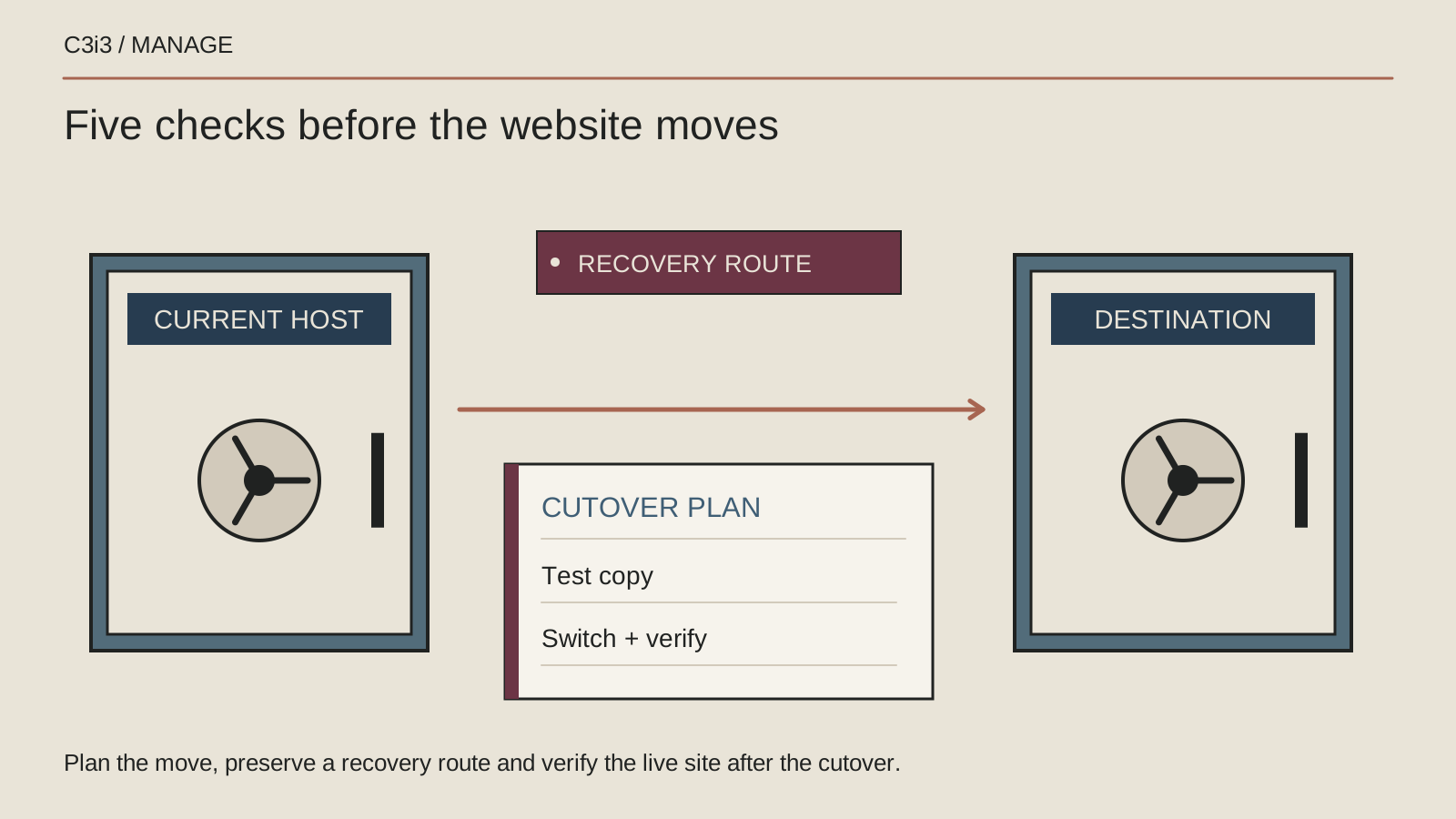
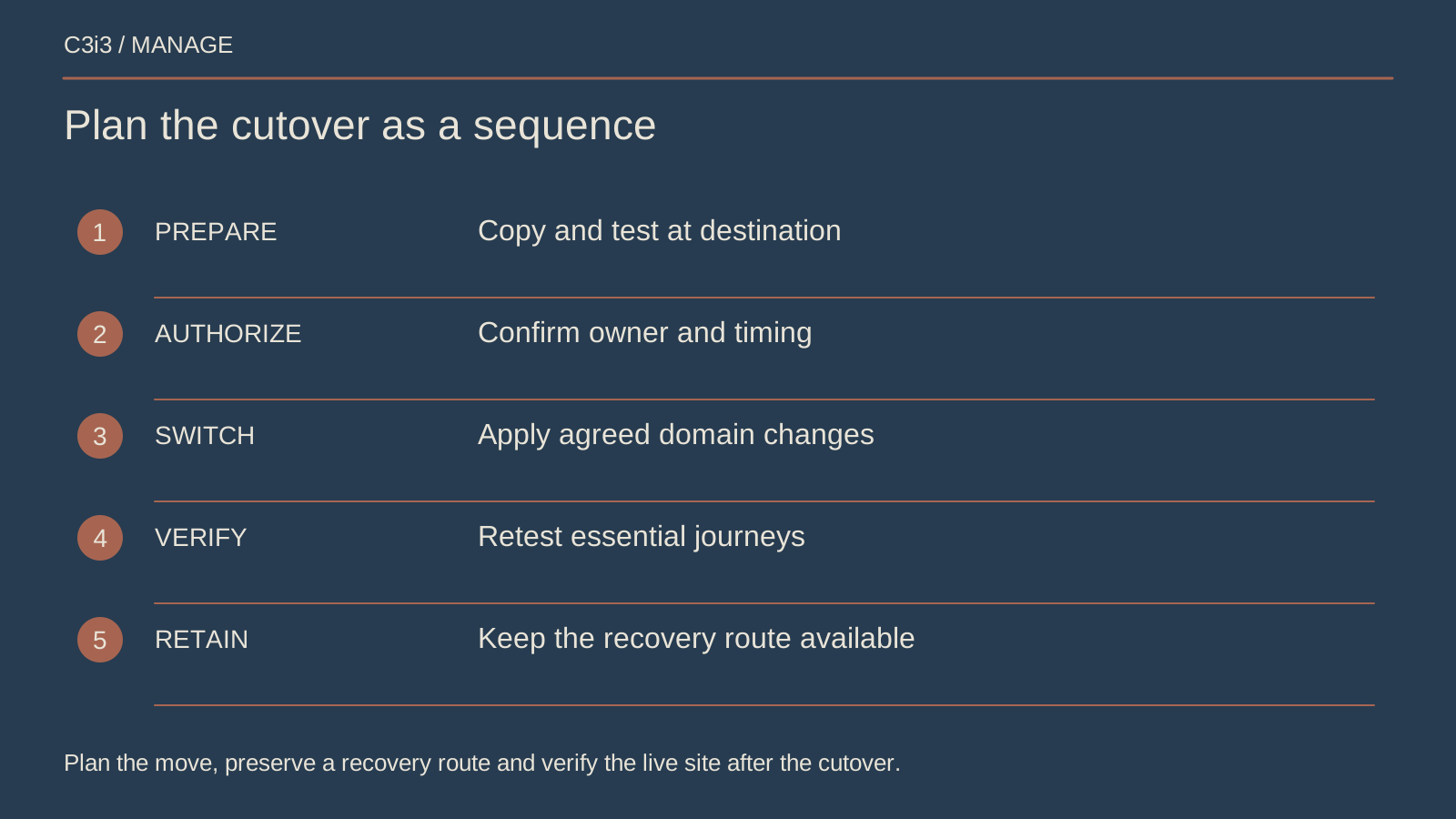
Agree the timing, communication route and conditions for proceeding. Name the person authorized to pause the move if an important check fails. Define what would trigger recovery, who can perform it and how any new data will be handled. This discussion should happen while both the current and replacement environments are available.
Avoid closing old services before the responsible team has confirmed what still depends on them. Google's redirect guidance explains the role of appropriate redirects when addresses change. Ask how required old-address handling will remain available after the move and who maintains it.
Schedule follow-up checks for inquiries, errors, traffic and search visibility using available evidence. Search behavior can change during a move, so do not accept a guarantee that every ranking will remain identical. Finish with a handover record covering ownership, open issues, ongoing monitoring and the support team responsible for the next ordinary website update.
Keep this checklist beside you
Questions before the next step
Is changing hosting the same as rebuilding the website?
No. A hosting move may preserve the existing website and addresses. A platform change or rebuild can alter content, functionality and URLs. Ask the provider to describe the actual scope and plan checks around those changes.
Can I cancel the old hosting immediately after launch?
Ask the migration team to confirm that nothing essential still depends on it and that required recovery and redirect arrangements are covered. Use a documented decision based on the setup rather than cancelling solely because the homepage appears.

How C3i3 Can Help
C3i3 can help review the scope of a website move, coordinate the people involved and establish practical checks for launch and follow-up. Our team can also discuss who will manage routine care after the migration.
Bring the current hosting details, proposed changes and any known access gaps. We can help turn those pieces into an understandable plan with named responsibilities and a clear next step.